MIDITEMP MP 22-W, MP 22-CD, MP 88-W, MP 88-CD, PMM 88-E, MT 16-X
MIDITEMP MP 22-W, MP 22-CD, MP 88-W, MP 88-CD, PMM 88-E, MT 16-XMIDITEMP MP 22-W, MP 22-CD, MP 88-W, MP 88-CD, PMM 88-E, MT 16-X
MIDITEMP MP 22-W, MP 22-CD, MP 88-W, MP 88-CD, PMM 88-E, MT 16-X
26
9.12 Audio-CD-Player using an internal/external CD-ROM-drive
As long as you have installed a CD-ROM-drive with the Device Drive Manager you can use
this either as a data-drive, or as an audio CD-player. Only in this case an arrow appears above the
number key
.
Using an internal CD-ROM (like the built-in devices in the MP 22-CDW or the
MP 88-CD) you can choose on which Audio-out on the rear of the unit you can send the signal (see
page 44). Using an external CD-ROM drive you have to connect this directly using an additional
audio connection to the mixing console! You can control the volume in this case via SCSI, too.
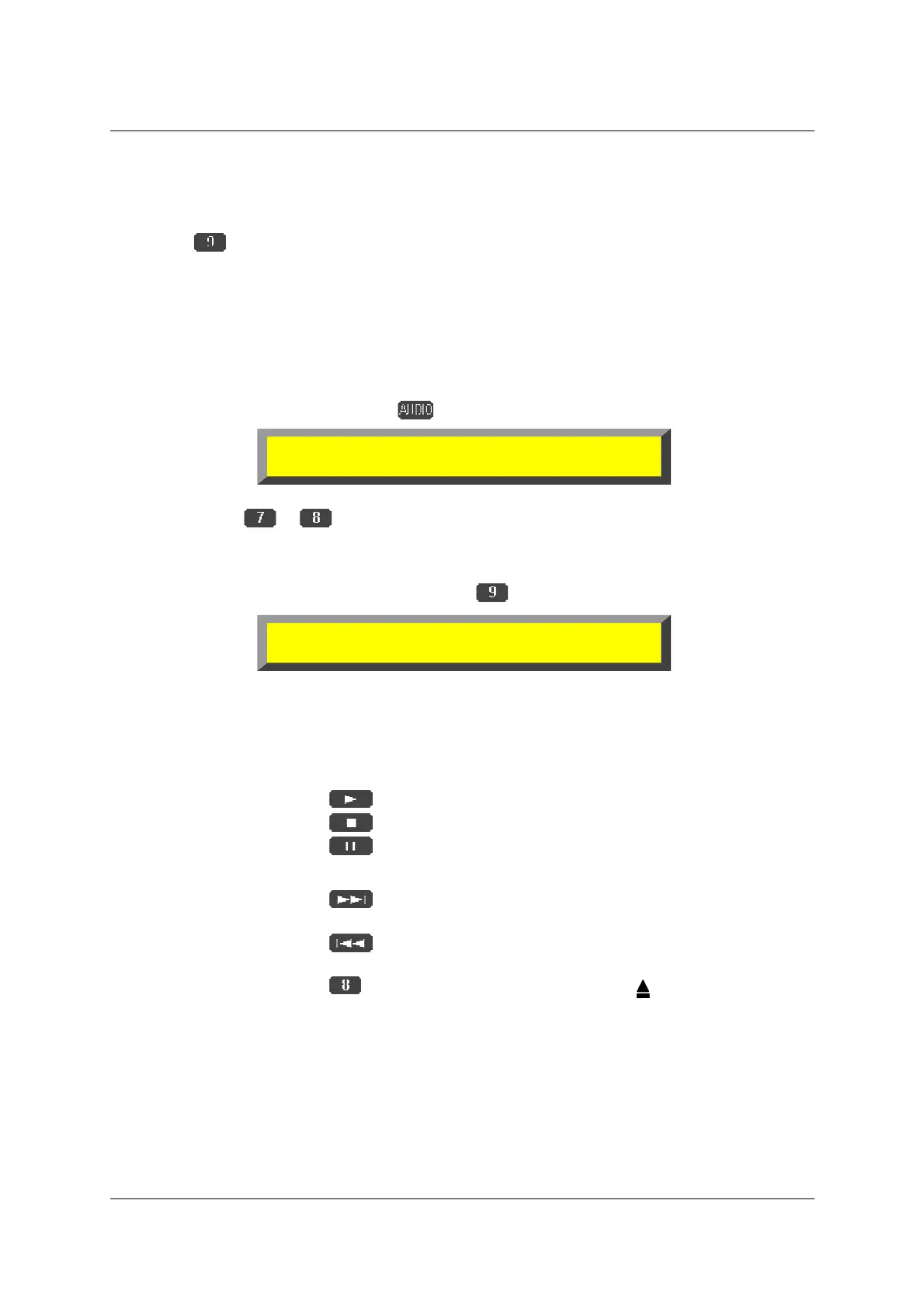
First you have to place an audio-cd (you can even playback mixed mode CD’s) into the
drive.
$
select the Audio menu pressing
.
$
select the CD Audio output (only shown by usage of an internal CD-ROM-drive)
pressing
or .
$
select the CD Audio control menu pressing
.
$
T
he control buttons are:
☞
=>
to start playback
☞
=>
to stop playback
☞
=>
to pause playback
☞
!
=> to control the volume
☞
=>
in stop/pause mode to skip one title forward
in play mode fast forward the title
☞
=>
in stop/pause mode to skip one title back
in play mode fast rewind the title
☞
=> to open the CD-ROM-drive
Audio Out(A
B), Vol.( CD )
))))))))))
))))))))))))))))))))
))))))))))
+
++
+
127
Card A B Wave A B CD A B
#
##
#
CD Audio Control Vol.
))))))))))
))))))))))))))))))))
))))))))))
+
++
+
127
!
!!
!
Track= Time=
#
##
#



 To Next Page