MIDITEMP MP 22-W, MP 22-CD, MP 88-W, MP 88-CD, PMM 88-E, MT 16-X
MIDITEMP MP 22-W, MP 22-CD, MP 88-W, MP 88-CD, PMM 88-E, MT 16-XMIDITEMP MP 22-W, MP 22-CD, MP 88-W, MP 88-CD, PMM 88-E, MT 16-X
MIDITEMP MP 22-W, MP 22-CD, MP 88-W, MP 88-CD, PMM 88-E, MT 16-X
1
$
Double-click on
or .
$
Selecting
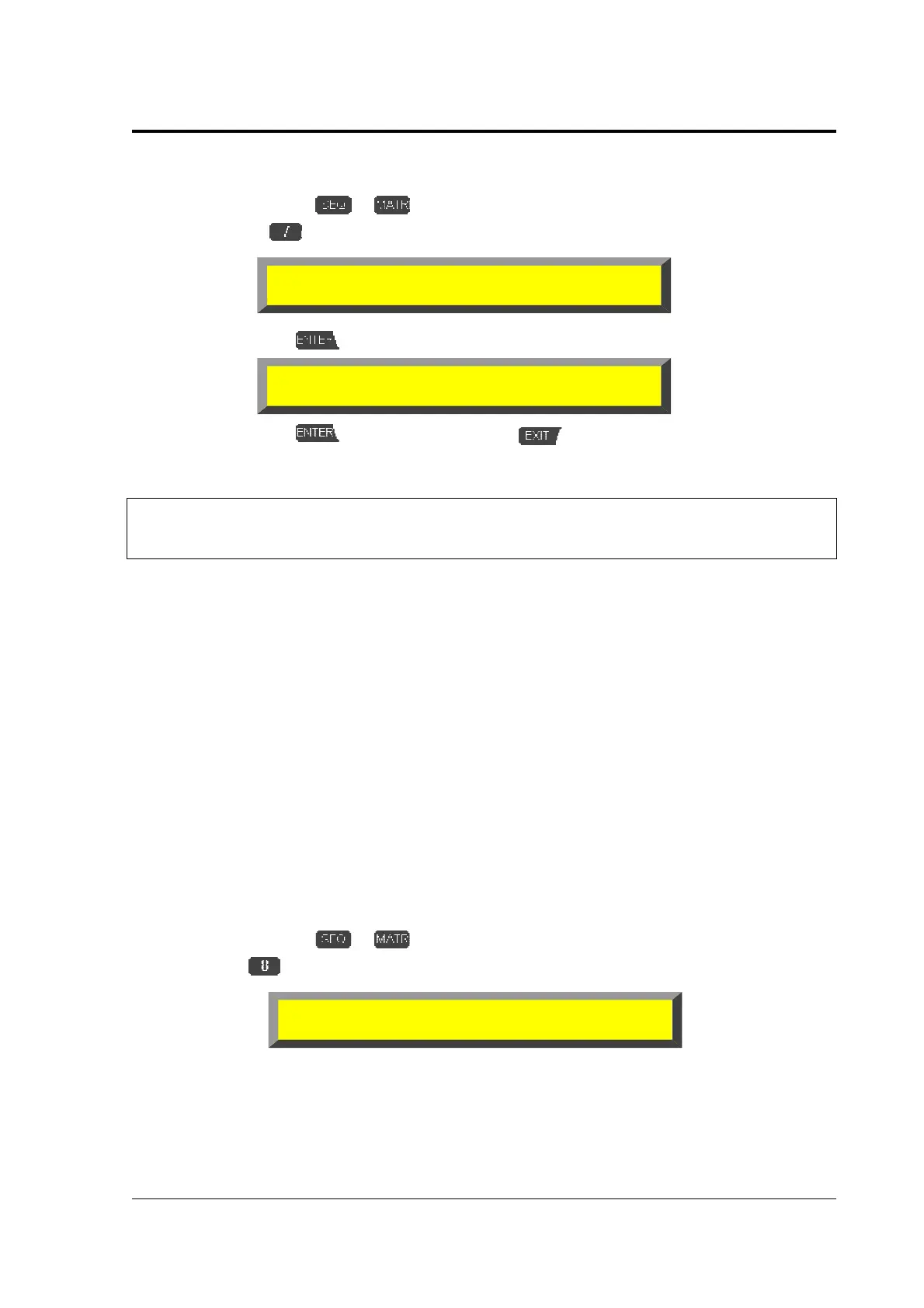
»INI«
calls up the “warning-screen“
➊
Confirm with
➋
Confirm with
or abort the function with
.
%
The unit restarts.
&
After using this function the unit restarts with the default values. If you have
renamed the storage drives you have to install them again on their adresses.
You can reload after the reset (or a system update) the defaults for the Wave-player, too. If
you confirm during the request “
Setup Waveplayer?
“ with “YES“, the following defaults are set:
*
Reserved Wave memory (WVM) = 9 x 64K
Reserved Wave memory (WVM) = 9 x 64KReserved Wave memory (WVM) = 9 x 64K
Reserved Wave memory (WVM) = 9 x 64K
*
Wave-chanel = OUT4, channel 15
Wave-chanel = OUT4, channel 15Wave-chanel = OUT4, channel 15
Wave-chanel = OUT4, channel 15
*
Activated Wave bank = WVH
Activated Wave bank = WVHActivated Wave bank = WVH
Activated Wave bank = WVH
9. The Device Drive Manager (DRV)
The Device Drive Manager allows you to install and release internal and external storage-
devices, to assign them via their ID’s and to format them (not the floppy disks, therefore see page
36). In addition you can set the SCSI-ID of the host adapter, switch parity on/off and monitor the
connected drives. The internal floppy-disk-drive of the MULTIPLAYER is already installed as drive “A:“
and cannot be altered!
$
Double-click on
or .
$
Select
»DRV«
ARNING! You are going to clear all the
user-defined settings!
OK for Initialization?
Device Drive Manager
TMR INS REL FMT INI HID PAR



 To Next Page