MIDITEMP MP 22-W, MP 22-CD, MP 88-W, MP 88-CD, PMM 88-E, MT 16-X
MIDITEMP MP 22-W, MP 22-CD, MP 88-W, MP 88-CD, PMM 88-E, MT 16-XMIDITEMP MP 22-W, MP 22-CD, MP 88-W, MP 88-CD, PMM 88-E, MT 16-X
MIDITEMP MP 22-W, MP 22-CD, MP 88-W, MP 88-CD, PMM 88-E, MT 16-X
70
4.4 Tempo change (temporarily)
➀
Load a Song.
$
Press
.
$
Press
right below the Tempo display.
➊
Choose the desired tempo via
!
and press or again. If you are using
external synchronisation, this setting is simply saved with the tempo which is displayed. However,
playback tempo will always be determined by the incoming external MIDI Clock.
&
You can set the tempo in this window anywhere from 8 to 255 BPM in 1 BPM increments.
For finer settings please read the following section.
The tempo set with this function cannot be saved within the Song or the Assignment. Please
use therefore “4.5.3 Tempo Change“!
4.5 Edit functions (EDI)
With the following functions you can edit a Song or Standard Midi File. Although these
functions cannot rival with the tremendoues possibilities of a screen-supported software sequencer,
they will be helpful for small change purposes. You can change Sound settings (Program Change,
Control Change, Volume etc.) as well as Tempo settings or Time signature settings.
Since these settings affect the Song file directly, they have to be saved via the “Save Song“
function (see page 21)!
4.5.1 How to reach the different edit functions
4.5.1 How to reach the different edit functions4.5.1 How to reach the different edit functions
4.5.1 How to reach the different edit functions
➀
Load the Song.
$
Press
.
➊
Press
»
!"#
«
➋
Choose the Edit function
»
EDI
«.
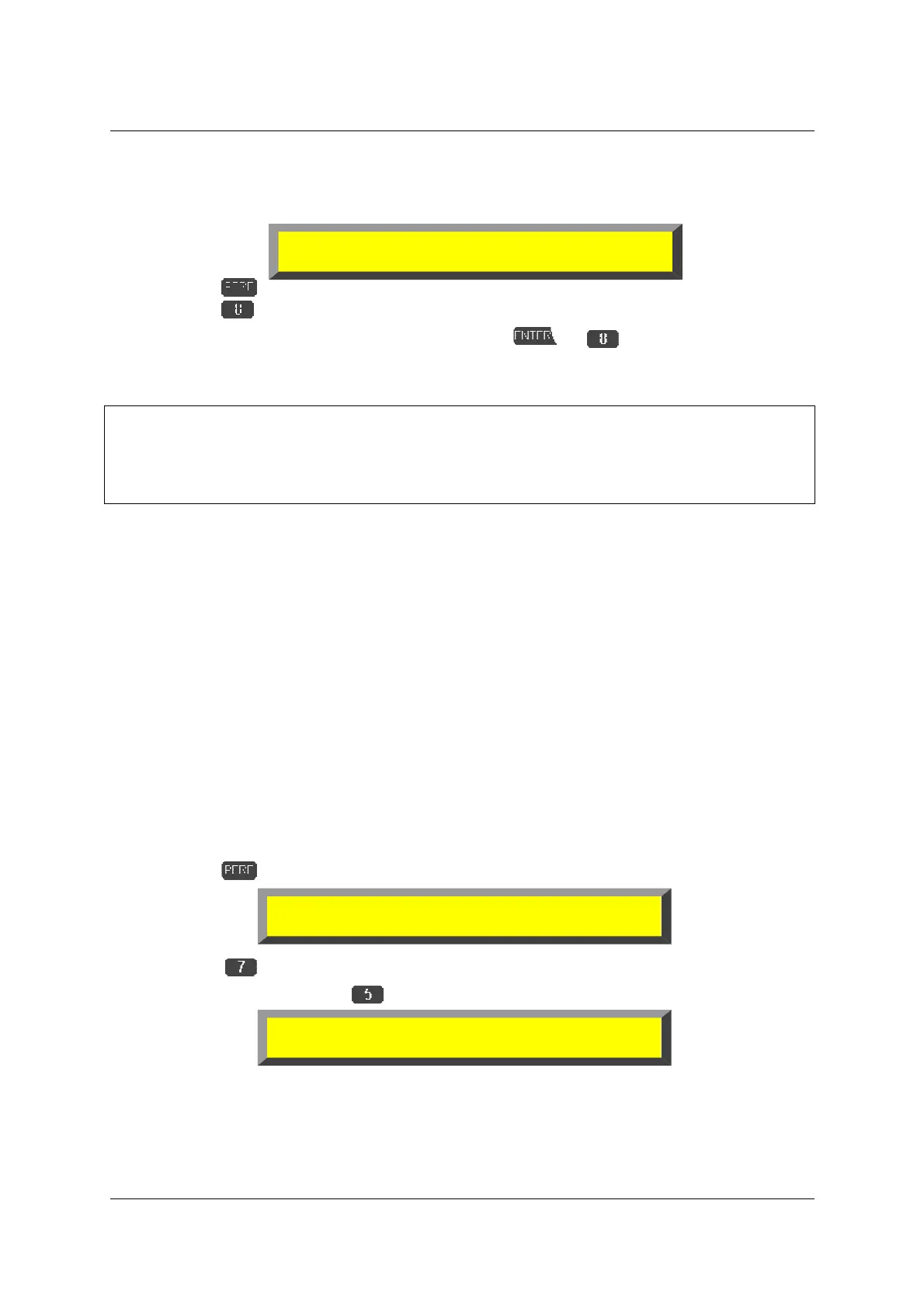
S1A 1 TEST.MID 001.01.0001
TMR --- --- --- --- LOP TRP
!
!!
!"
""
"#
##
#
125
S1A 1 TEST.MID 001.01.0001
TMR --- --- --- --- LOP TRP
!
!!
!"
""
"#
##
#
125
➔
➔➔
➔
Sound Settings 001.01.0001
TMR --- --- --- --- LOP TRP
!
!!
!"
""
"#
##
#
125



 To Next Page