MIDITEMP MP 22-W, MP 22-CD, MP 88-W, MP 88-CD, PMM 88-E, MT 16-X
MIDITEMP MP 22-W, MP 22-CD, MP 88-W, MP 88-CD, PMM 88-E, MT 16-XMIDITEMP MP 22-W, MP 22-CD, MP 88-W, MP 88-CD, PMM 88-E, MT 16-X
MIDITEMP MP 22-W, MP 22-CD, MP 88-W, MP 88-CD, PMM 88-E, MT 16-X
5
9.6 Setting the SCSI-ID of the MULTIPLAYER (HID)
With this function you can set the SCSI ID of the MULTIPLAYER. This is important whenever
you connect it to a computer via the SCSI port (remember: all connected SCSI devices must have
different SCSI Ids).
$
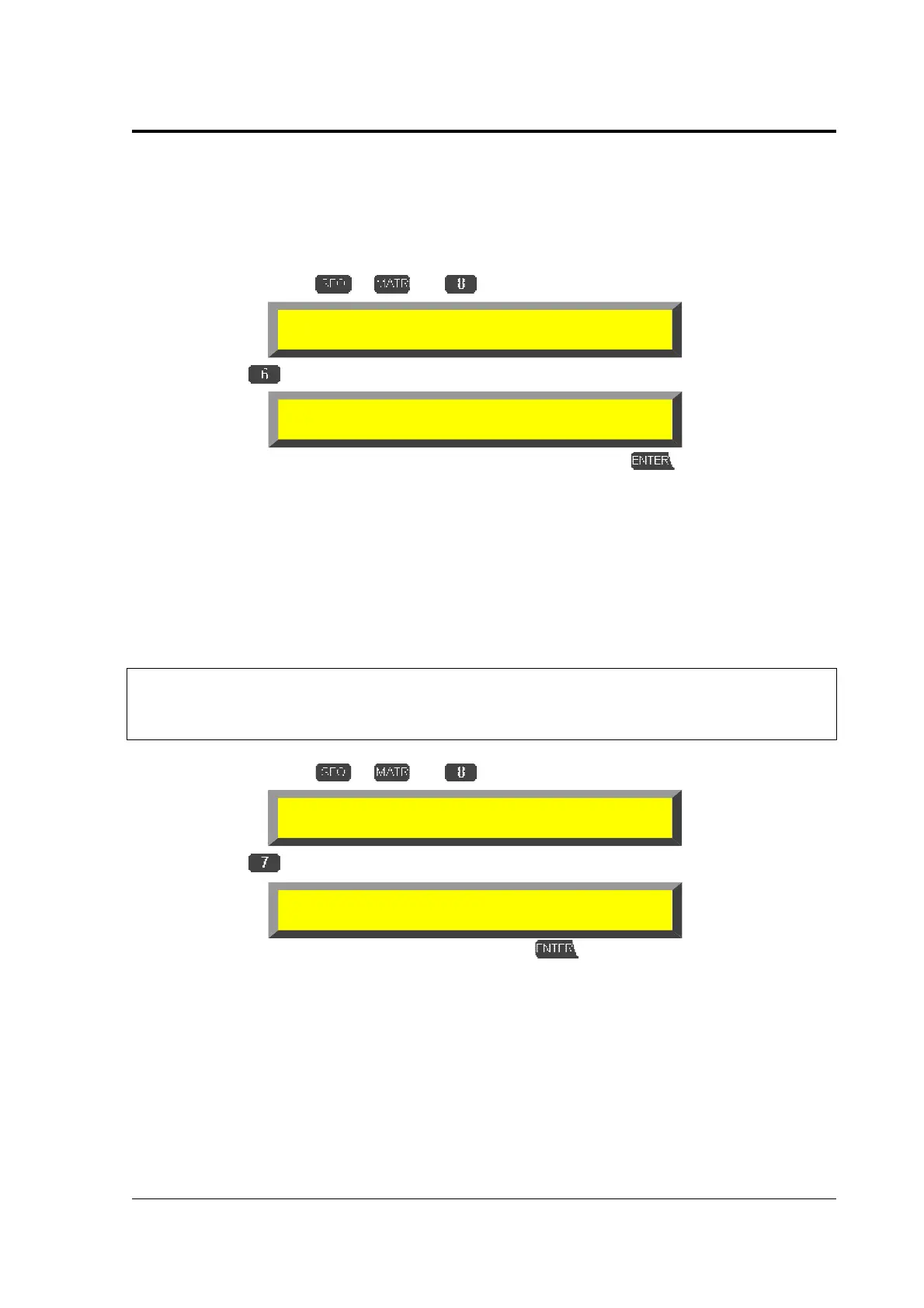
Double-click on
or and
»DRV«
$
Select
»HID«
➊
Select the desired ID (default is “6“) via
!
and confirm with . The MULTIPLAYER
automatically returns to the top level.
9.7 Switching SCSI parity on/off (PAR)
With this function you can switch the SCSI parity on or off.
&
WARNING:
WARNING:WARNING:
WARNING:
This switch should only be used in exceptional cases! Having problems with SCSI parity
please contact the technical support of MIDITEMP (see page 4).
$
Double-click on
or and
»DRV«
$
Select
»PAR«
➊
Switch parity on or off via
!
and confirm with . The MULTIPLAYER automatically
returns to the top level.
Device Drive Manager
TMR INS REL FMT INI HID PAR
SCSI-ID of Host Adapter =6
Device Drive Manager
TMR INS REL FMT INI HID PAR
SCSI Parity
enabled



 To Next Page