MIDITEMP MP 22-W, MP 22-CD, MP 88-W, MP 88-CD, PMM 88-E, MT 16-X
MIDITEMP MP 22-W, MP 22-CD, MP 88-W, MP 88-CD, PMM 88-E, MT 16-XMIDITEMP MP 22-W, MP 22-CD, MP 88-W, MP 88-CD, PMM 88-E, MT 16-X
MIDITEMP MP 22-W, MP 22-CD, MP 88-W, MP 88-CD, PMM 88-E, MT 16-X
36
10. Formatting floppy disks
$
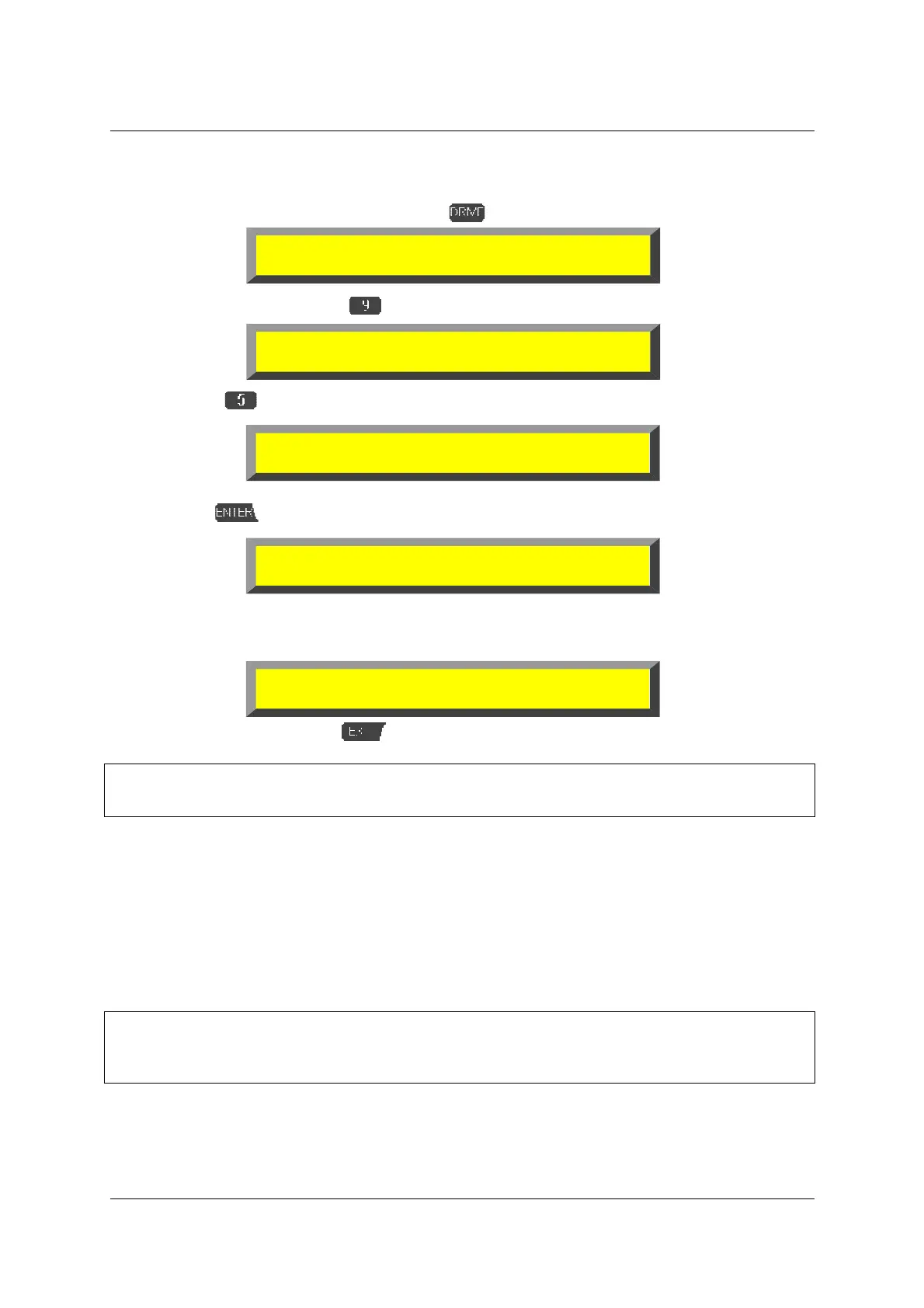
Enter the Drive function menu pressing
.
$
Change the menu page
$
select
»
FMT
«.
➊
If a floppy disk is placed into the floppy drive on the front of the MULTIPLAYER confirm
with
:
The floppy disk will automatically be formatted to either 720kB or 1.44MB, depending on
which sort of disk (DD or HD) is in use. The finish of the procedure is displayed as:
%
Leave the function with
.
&
With this function only floppy disks can be formatted, in no way a hard-disk! For this please
refer to “9.4 Format the IDE- or SCSI medium (FMT)“ on page 34.
11. Load (update) a new operating system (UPD)
With the update function a new version of the operating system can be loaded into the Flash
ROM of the MULTIPLAYER. You should only execute this function in the case you received the brand
new OS version by MIDITEMP (via floppy disk or Internet download).
&
The same as in a reset or initialisation the update function erases the complete internal
memory (but nothing of the storage devices!). Notice your global settings and store before
executing your Matrix banks and your I/O-names!
<DRIVE> Select function:
TMR LOA SAV LDA COP ERA DIR CD
#
##
#
<DRIVE> Select function:
!
!!
!
MKD RMD BAK FMT OFF
Insert new diskette for drive A:
and press ENTER when ready...
Formatting 1.44M...
▌▌▌▌▌▌▌▌▌▌▌▌▌▌▌▌▌▌▌▌▌▌▌▌▌▌
Format complete.
1423k total disk space



 To Next Page