MIDITEMP MP 22-W, MP 22-CD, MP 88-W, MP 88-CD, PMM 88-E, MT 16-X
MIDITEMP MP 22-W, MP 22-CD, MP 88-W, MP 88-CD, PMM 88-E, MT 16-XMIDITEMP MP 22-W, MP 22-CD, MP 88-W, MP 88-CD, PMM 88-E, MT 16-X
MIDITEMP MP 22-W, MP 22-CD, MP 88-W, MP 88-CD, PMM 88-E, MT 16-X
79
6. Karaoke settings (LYR)
The following instructions are only relevant if your MULTIPLAYER is equiped with a lyrics
board (karaoke board). In this case you have to use the MP XX-WK Operating System (it doesn’t
matter if you have updated with this OS without having a lyrics board built-in – the functions only will
not affect anything). If not – just forget this passage.
To reach the Lyrics menu:
$
Press
and and
»LYR«.
6.1 Selecting Lyrics track (TRK)
With this function you define which track has to be scanned for the lyrics events. The setting
“
ALL
“ effects the MULTIPLAYER scans all tracks of the MIDI file simultaniously (=default). As soon as
a track containing text events is found this will be used.
$
Press
»TRK«.
➊
Using
!
you can select a track by hand.
%
Leave with
.
6.2 Selecting color (COL)
This function is to change the displayed backing colour on the connected TV-set or monitor.
Everytime you press
»
COL
«
the colour changes.
6.3 Selecting font (FNT)
$
Press
»
SAV
«.
➊
Using the number keys
to you can select the desired Font. The
MULTIPLAYER returns automatically into the “Lyrics display setup”.
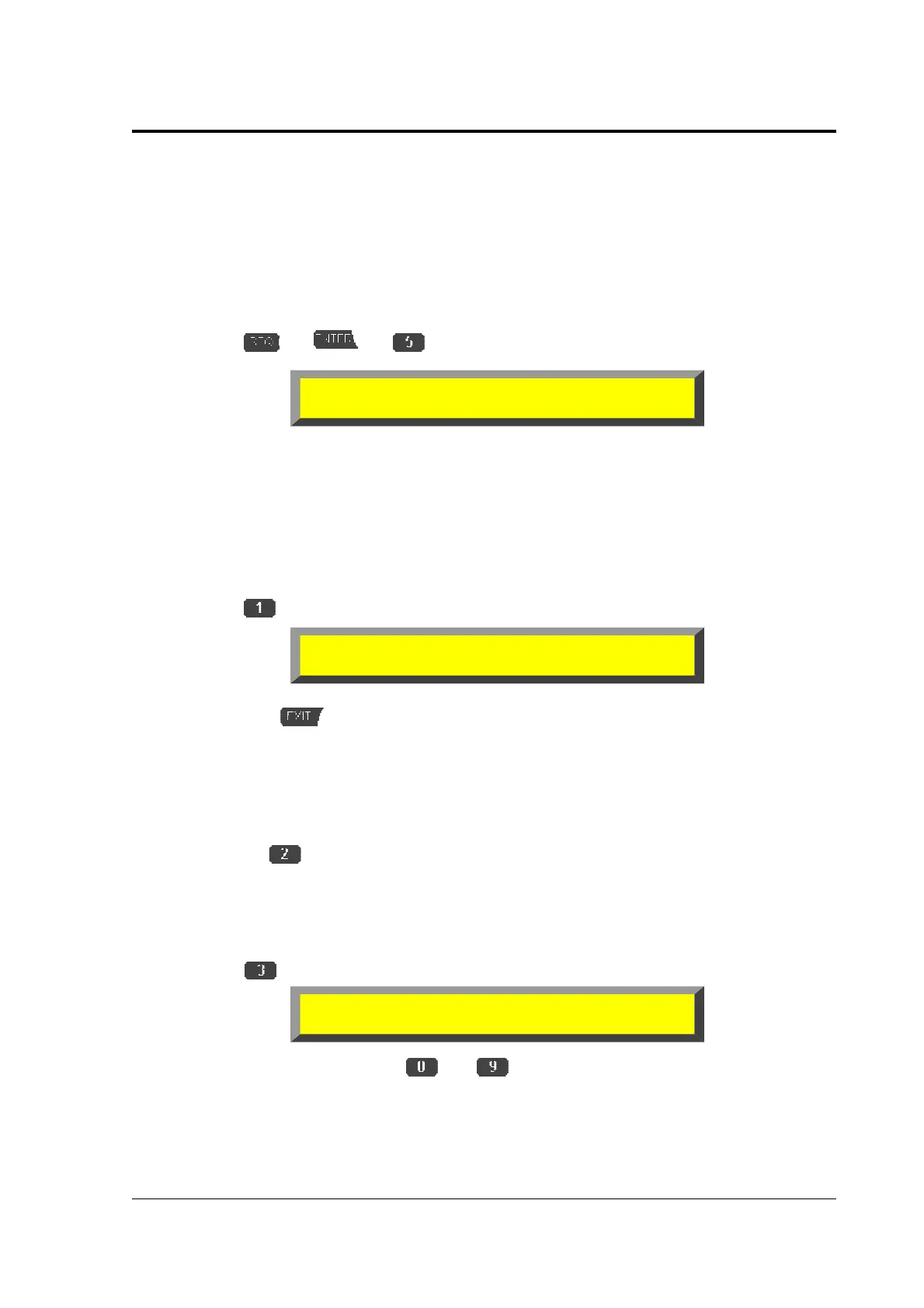
Lyrics display setup:
TMR TRK COL FNT MRK TMM SPC NWL
Select track to scan
TRK =ALL
Select Font (key 0-9)
Current Font= 0



 To Next Page