MIDITEMP MP 22-W, MP 22-CD, MP 88-W, MP 88-CD, PMM 88-E, MT 16-X
MIDITEMP MP 22-W, MP 22-CD, MP 88-W, MP 88-CD, PMM 88-E, MT 16-XMIDITEMP MP 22-W, MP 22-CD, MP 88-W, MP 88-CD, PMM 88-E, MT 16-X
MIDITEMP MP 22-W, MP 22-CD, MP 88-W, MP 88-CD, PMM 88-E, MT 16-X
91
6.3 Split functions (SPL)
The split function allows you to split any MIDI keyboard connected to one of the Matrix’s
inputs into as many as 16 zones. With up to eight inputs available (MP 88-W), this means you can
connect up to eight MIDI controllers, all of which can be split completely independently, process
each of these zones within the Matrix and route them all to the outputs.
➨
Notes and Poly Pressure can be split.
Notes and Poly Pressure can be split.Notes and Poly Pressure can be split.
Notes and Poly Pressure can be split.
&
The split function is the first in line as the data is passed through the Matrix. Only after
passing through it data will reach the filters, transpose functions etc. This function operates
only on the inputs.
$
Call up the Split function:
»
SPL
«
.
In the top right of the display you will see the number and name of the current MIDI input.
The LEDs light up on the number keys representing the inputs for which settings have already
been made.
➊
Select an input using
to .
➋
Press
, until the flashing cursor is over the word “
omni
“.
➌
Press
.
For now all incomming MIDI channels (“
omni
“) are converted to channel 1.
&
If you wish to split several incoming channels differently, you can work on independent
channels instead of “
omni
“. However, for the moment, we will assume that you are
working with “
omni
“.
➍
Move the cursor to the first of the “
off
“ settings in the display and press
.
The words “
keyboard= Ch 1
“ (MIDI base channel) changes to “
left zone=Ch 1
“. This
means the leftmost (lowest) zone of the keyboard will be converted to channel 1, and the
next zone (in this case from C3 upwards) will automatically change to channel 2.
➎
Select your first (lowest) required split point using
!
.
If you add further split points using
and , the third zone becomes channel 3,
the fourth channel 4 ...
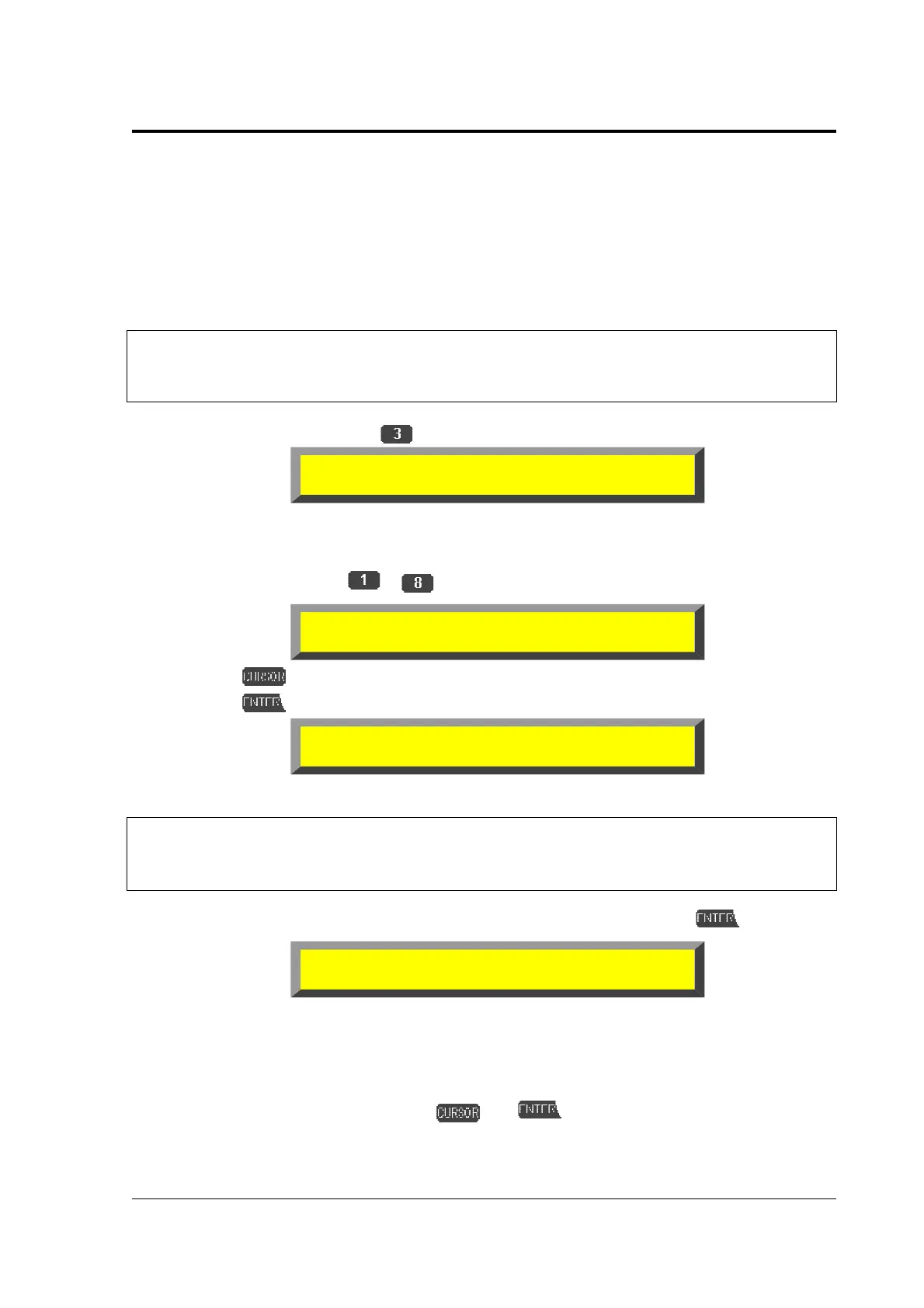
Split: 1:
1
2 3 4 5 6 7 8
Split: omni 1:
TMR CLR ... off.... off.... off.. Read
Split: omni
➔
keyboard=Ch 1 1:
TMR CLR ... off.... off.... off.. Read
Split: omni
➔
left zone=Ch 1 1:
TMR CLR ... C 3.... off.... off.. Read



 To Next Page