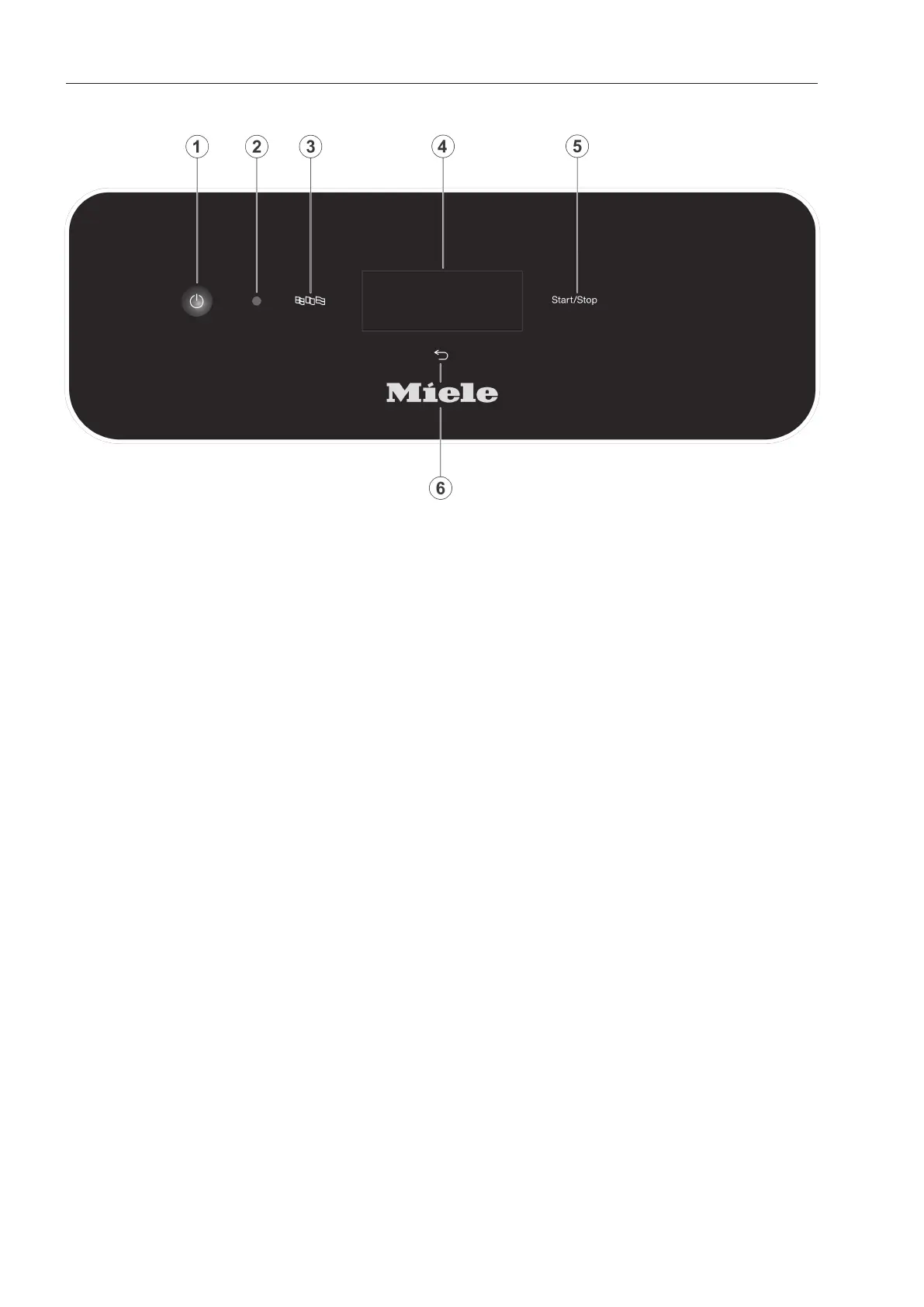
Guide to the appliance
10
Control panel
a
button (On/Off)
For switching the dishwasher on and off
b
Service interface
Testing and transmission point for the
Miele Customer Service Department
c
button (language selection)
For selecting the display language
d
Touch display
For displaying and selecting control ele-
ments
e
Start/Stopbutton
For starting or cancelling a programme
f
button (cancel or back)
For cancelling a process in the user inter-
face (not for cancelling programmes)



 To Next Page