Further settings
60
Release programme
There is an option to block individual pro-
grammes. Blocked programmes are no
longer available in the programme selection
screen. This ensures, for example, that only
programmes suitable for the load items are
used.
The menu is saved under the following input
path.
Further choices
Extended settings
Release programmes
Selection
All programmes
Release
progs.
- All programmes
All programmes are available for use.
- Selection
A selection of programmes are available.
Select an option.
Release
progs.
Short
Universal
Scroll through the programme list using
the and arrow buttons and select the
programmes that you want to make avail-
able to users. Multiple selection is pos-
sible. Activated programmes are high-
lighted by a frame.
Press OK to save the selection
Set favourites
Under Favourite programmes, you can define
which programmes you want to be dis-
played on the start screen. 1 to3 pro-
grammes can be selected. You can choose
from all the programmes available under Ap-
proved programmes. At least 1programme
must be selected. Other favourites can be
added or removed. It is possible to select a
programme multiple times. It is displayed on
the start screen the same number of times.
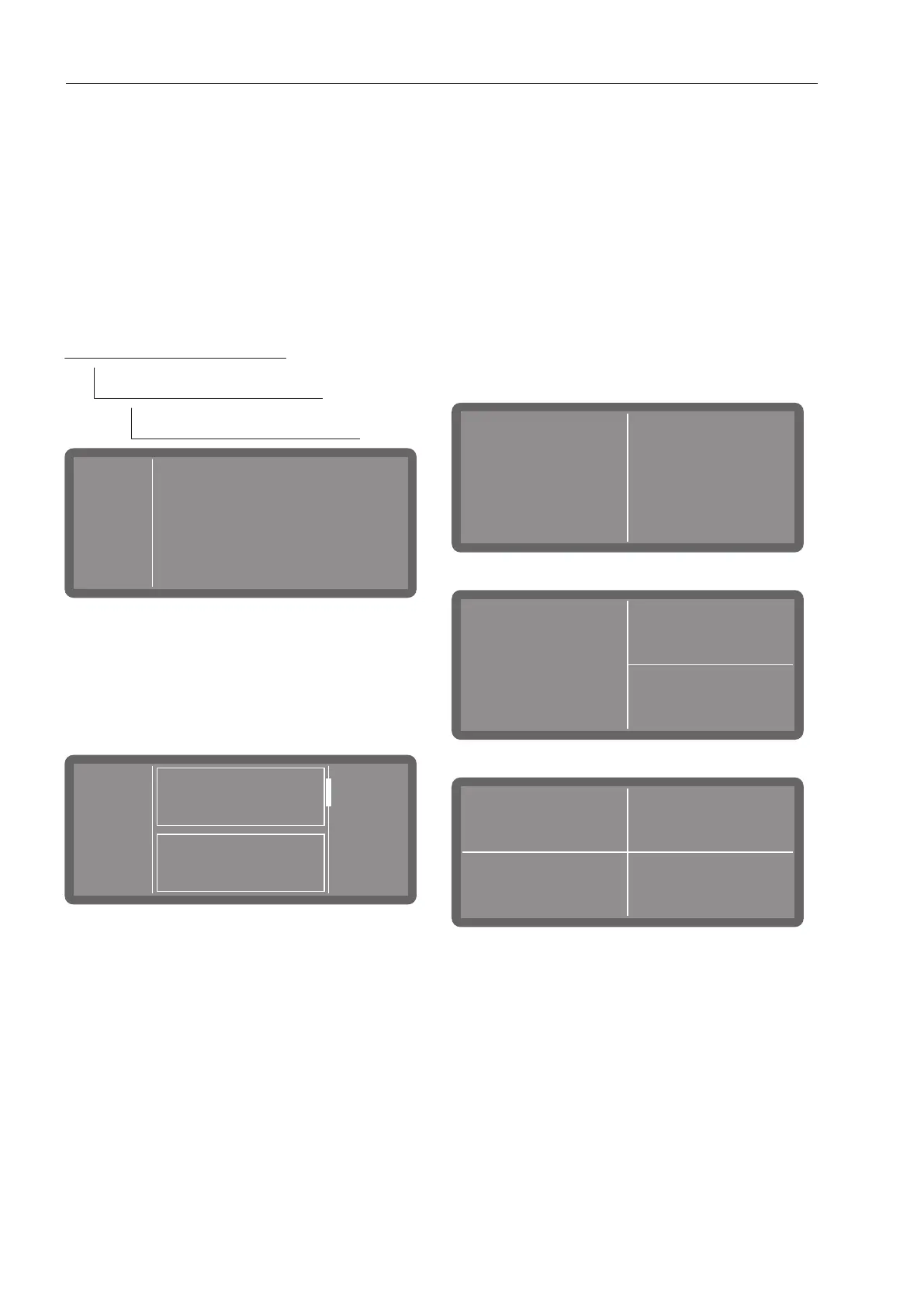
Start screen layout
The layout of the start screen depends on
the number of favourite programmes selec-
ted.
1favourite programme
2favourite programmes
3favourite programmes



 To Next Page