Settings
54
Button reaction
The button fields on the display can be con-
figured to have a delayed reaction and to
only react when the button field is pressed
for a longer time. This can prevent the but-
tons from being triggered accidentally.
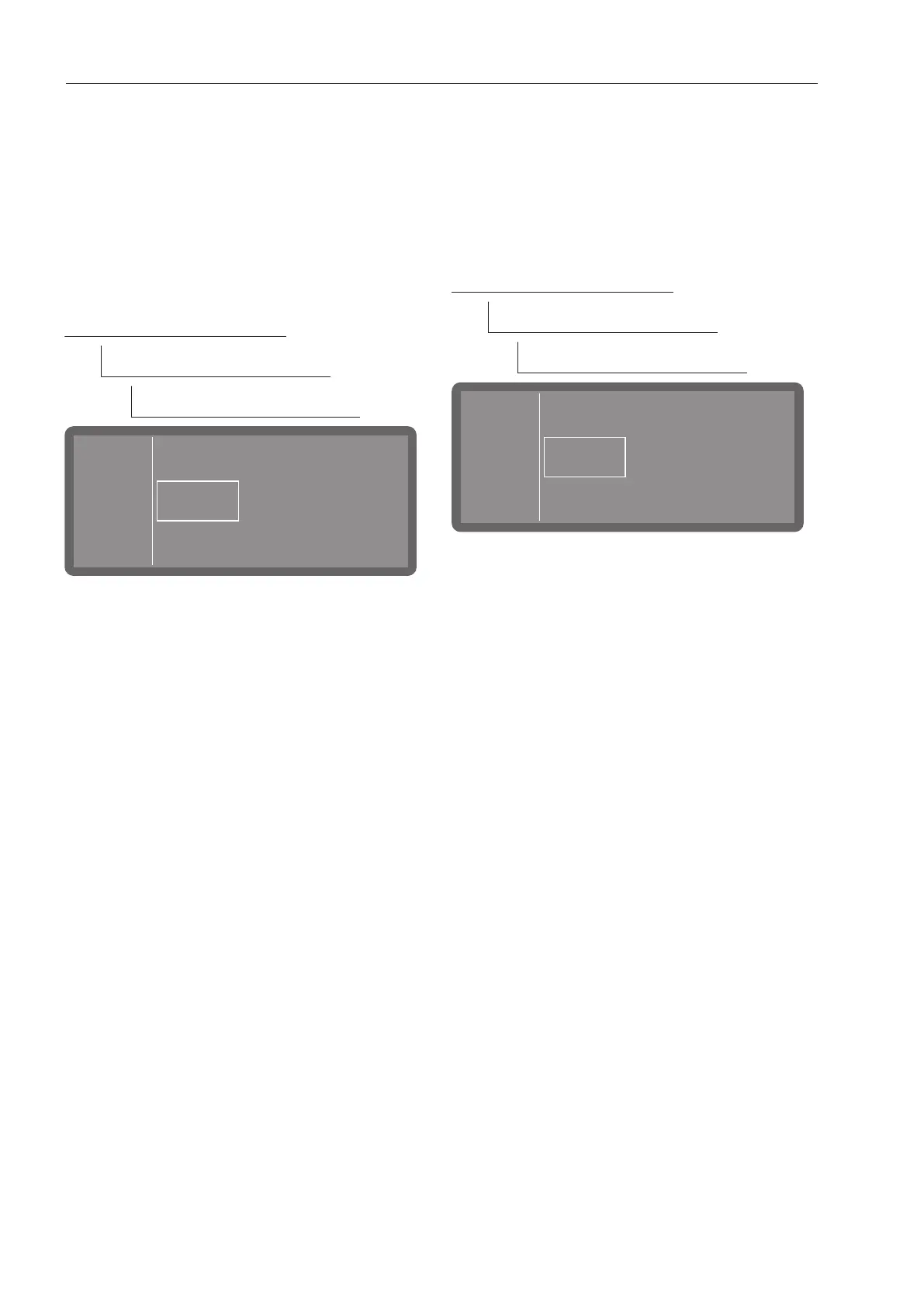
The menu is saved under the following input
path.
Further choices
Settings
Key reaction
Key reaction
Direct
Delayed
- Direct
The buttons react immediately to being
pressed.
- Delayed
The buttons react with a delay when they
are pressed and must be pressed for
longer before they react.
Select an option.
Welcome tone
There is a brief melody when the machine is
switched on and off. You can use this option
to switch this melody off and back on again.
The menu is saved under the following input
path.
Further choices
Settings
Welcome tone
- On
A welcome melody is played when the
machine is switched on.
- Off
The melody is switched off.
Select an option.



 To Next Page