Operation
42
Switching on
Open the stopcock if it is closed.
The dishwasher needs to be connected to
the electricity supply.
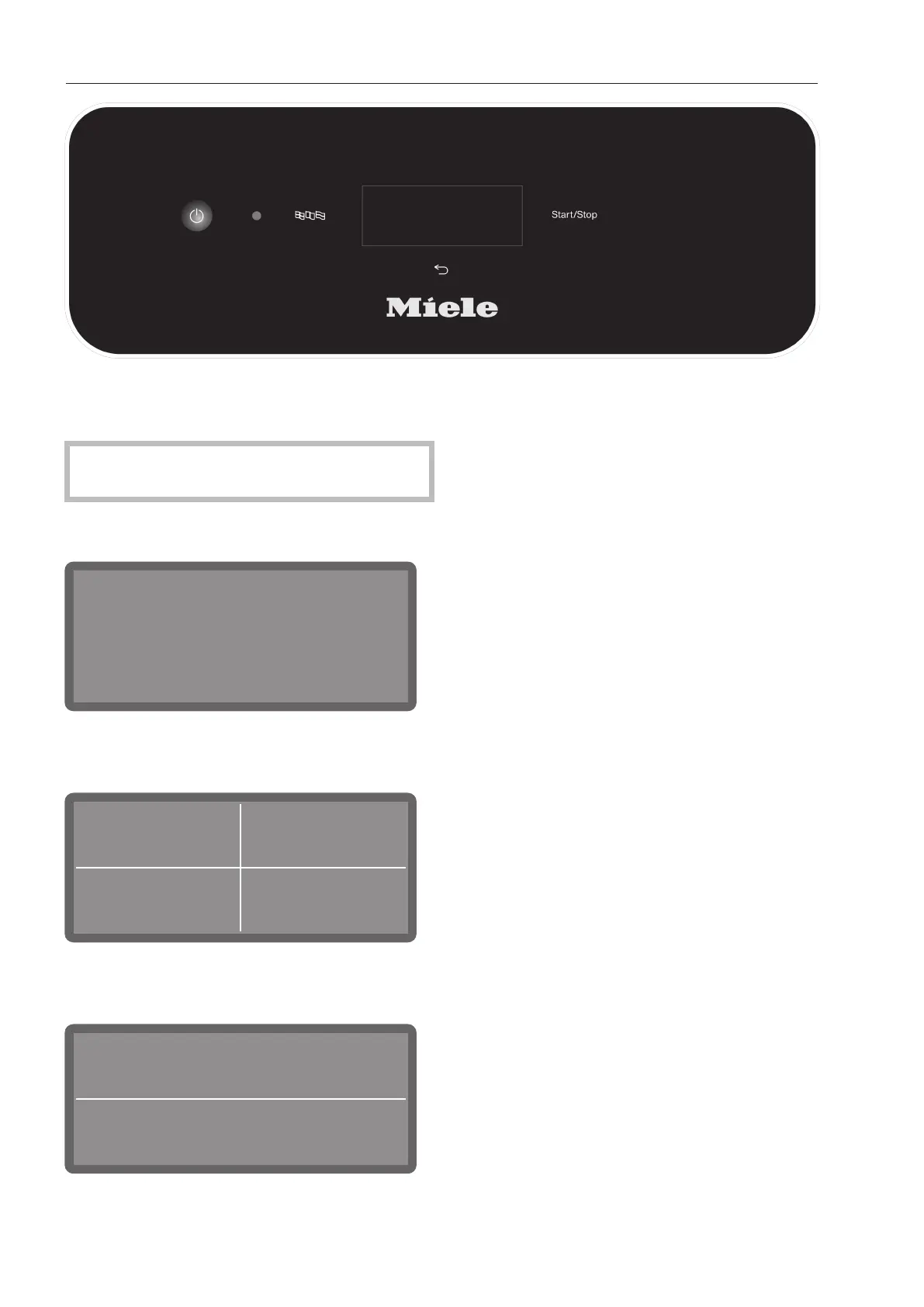
Press and hold the button until the fol-
lowing appears on the display:
As soon as the dishwasher is ready for op-
eration, the display message changes to
show the programme selection screen, e.g.:
Short Intensive
Universal
55 °C
55 °C
65 °C
If the Memory function is activated, the most
recently started programme is displayed,
e.g.:
1:14
h
Universal
Off
55 °C
Selecting a programme
Choose your programme according to the
type of load items and the degree of soiling.
As soon as you have selected a programme,
the LED for the Start/Stopbutton starts to
flash.
Use the button to return to the pro-
gramme selection screen before the pro-
gramme starts, e.g. to select a different pro-
gramme. This is no longer possible once the
programme has started. If necessary, you
must cancel the programme (see “Cancel-
ling a programme”).
Selecting favourites
Frequently used programmes can be set as
favourites. 1 to3 favourites can be shown
on the display and selected directly from
here. The buttons can be freely customised
to suit individual needs (see “Favourites”).
Select a programme directly on the dis-
play.
The most recently selected programme will
appear on the display if the memory func-
tion is activated. In this case, the pro-
gramme can be started immediately by
pressing the Start/Stopbutton.



 To Next Page