User tips
19
Switching off
Press the button.
The dishwasher remains in standby mode
for about one minute before it switches off
completely.
Standby/Off
If the dishwasher has not been used for
10minutes, it can be set to standby or
switched off automatically.
In standby mode, the dishwasher remains
switched on and the Start/Stop button
flashes. The dishwasher can be reactivated
by pressing the Start/Stop button, touching
the display or opening the door.
After automatic switch-off, the dishwasher
is switched off and can be switched on
again by pressing the button.
Display screens
Language
deutsch
ﺍﻟﻌﺮﺑﻴﺔ
dansk
čeština
All display screens shown in these operating
instructions are examples, which can be dif-
ferent from the actual display screens.
Touch display
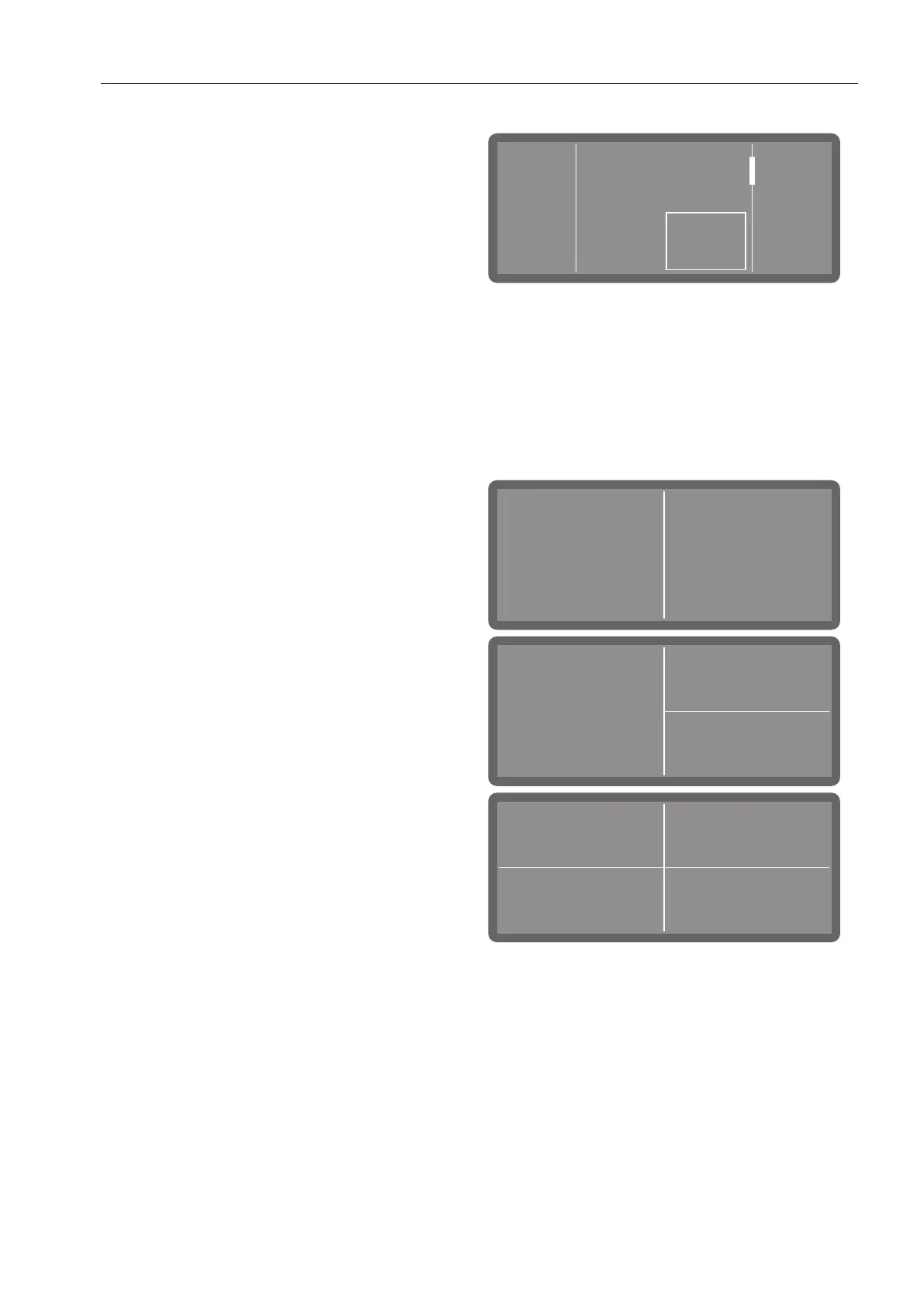
In operating mode, the display is divided
into 2–4 fields. The fields are buttons that
can be selected by tapping on them.
Fields 1–3 are assigned pre-selected pro-
grammes ex-works. However, you can also
assign favourite programmes to these fields.
(Further choices) opens the system set-
tings.



 To Next Page