Further settings
68
Memory
If you are always using the same pro-
gramme in a continuous sequence, you can
use the memory function. This automatically
suggests the most recently selected pro-
gramme so that you can start the pro-
gramme immediately after loading. The pro-
gramme selection screen is therefore not
displayed, but it is still available.
The menu is saved under the following input
path.
Further choices
Extended settings
Memory
- On
The most recently selected programme is
pre-selected before the next programme
starts.
- Off
The programmes need to be selected via
the programme selection screen.
Select an option.
PIN code
Access to relevant system settings and ma-
chine functions that require advanced
knowledge of the machine and its pro-
cesses can be protected by PIN codes. A
PIN code consists of 3 numbers from 0–9 in
any order.
The factory-assigned PIN code is 800.
If a PIN code is lost, a new code must
be issued by the Miele Customer Service
Department.
Entering the PIN code
Use the and arrow buttons to set rel-
evant numerical values.
Confirm each digit individually by pressing
OK.
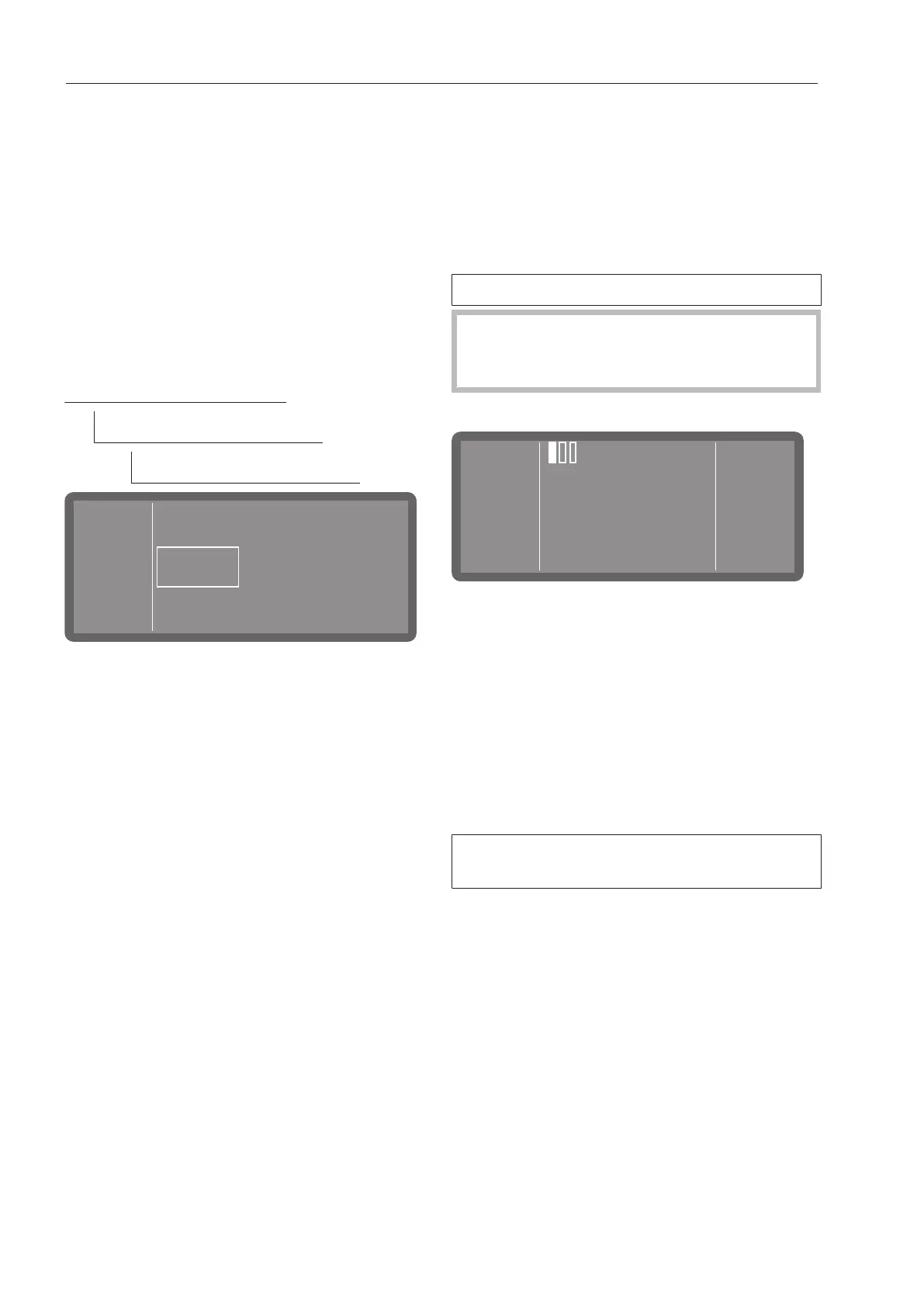
There are 3boxes above the numerical
value. Once a number has been entered and
confirmed by pressing OK, the box is filled.
This allows you to keep track of which num-
ber of the PIN code you are currently enter-
ing.
You can cancel the process at any time by
pressing the button.
If the PIN code was entered correctly, the
protected area is made available for further
use.
If it is entered incorrectly, a corresponding
message is displayed and the process is
cancelled.



 To Next Page