Operation
43
Programme list
Programmes which cannot be selected dir-
ectly on the display can be selected from
the programme list.
Press the Further choicesbutton.
Then select Further progs.
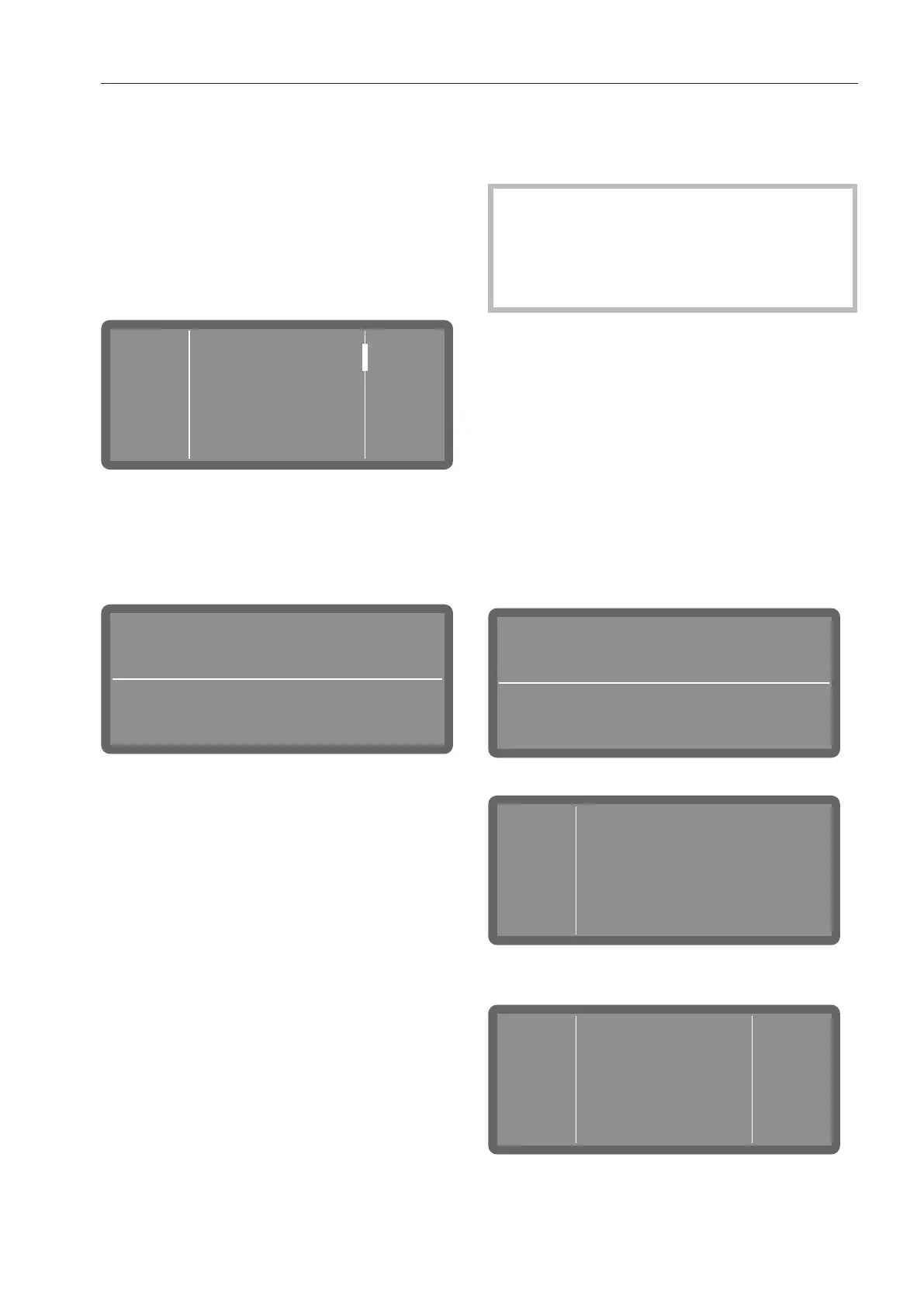
The following options menu appears on the
display:
Further
programmes
Short
Universal
55 °C
55 °C
Scroll through the list using the and
buttons and select one of the pro-
grammes.
The selected programme will be shown on
the display, e.g.:
1:14
h
Universal
Off
55 °C
The Start/Stopbutton starts flashing.
Starting a programme
Press the Start/Stop button (the LED of
the Start/Stop button will light up).
Once it has been started, a programme
can no longer be changed.
You can interrupt (see “Interrupting a pro-
gramme”) or cancel (see “Cancelling a
programme”) the programme in progress.
Starting the programme using a timer
The start of a programme can be delayed,
for example, to benefit from economy rates
of electricity at night. You can set a start
time at which the programme should start
(Start at) or a finish time by which the pro-
gramme should end at the latest (Finish at).
The times are set based on the set time of
day, see “Time of day”.
Setting the timer
Select a programme.
1:14
h
Universal
Off
55 °C
Tap on to set the timer.
Timer
Start at
Finish at
Then select the start (Start at) or finish
time (Finish at).



 To Next Page