Settings
52
Date
The date format and the current date have
to be set.
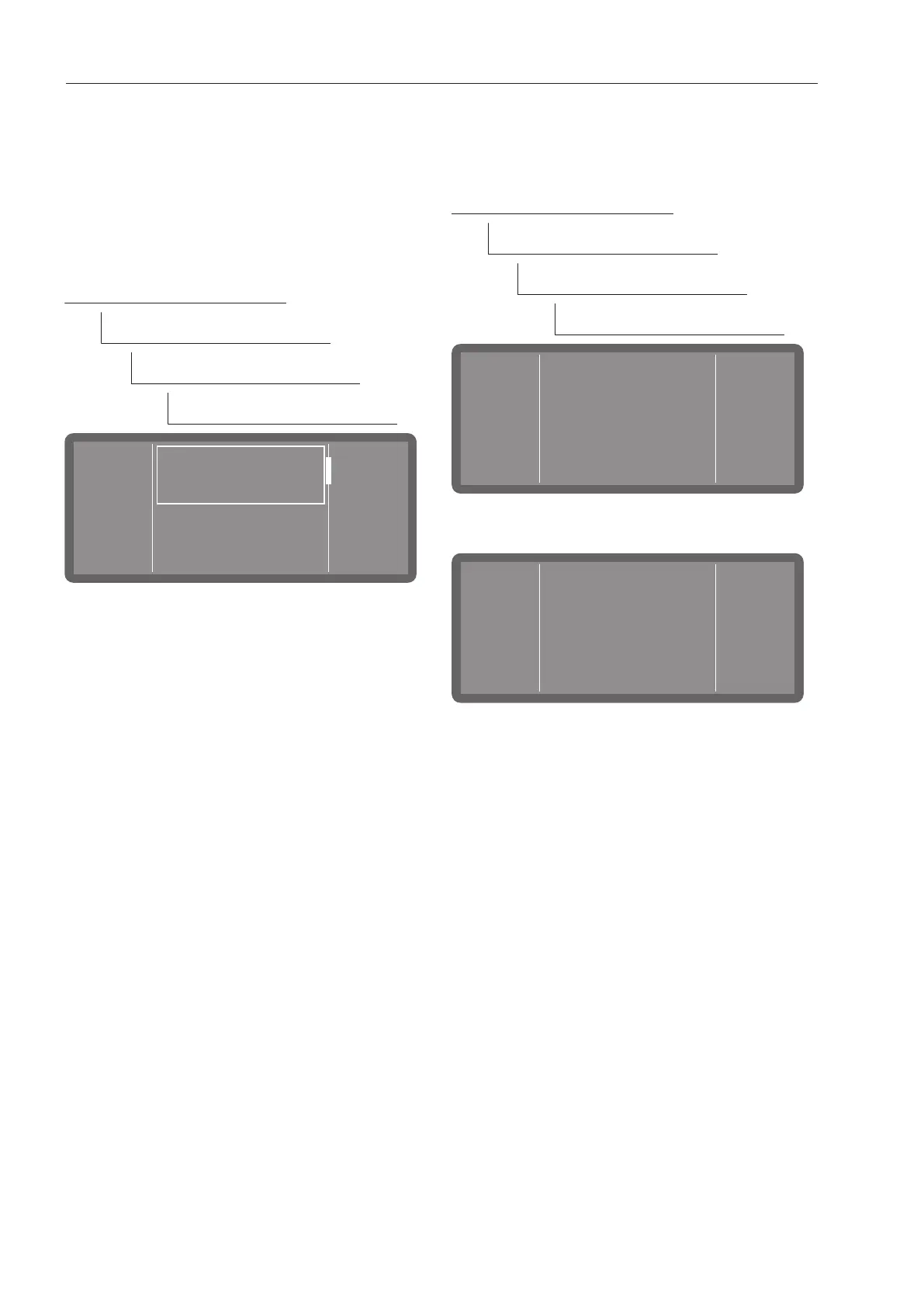
Select the date format
The menu is saved under the following input
path.
Further choices
Settings
Date
Date format
Date format
DD/MM/YYYY
MM/DD/YYYY
- DD is the day (D = day)
- MM is the month (M = month)
- YYYY is the year (Y = year)
Scroll to the format you want using the
and arrow buttons and select it by
tapping on it.
Set the date
The menu is saved under the following input
path.
Further choices
Settings
Date
Set date
Use the and arrow buttons to set the
year.
Use the and arrow buttons to set the
day and the month.
Press OK to save the setting.



 To Next Page