Further settings
65
Rinse aid door
This selection is only available if the cor-
responding dispensing system is present
(depending on the model).
Refill indicator
The refill indicator indicates a lack of rinsing
agent in the door dispenser. If you want to
stop dispensing rinsing agent via the door
dispenser, you need to switch off the refill
indicator.
- On
The display indicates a lack of rinsing
agent in the door dispenser.
- Off
The display does not indicate a lack of
rinsing agent.
Select an option.
Activating dispensing from the canister
Dispensing from the door dispensers is
preset ex-works.
For DOS dishwashers, integrated liquid
dispensing is preset.
To activate dispensing of liquid process
chemicals from external canisters, you must
proceed as follows.
Start by selecting a dispensing system.
This selection is only available if the cor-
responding dispensing system is present
(depending on the model).
Clean. agent canister
Rinse aid canister
If a rinsing agent door dispenser or a
powder dispenser is present and activ-
ated (depending on the model), when you
select Clean. agent canister or Rinse aid can-
ister, you will first be asked if you want to
switch to dispensing from the canister.
There is no query if dispensing from the
canister is already activated.
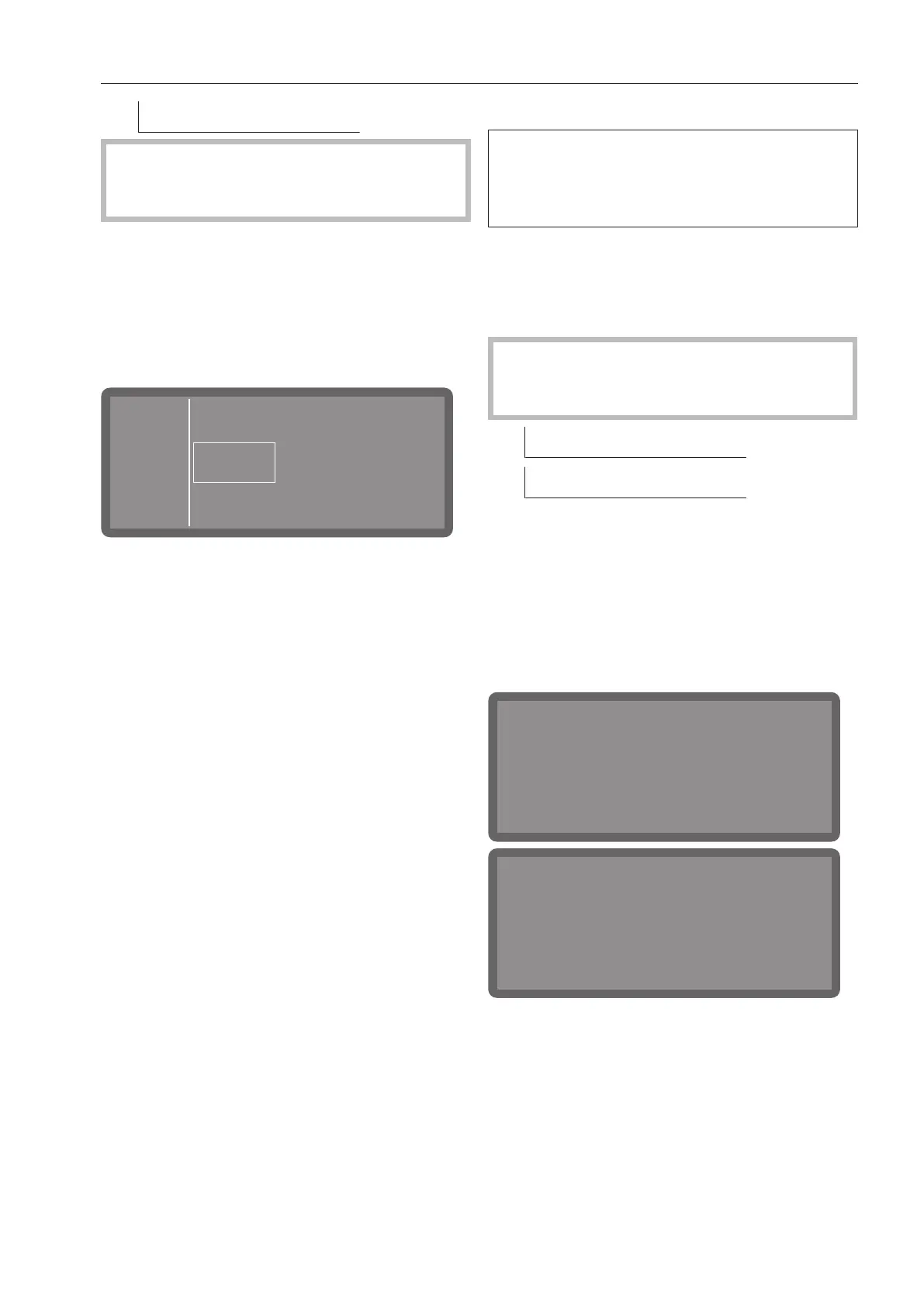
Activate
“cleaning agent canister”?
Yes No
Activate
“rinse aid canister”?
Yes No
Select OK to change dispensing to liquid
dispensing from the canister. This change
will take place immediately.
Or:
If you do not want to change the setting,
press the button.



 To Next Page