User tips
20
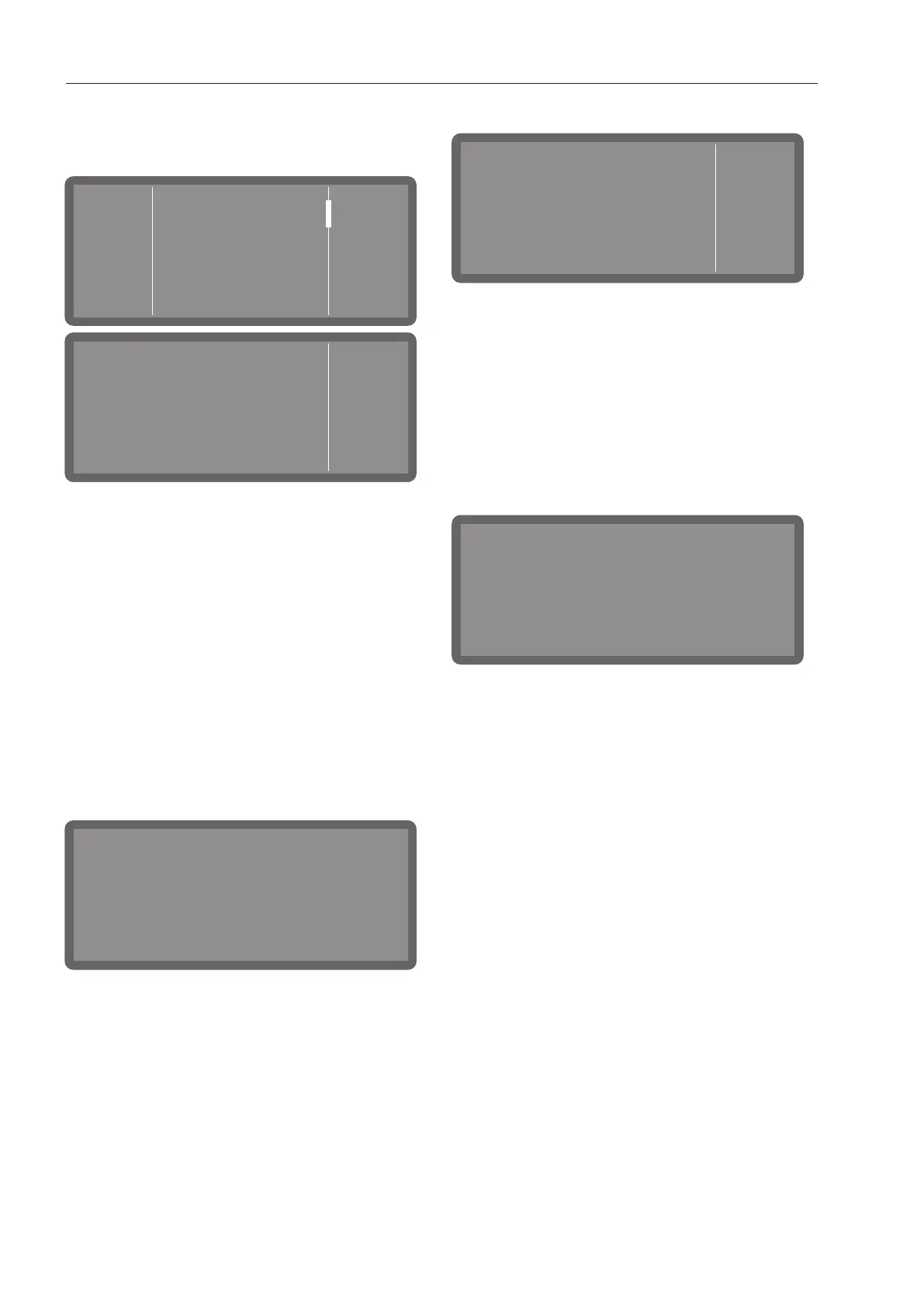
The displays for the system settings and for
system and fault messages are divided into
3columns.
Log book
Water
Liquid
cleaning agent
OK
Information
Approx. wash cycles
left until reactivation.
The left-hand column displays the title of
the currently selected menu with a picto-
gram or, in the case of system or fault mes-
sages, the pictograms for information or
faults.
The central column contains the menu op-
tions that can be selected and the system or
fault messages.
If required for the specific context, control
elements are displayed in the right-hand
column, such as the and arrow buttons
or an OKbutton.
Status window
Target temperature:
Universal
Actual temperature:
65°C
57°C
A symbol appears on the display while a
programme is running. If you tap this sym-
bol, a status window opens for 10seconds,
which you can use to display various para-
meters and status messages about the pro-
gramme in progress.
System messages
Information
OK
Refill salt -appliance will
be disabled shortly.
The symbol denotes system messages.
These give information about current pro-
cesses and the status of the machine. Sys-
tem messages are displayed at the end of
the programme. If there is more than one
system message, they are shown one after
the other and must be acknowledged indi-
vidually by pressing OK.
Fault messages
In the event of a fault, a warning symbol
appears on the display and the Start/Stop
button flashes red in rapid succession. If
buzzer tones are activated, a warning tone
will also sound.
Acknowledge the fault by tapping on the
warning symbol. Then follow the instruc-
tions on the display and in the “Problem
solving guide”.



 To Next Page