Settings
53
Display brightness
You can also set the brightness of the dis-
play.
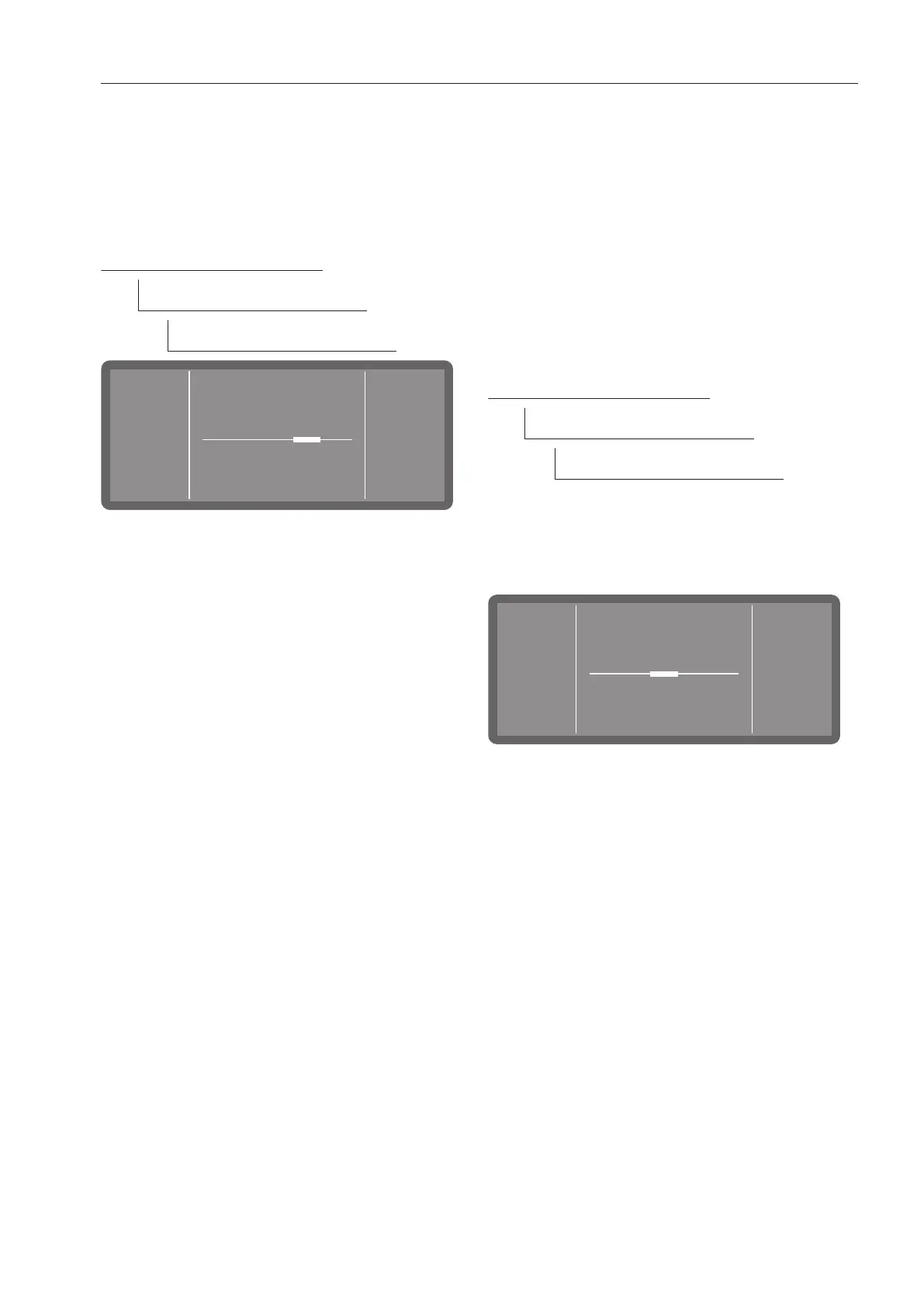
The menu is saved under the following input
path.
Further choices
Settings
Display brightness
Adjust the brightness of the display by
tapping the -symbol (darker) and +sym-
bol (brighter) and save the setting by
pressing OK.
Volume
An acoustic signal transmitter is integrated
in the control panel, which can provide
acoustic feedback in the following situ-
ations:
- Keypad tone when operating the buttons
- Buzzer tones at the end of a programme
or for system messages (notifications)
The menu is saved under the following input
path.
Further choices
Settings
Volume
The volume for the Keypad tone and the
Buzzer tones is always set in the same way.
Select one of the options Keypad tone or
Buzzer tones.
Set the volume by tapping the -symbol
(quieter) and +symbol (louder). In the low-
est setting, the sound is switched off and
can be switched on again if required by
selecting On (displayed instead of the
+symbol).
Press OK to save the setting



 To Next Page