Further settings
64
Dispensing systems
The following menu allows you to activate,
fill and rinse dispensing systems, to change
their names if required and to set the dis-
pensing concentration for all programmes.
Depending on the model, various dispens-
ing systems are available for dispensing
process chemicals.
Cleaning agent and rinsing agent can be
dispensed either via a corresponding door
dispenser (cleaning agent, rinsing
agent) or via suction lances for liquid media
from an external canister. It is not possible
to activate both systems at the same time.
Selecting a dispensing system
The menu is saved under the following input
path.
Further choices
Extended settings
Dispensing systems
Cleaning agent door
Clean. agent canister
Rinse aid door
Rinse aid canister
*)
*) Depending on the model
Dispensing
systems
Cleaning
agent door
Cleaning ag.
canister
Only the available dispensing systems are
displayed.
Select a dispensing system.
Door dispenser
Cleaning agent door
This selection is only available if the cor-
responding dispensing system is present
(depending on the model).
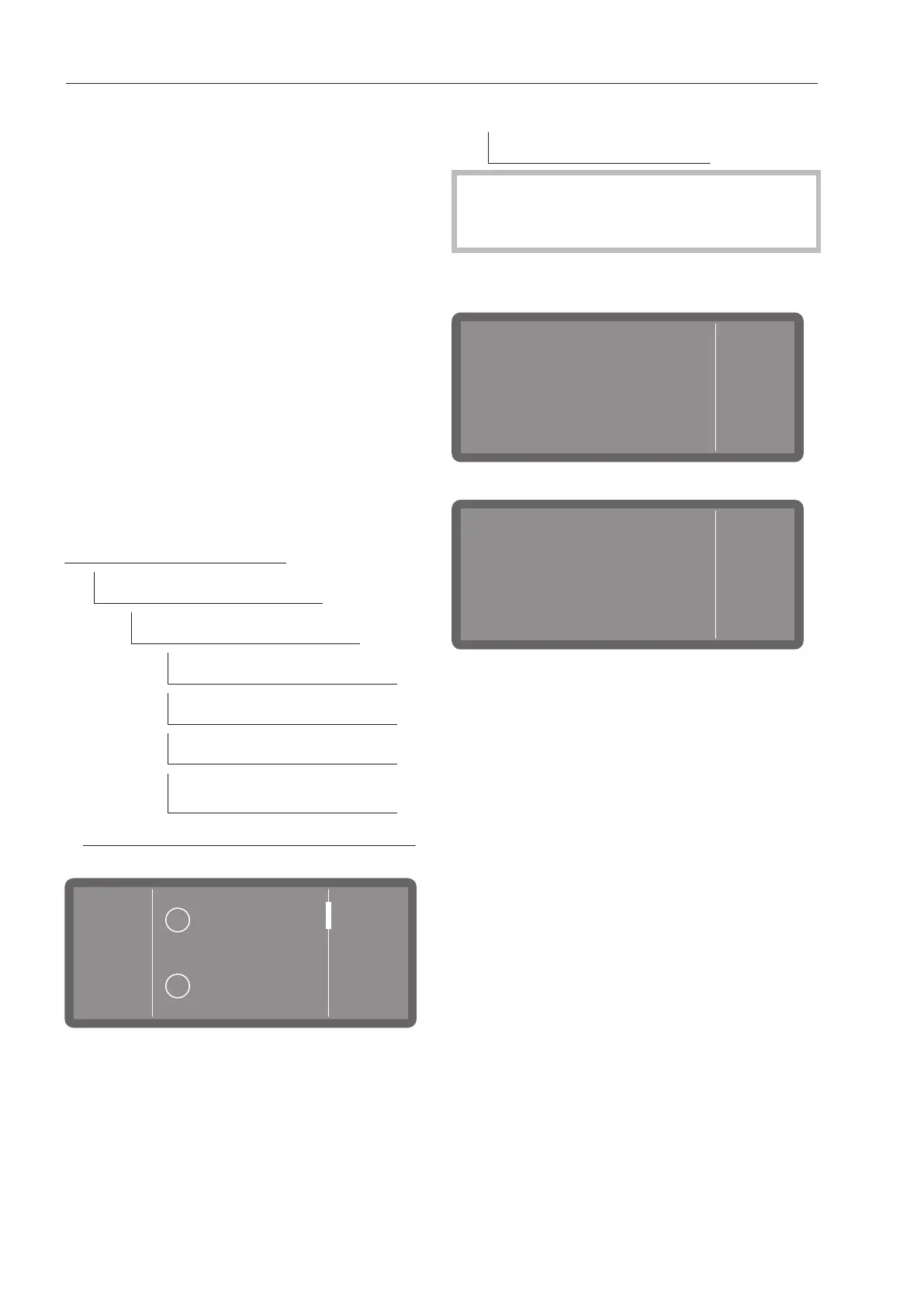
One of the following messages is displayed
if you have selected Cleaning agent door.
Information
OK
“Cleaning agent door”
is active. No further
settings necessary.
- Door dispenser activated
Information
“Cleaning agent
canister” activated.
OK
- Dispensing from the canister activated.
No further settings are possible. Confirm
the message by pressing OK.
If you want to change dispensing to the
powder dispenser, select “Cleaning agent
door” and activate it, or select the Clean.
agent canister option and deactivate dis-
pensing.



 To Next Page