Milestone Srl MA213-003 – DMA-80 EVO – User Manual
105
The file can be filled with desired information but the name of the column and
other data can not be modified otherwise the DMA software is not able to read
the file.
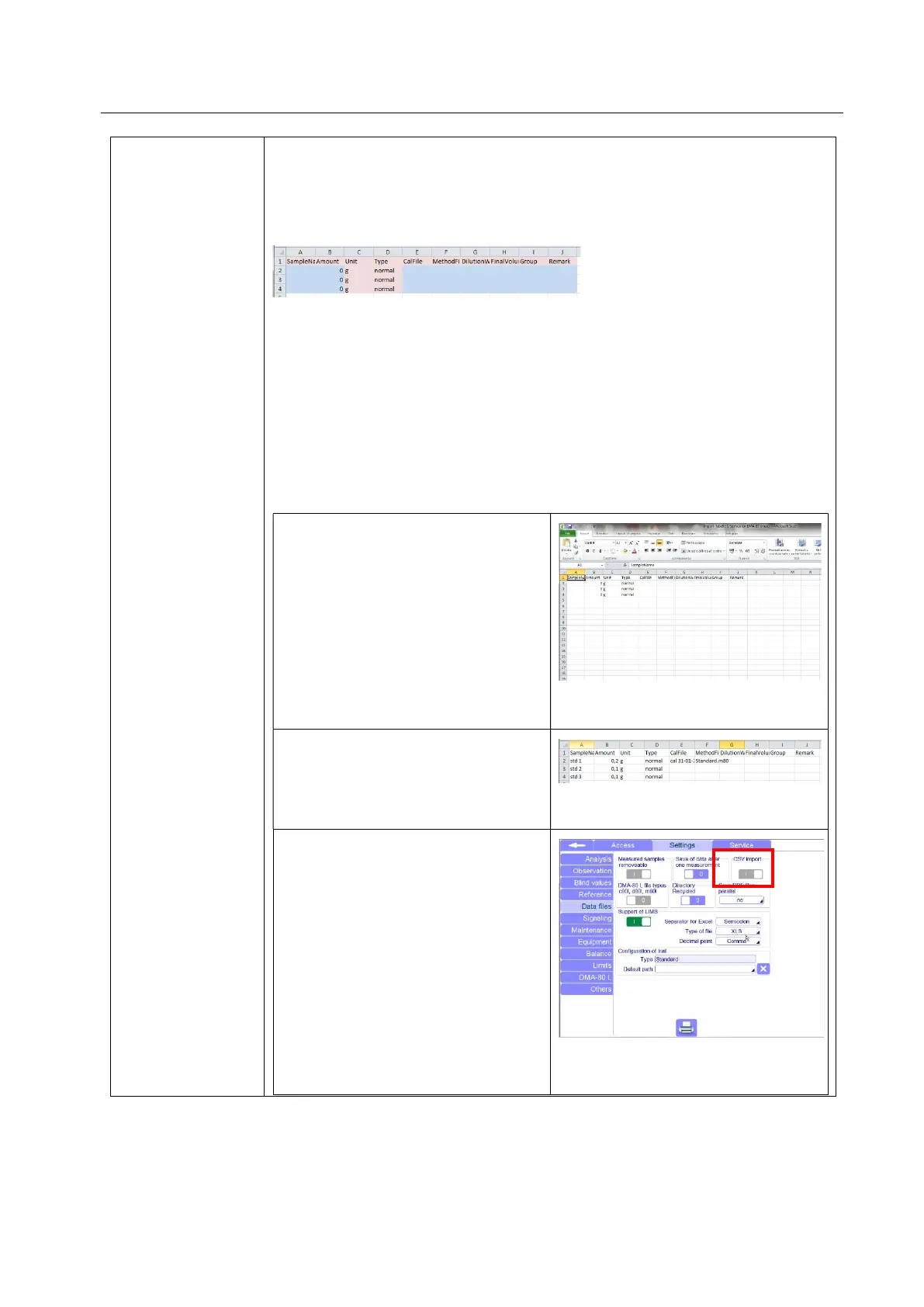
Here below a screenshot of the CSV layout where in blue the customizable fields
are marked.
- The Amount field must contain at least a number. If this filed is left empty, then
the DMA software will not read the import file.
- Cal file and Method file field can be left empty and filled on the DMA software
once the file is opened. If they are left empty, the software automatically will fill
them with the method and calibration opened on the terminal.
Otherwise you can fill these fields before to import the file, but you have to insert
the exact name of calibration and method file saved on the terminal.
1) How to import a CSV file
Open the CSV file you find on the
USB key of your terminal or PC
software, on your PC.
Fill the available fields with the
desired information.
Save the file with the same format of
the original file .CSV
In the software, be sure the function
“CSV import” in Settings/Data Files, is
activated.
Only the “Service” access has the
permission to activate this function.



 To Next Page