Milestone Srl MA213-003 – DMA-80 EVO – User Manual
28
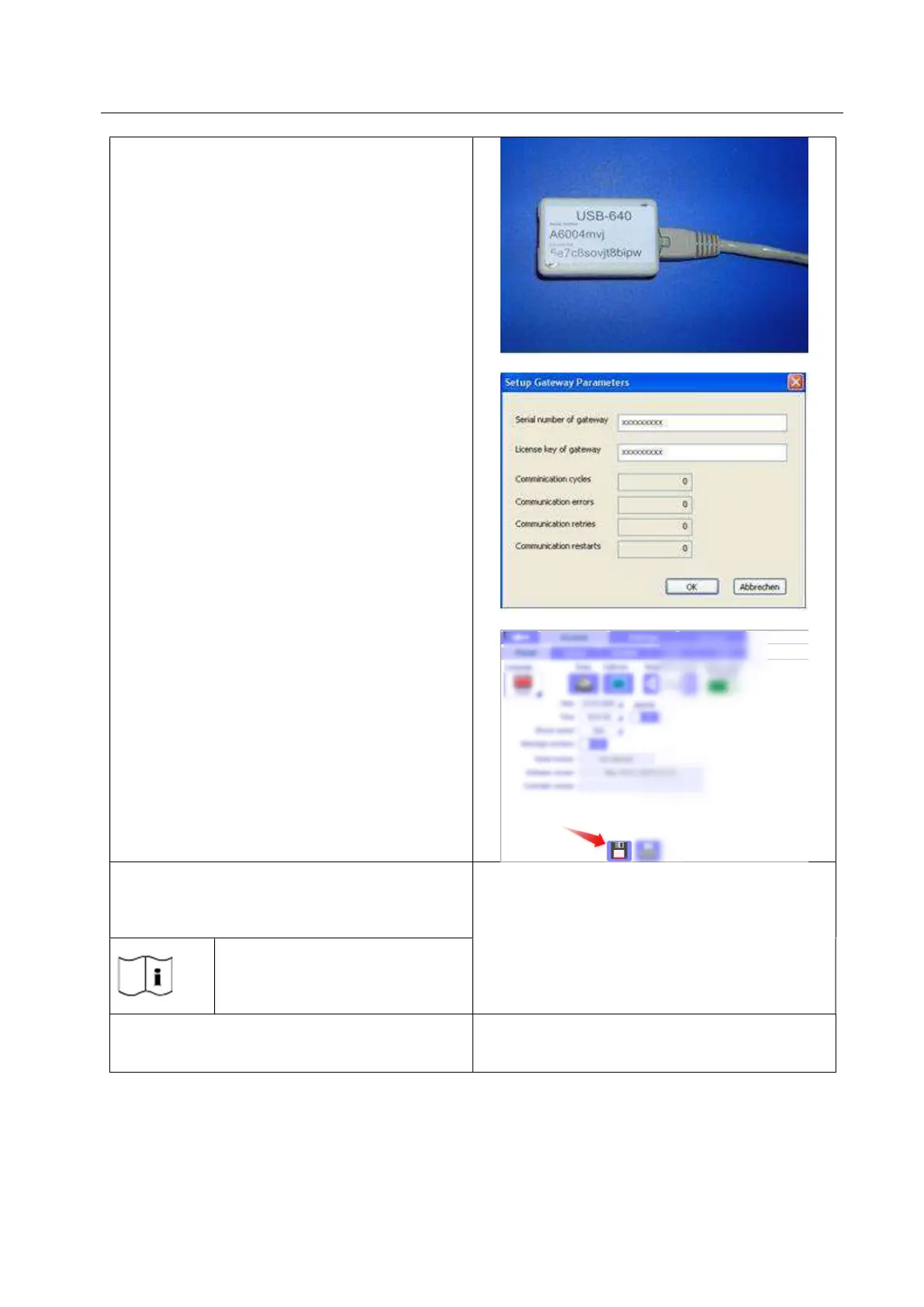
10. Digit the serial number and the licence key
printed on the USB Gateway. Confirm with
OK.
11. After login by service code enter into Panel
Administr./ Access/Panel Control and
check the serial number and the valid
licence key.
12. Change the language of the software if you
want.
13. Confirm clicking on “save icon”.
Copy the contents of the CD-Rom DMA-80 EVO
under the C:\Documents
DMA-80 EVO folder contains the
original calibration, methods, and
data files.
Plug the power cord into DMA-80 EVO unit.



 To Next Page