Milestone Srl MA213-003 – DMA-80 EVO – User Manual
27
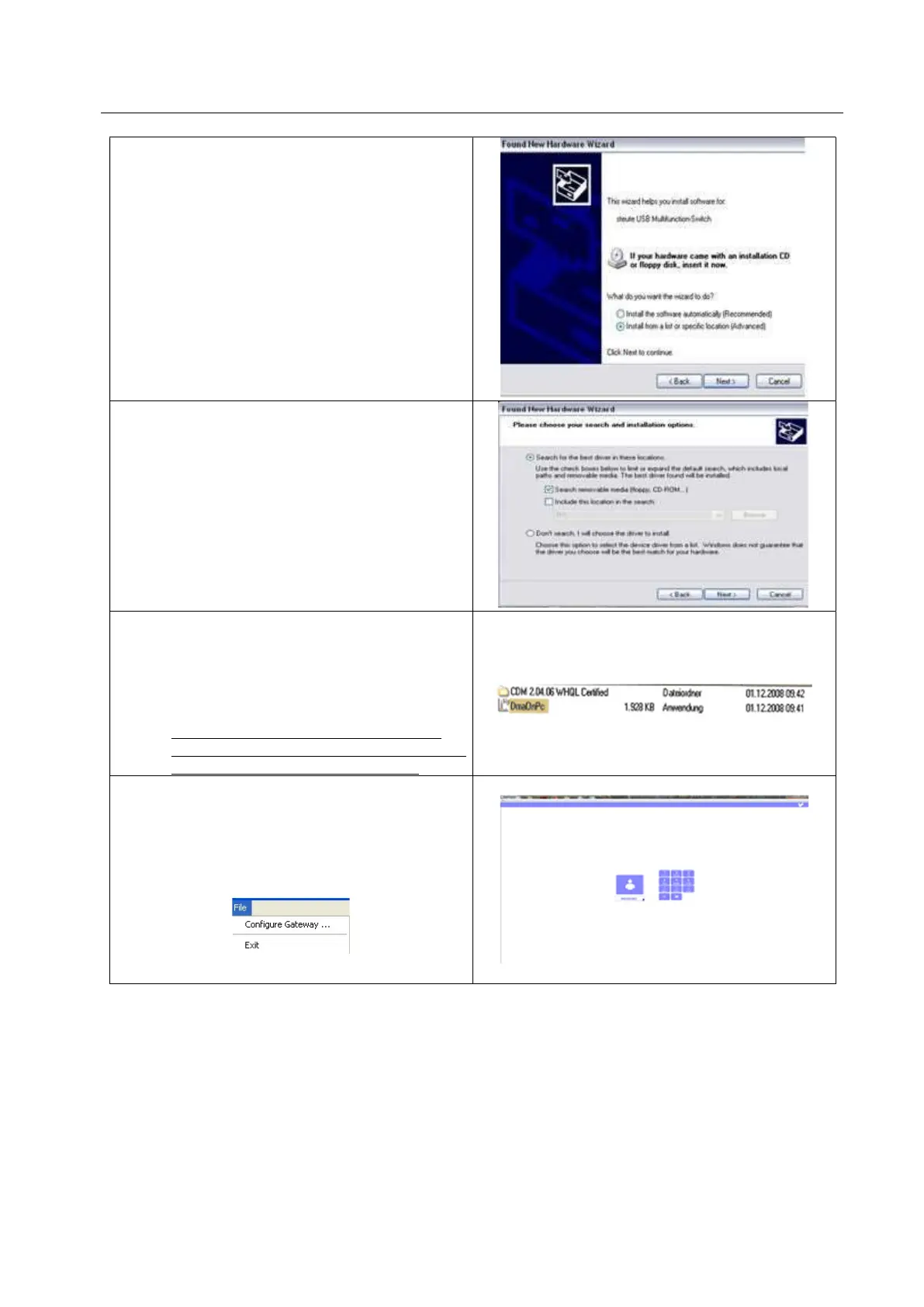
1. Insert the CD or the USB into the CD-
drive.
2. Select “Install software from a list or “other
source”.
3. Confirm with “Proceed”.
4. Select “Find other drivers (floppy, CD)”.
5. Confirm with “Proceed”.
The drivers have now been installed.
Depending on the Windows version: if you have to
enter the listing of the drivers files, go through the
CD to the (CD-Drive):/CDM 2.08.30 WHQL
Certified.
Insert the CD or USB into the CD-drive.
7. Go to the CD-List/USB and copy the
application file: DmaOnPc.exe on a
folder/list of your choice on your hard
disk.(usually we recommend to copy the
software directly on desktop)
This action is necessary to keep further
steps saved avoiding repeating them again
once turned off and on the program.
8. Start the DmaOnPc.exe file on your hard
disk.
The starting menu of the software will be shown.
9. Open un the left upper corner the menu



 To Next Page