Milestone Srl MA213-003 – DMA-80 EVO – User Manual
61
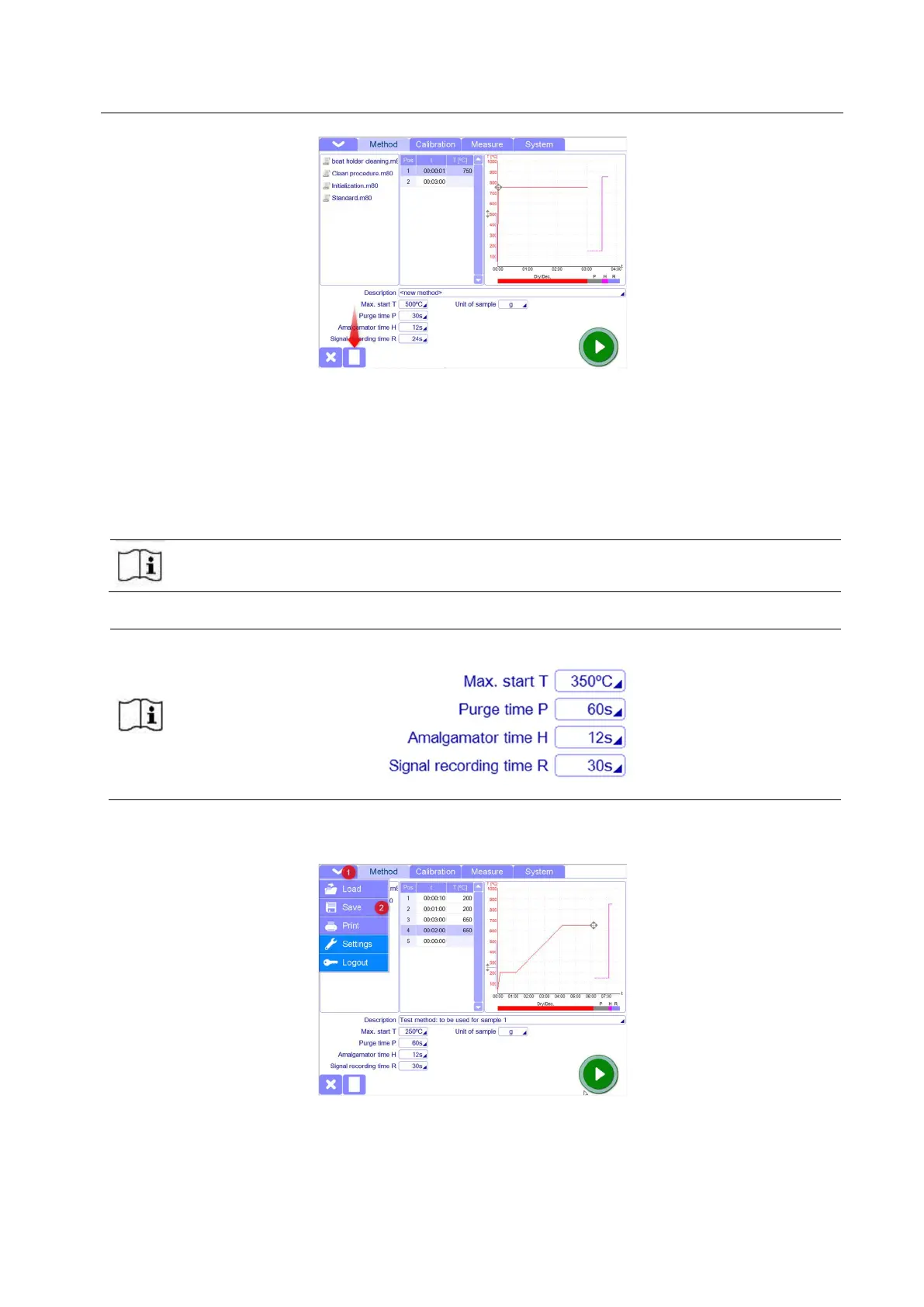
By pressing the white paper icon, the previous method will disappear and a “new method” will be
available.
It is also possible to create a new method starting from an existing method, just changing some
parameters.
The administrator can enter the values of time and temperature, the unit of sample and aall information
concerning the new method.
Milestone recommend to contact Milestone Application Dept. or consult the Application NOTE
document before to create a new method for uncommon samples.
Milestone recommend to use always as value of Purge time, Amalgamator time and signal
recording time the following:
Everytime a new or existing method has been created or modified, it has to be saved.
From the popup menu, select Save, choose a name for the new method and save it in the destination you
prefer (Method folder is the default destination)



 To Next Page