Milestone Srl MA213-003 – DMA-80 EVO – User Manual
70
3. The calibration should start only when the unit is perfectly cleaned. This means that the
acceptable blank should reach a value based on the working range and minimum value to
quantify. So make enough blanks until the desired value is reached. (it should be at least three
times lower than first calibration point) If the unit is perfectly cleaned go to point 4.
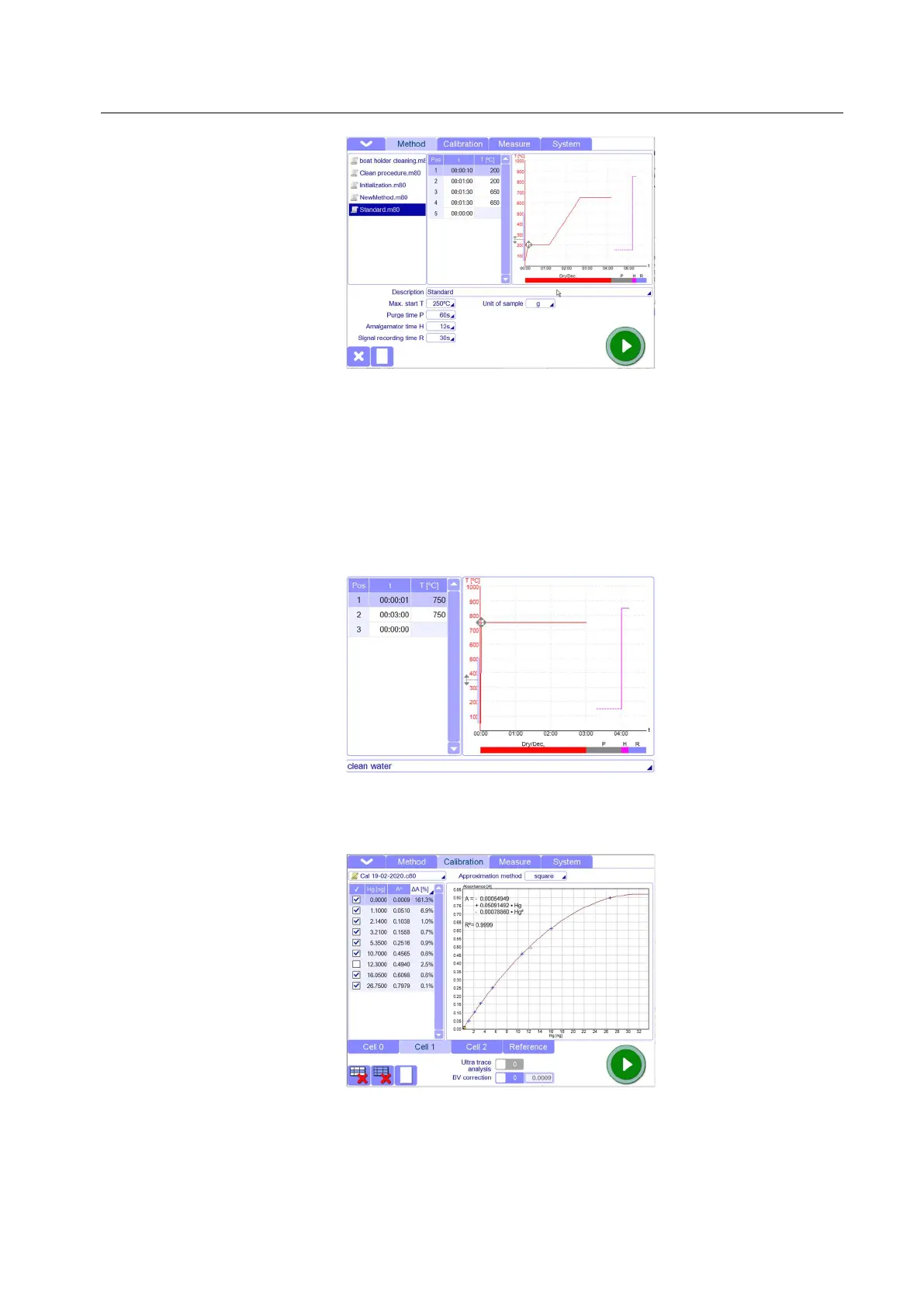
3.1. Go to method page and create/load the suitable cleaning method (See chapter: Tips and
Techniques). For cleaning of the instrument, the best way is using “Clean water” method”. It
consists to fill quartz boats with 0.3ml of distilled water.
3.2. Go to Calibration page and load the existing calibration curve: this is necessary to allow the
software to start with measurements. If no calibration curve is loaded, n measurements can start
3.3. Go to Measure Page and add new measurements line. You can create a new measurement file
or add lines to an existing file. (How to create a new measurement file will be better seen in the
next chapters).



 To Next Page