Milestone Srl MA213-003 – DMA-80 EVO – User Manual
71
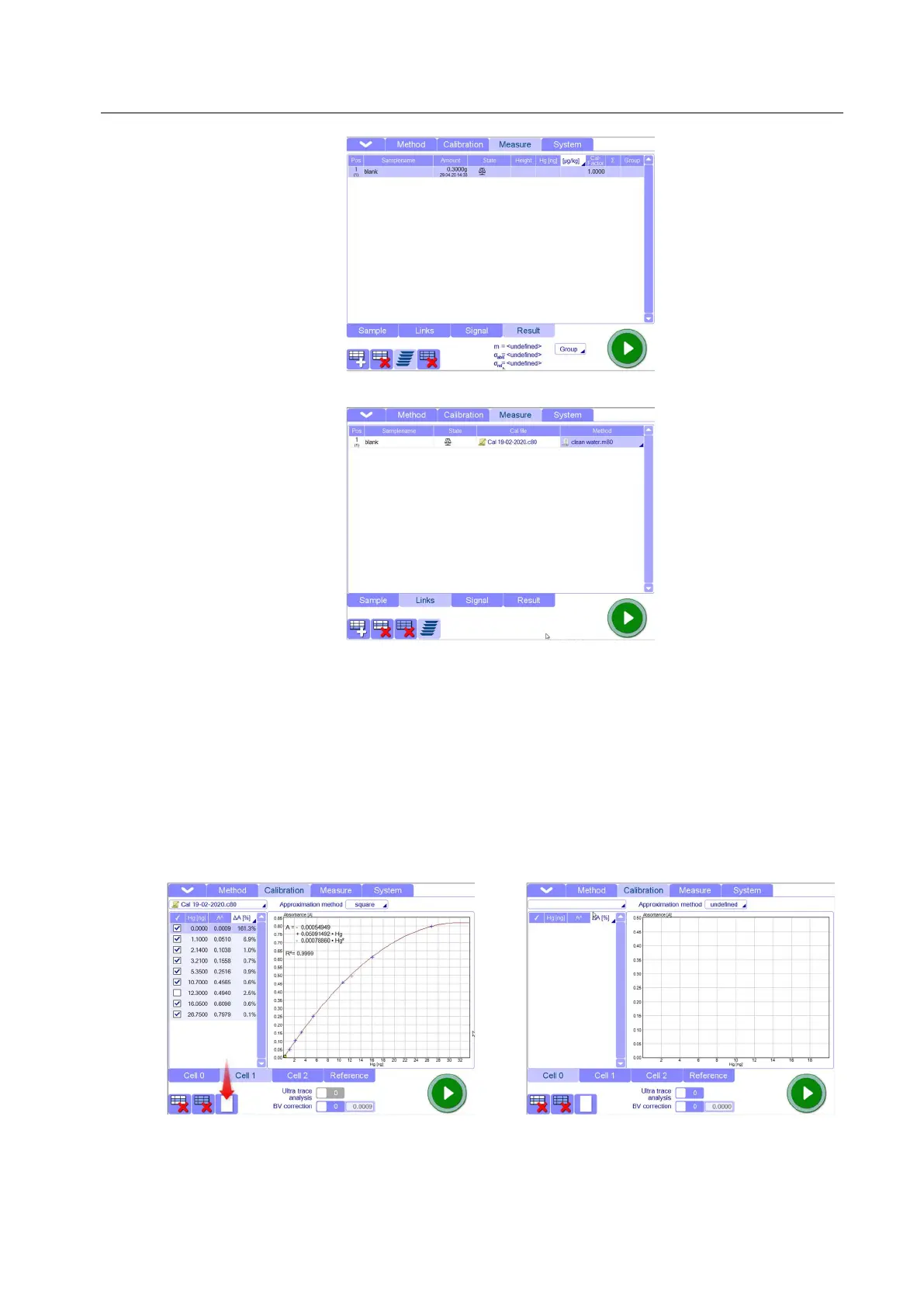
In the links Page you should have the method and calibration files previously selected
3.4. Take a cleaned quartz boat (it should have been cleaned before, following the cleaning methods
described in the Tips and Techniques chapter) and fill it with 0,3ml of distilled water. Save the file
and press START button.
3.5. In according with the final result (absorbance) and working range, you could need to run
additional blanks. You can also check the cleaning of the instrument without using boat and
water. This will give you an indication of the instrument blank but it will not clean the machine
thoroughly: in other words, the instrument blanks should be run after obtained a good results with
clean water method.
4. Go to Calibration page and create a blank sheet where the software will insert the calibration
points from Measure page.
5. Save the calibration: choose a name for the new calibration and save it in the destination you
prefer (Calibration folder is the default destination)



 To Next Page