Milestone Srl MA213-003 – DMA-80 EVO – User Manual
72
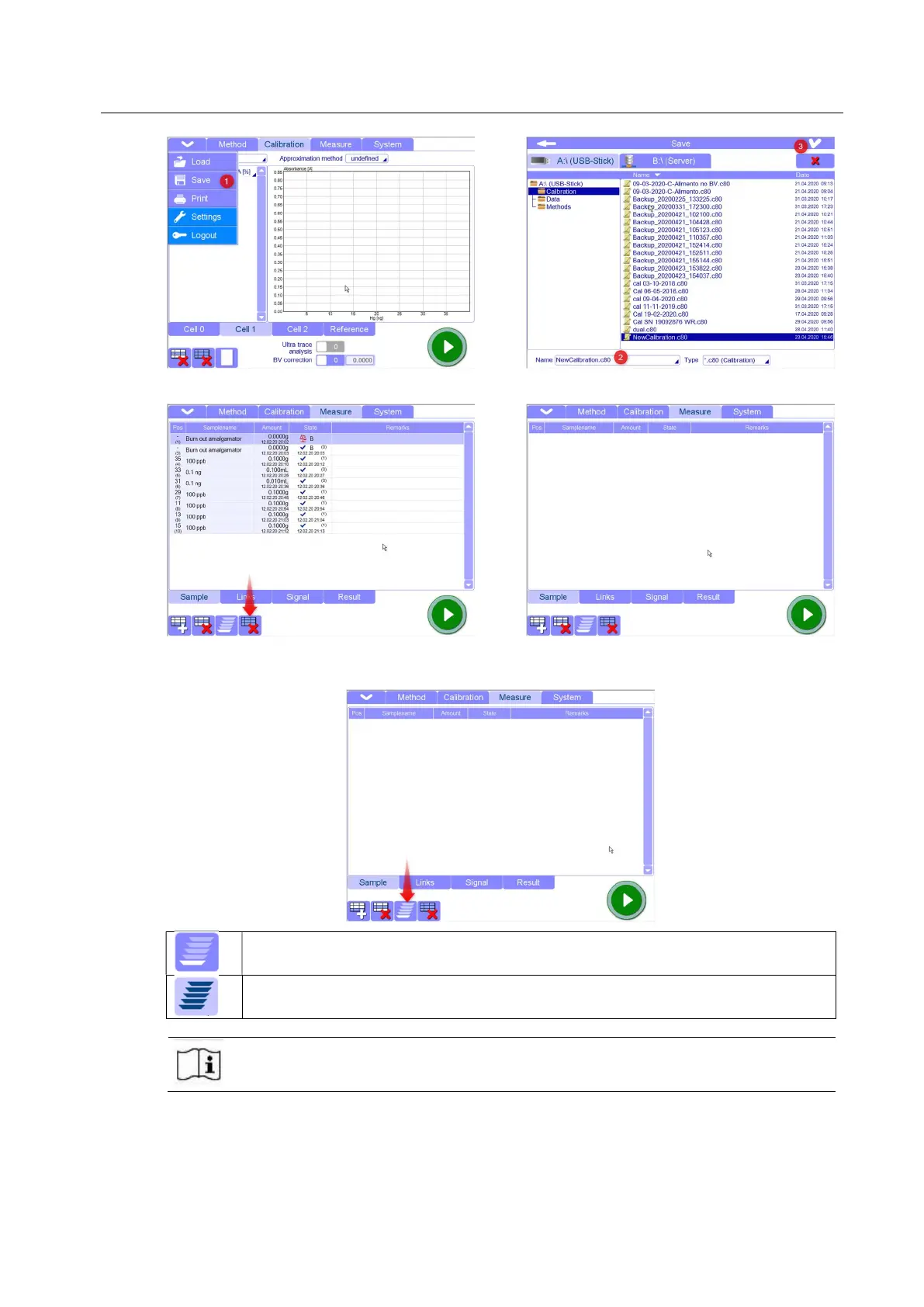
6. Go to Measure page and create a blank sheet
7. Before to insert the calibration points, choose if you want run them in Single mode or Automatic
mode.
Single mode: Each sample is measured individually. Each measurement has to be manually started
pressing START button. After measurement the rotating plate is turned to loading position of the next
Automatic mode: Samples are automatically measured in sequence one after the other. After
measurement the rotating plate turns to loading position of the next sample, and the next measurement
Milestone recommends to work in single mode during the calibration especially using
aqueous solutions to avoid the evaporation of the samples waiting for measurement.
The procedure below is made using Single mode.
8. Insert the first calibration point: The first calibration point has to be a real blank with the same
volume and matrix used for all the other points of the calibration. Perform at least two replicates
for this point in order to get the minimum and stable ABS value.



 To Next Page