Milestone Srl MA213-003 – DMA-80 EVO – User Manual
82
Samplename (available in all sub-sections): Field to enter the name of the
sample or the measurement line
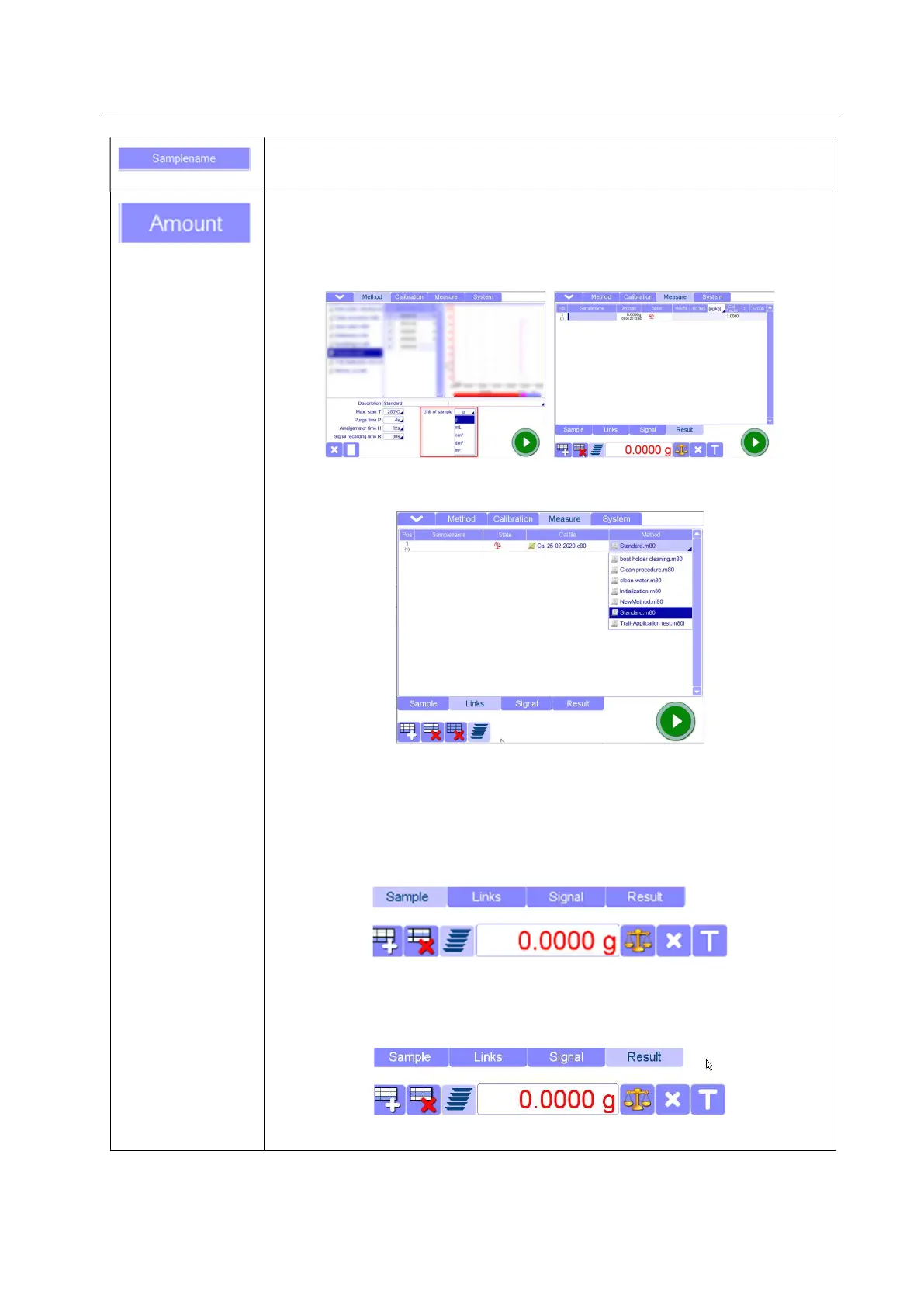
Amount (available in sub-section “Sample” and “Results”): Field to enter the
weight of sample. It must be always different than zero when you run normal
measurements otherwise the software does not allow to start.
The unit of amount is set on the basis of unit chosen in your analysis method.
You can not change the unit of amount from the Measure page but you can
create methods with different amounts and the select them form “Links” page
If balance is connected (to be configured in Settings page), whenever a record is
added, the balance screen will automatically open to allow entering the sample
weight. The symbol will slightly change, depending on the type of balance
connected.
- Standard balance
- Option GMU
Request to tare
Request to sample weighing



 To Next Page