Spectrum
®
/Spectrum OR
™
Service Manual 0070-10-0556-02 4 - 3
Calibration Procedure Diagnostics
4.4 Diagnostics
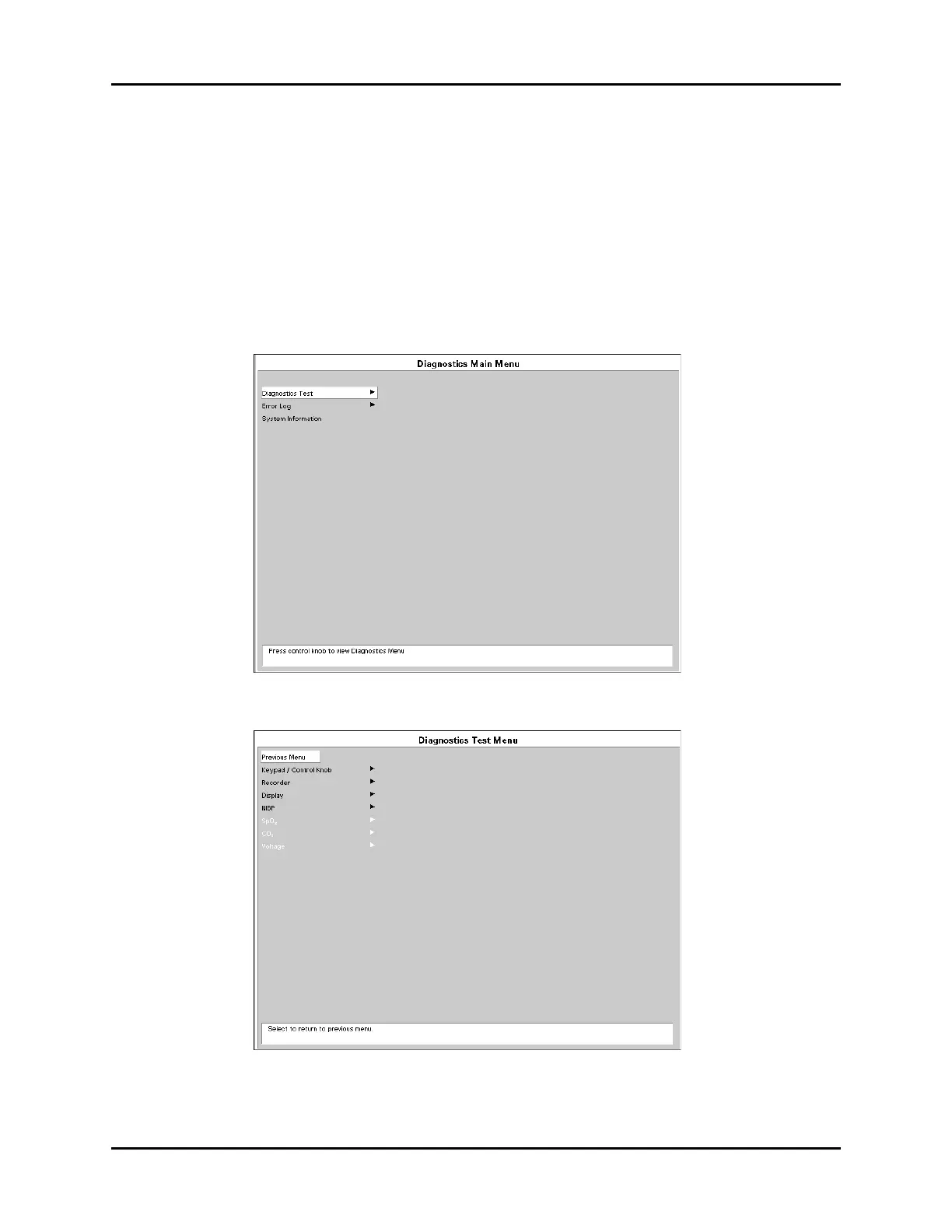
To enter the diagnostic mode:
1. Turn the power OFF.
2. Pressing and hold the FREEZE key (Spectrum
®
) or the SPIROMETRY key
(Spectrum OR
™
) while powering ON the monitor. The Diagnostics Main Menu
will appear on screen. Release the FREEZE key or the SPIROMETRY key.
3. Rotate the Navigator
™
Knob to move the cursor within the Diagnostics Main
Menu. Pressing the Navigator knob will select the desired test and open the second
test menu.
FIGURE 4-1 Diagnostics Main Menu
FIGURE 4-2 Diagnostics Test Menu












 To Next Page