Spectrum
®
/Spectrum OR
™
Service Manual 0070-10-0556-02 4 - 17
Calibration Procedure Microstream
®
CO
2
Calibration
4.5 Microstream
®
CO
2
Calibration
In order to provide accuracy verification of the Microstream CO2, calibration is required
every 4000 operating hours or once a year, whichever comes first. In addition, to achieve
the most accurate CO2 readings possible, it is advised that the first calibration be performed
after 1200 operating hours. The date of the last successful calibration appears on the CO
2
Calibration Menu.
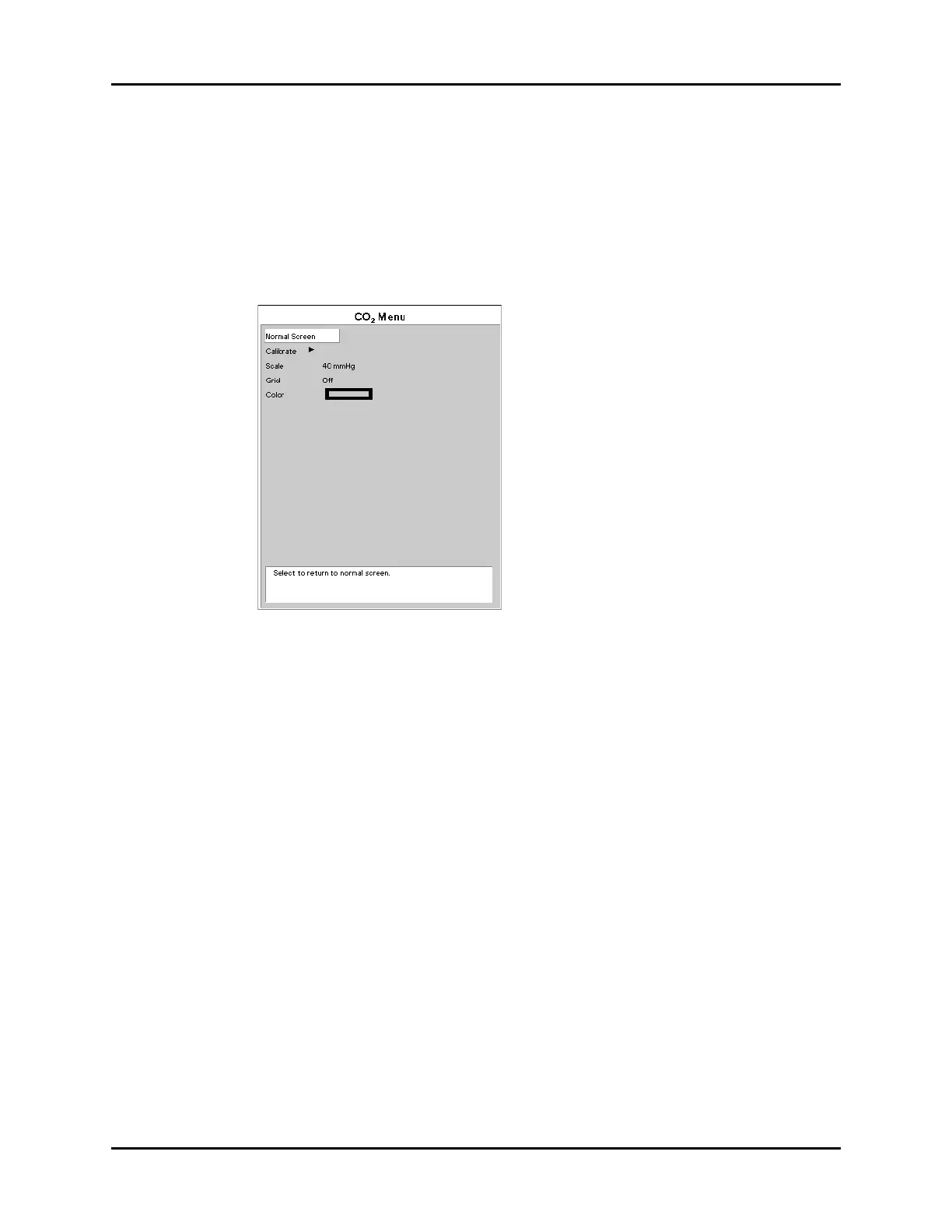
FIGURE 4-19 CO
2
Menu
NOTE: For maximum accuracy during calibration, a 20 minute
warm-up time is recommended.
1. Connect the tubing that comes with the calibration gas to the gas canister and to the
FilterLine
®
. Use calibration gas, (P/N 0075-00-0033-01) and a Microstream FilterLine.
Attach the gas / tubing assembly to the CO
2
input port on the Spectrum
®
/Spectrum
OR
™
.
2. Select the CO
2
Parameter Tile using the Navigator
™
Knob.
3. Select the CO
2
Menu. The same menu can be accessed by using the Parameters
Menu and selecting CO
2
.
4. Select Calibrate and press the button on the gas canister to begin releasing the gas
mixture.
NOTE: Auto zero occurs at the start of the CO
2
monitoring session
and periodically throughout the monitoring session. Auto
zero will last approximately 15 seconds.
5. Select Start from the Calibration Menu. Once the Start option has been selected,
no CO
2
waveform data will be displayed.
6. The message Calibrating, continue to apply 5% CO
2
will appear in the
Calibration Menu.












 To Next Page