Diagnostics Calibration Procedure
4 - 16 0070-10-0556-02 Spectrum
®
/Spectrum OR
™
Service Manual
4.4.7 Error Log
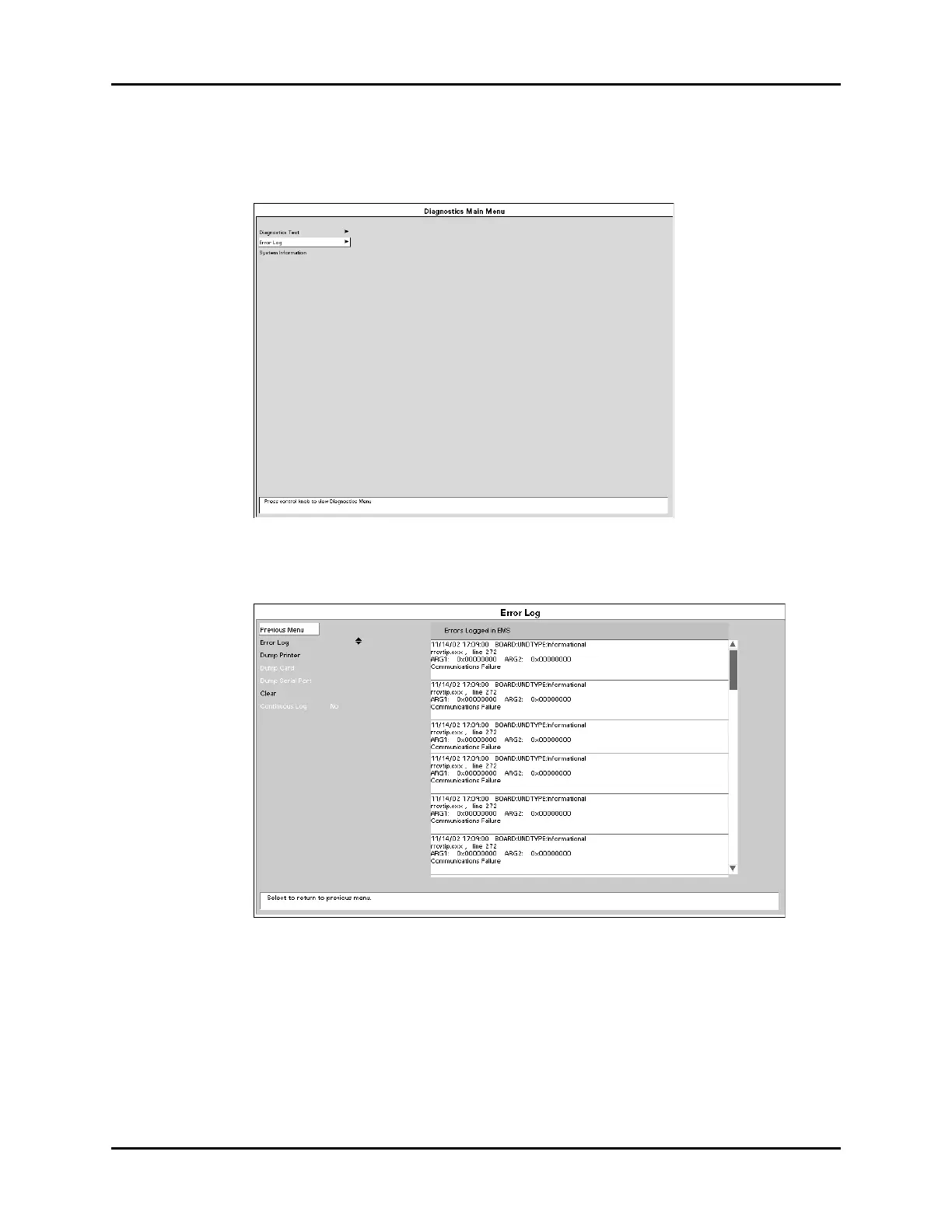
Refer to section 4.4 to enter the Diagnostic Main Menu.
FIGURE 4-17 Error Log
4.4.7.1 Error Log in Memory
FIGURE 4-18 Error Log in Memory
1. Select Error Log using the Navigator
™
knob.
2. Errors logged in the memory will appear on screen. A maximum of 30 entries will
appear with the most recent errors at the beginning of the log. Each error is time
stamped and dated.
3. Use the Navigator Knob to move the cursor within the list of errors.
4. To clear all data from the error log, use the Navigator knob to select Clear.












 To Next Page