Spectrum
®
/Spectrum OR
™
Service Manual 0070-10-0556-02 4 - 15
Calibration Procedure Diagnostics
4.4.6.7 Overpressure Test (Adult, Pediatric, Neonate)
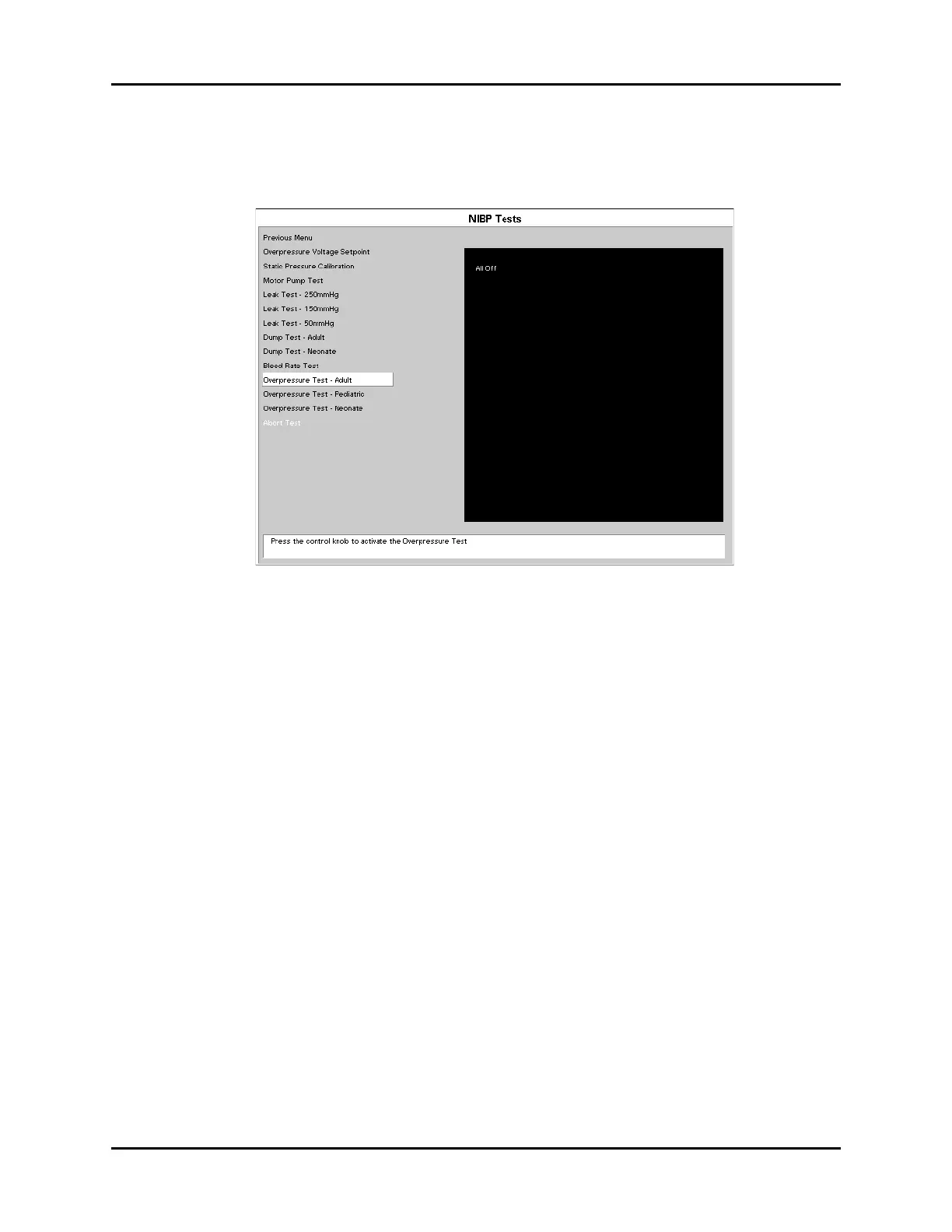
The purpose of this test is to verify the hardware overpressure sensor is functioning properly.
FIGURE 4-16 Overpressure Test
1. Connect the dummy cuff / test chamber to the side panel fitting.
2. Select Overpressure Test using the Navigator
™
knob to activate the test.
NOTE: For Spectrum only, due to safety conditions, the unit must be
reset after each Overpressure Test (with software G.10 or
lower.)
3. Press the print key to send the test result to the local printer.
Software Trip points
Specifications: Adult < or = 300 mmHg
Pediatric < or = 200 mmHg
Neonate < or = 150.0 mmHg
Hardware Trip points
Specifications: Adult < or = 330 mmHg
Pediatric < or = 220 mmHg
Neonate < or = 165 mmHg












 To Next Page