Spectrum
®
/Spectrum OR
™
Service Manual 0070-10-0556-02 4 - 21
Calibration Procedure Verification
4.6.2 ECG Tests
4.6.2.1 Initialization
1. Observe that the trace display sweeps across the waveform 1 screen in five (5) seconds.
There should be five (5) complete ECG cycles. The same display and timing should be
seen on the Waveform 2 screen.
2. Check the following sweep speeds for the appropriate displays:
12.5 mm/sec – 10 second sweep/window
4.6.2.2 Leads OFF
1. Disconnect one lead at a time RA, RL, LL, LA, and C (V) from the simulator and observe
that the message Lead OFF appears on the display
2. Set the ECG simulator to Short Leads. Verify that the resolution does not exceed one
pixel.
4.6.2.3 Pacer Detect
1. Set the Pacer Enhancement feature to ON in the ECG Setup Menu.
2. Set the ECG simulator to Ventricular Pacer.
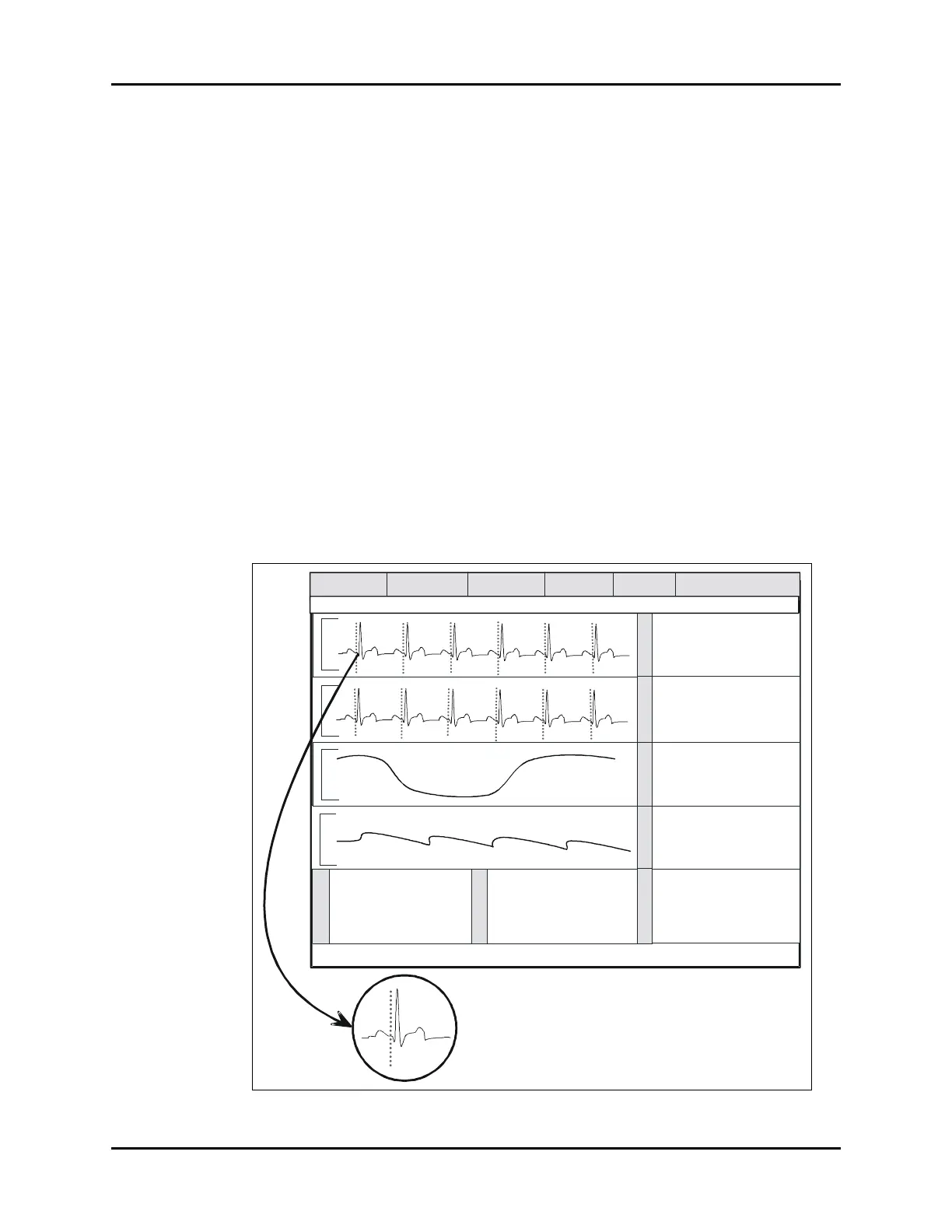
3. Verify the pacer pulse (yellow line) is displayed before the R wave of the QRS signal.
FIGURE 4-20 Pacer Setup Menu
T
E
M
P
P
1
Message Area A
Patient / ADT
Monitor Setup Printer Setup
Parameters
Functions
HR
80
Source - R
BPM
Lead
II
V2
V3
mm
+0.2
-0.1
-0.3
Insp Exp
1
/ 38
mmHg
RR (CO2) 14 bpm
Spo2
97
%
81
bpm
PR
120 / 80
Sys Dia
Mean (93)
Interval : Off ET: 13 min
T1
36.7
C
o
125 / 82
Mean (94)
Sys Dia
Doe, John
Adult
Message Area B












 To Next Page