2. Product presentation
MiR250 User Guide (en) 11/2020 - v.1.3 ©Copyright 2020: Mobile Industrial Robots A/S. 19
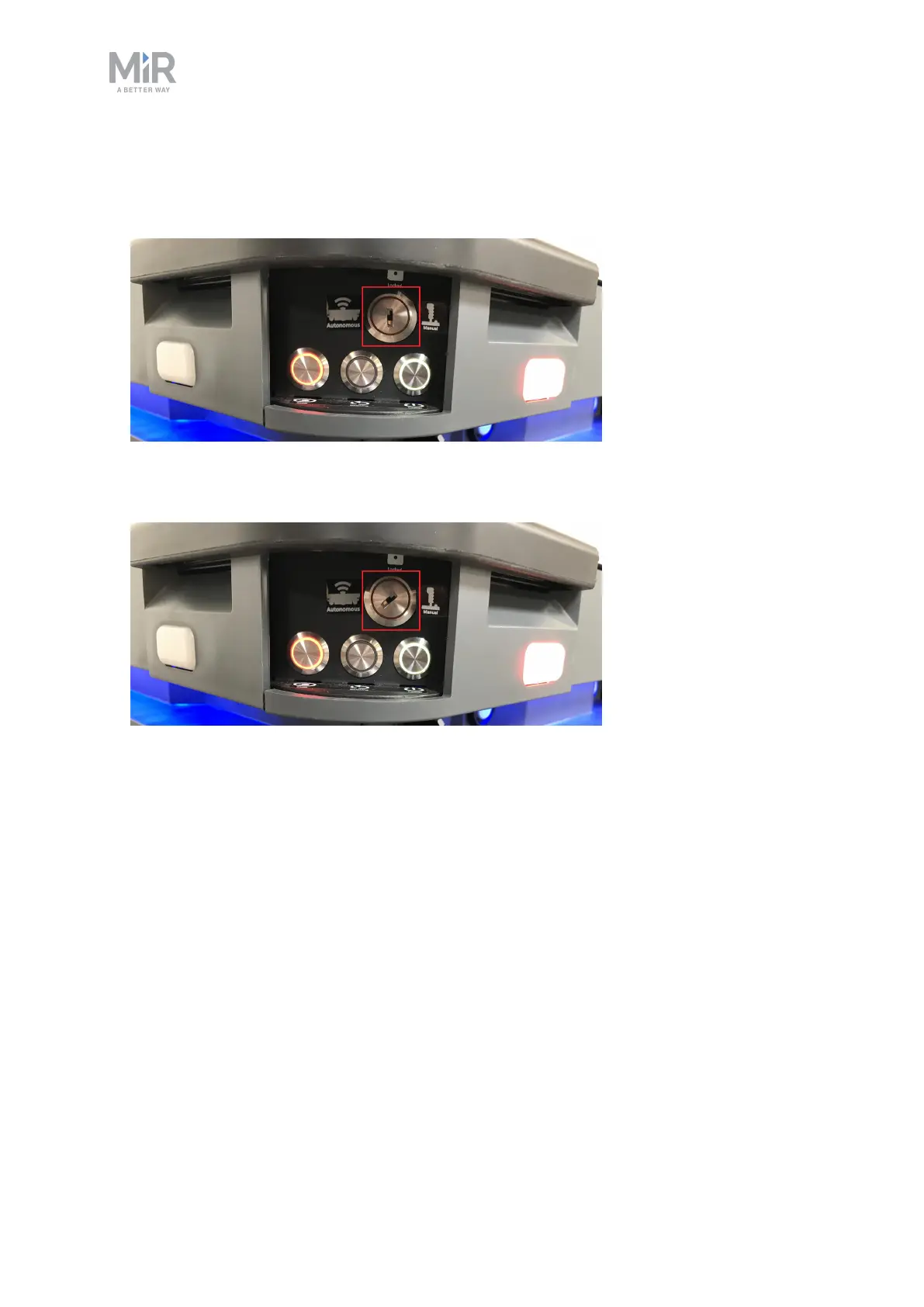
• Middle position: Locked
Locks the robot. The robot blocks the wheels; you cannot start a mission or drive the robot
manually.
• Right position: Manual mode
Puts the robot in Manual mode.
For more information on operating modes, see Operating modes on the next page.
Manual brake release switch
The Manual brake release switch is located below the control panel and releases the
mechanical brakes on MiR250. You release the robot's mechanical brakes by turning the
Manual brake release switch clockwise.



 To Next Page