7. Battery and charging
MiR250 User Guide (en) 11/2020 - v.1.3 ©Copyright 2020: Mobile Industrial Robots A/S. 66
The battery percentage displayed in the robot interface is based on when the
robot will shut down due to low voltage. When the interface displays 0%
battery percentage, the actual state of charge is around 5%
Deep sleep
When the battery is completely depleted, the battery enters Deep sleep mode. It can be
stored for six weeks in this state before the battery shuts down completely, and the battery
cells may begin to take damage.
When you connect the battery to a charger, it should be brought out of Deep sleep mode,
but if not, apply the same method as when it goes into Power save mode.
7.4 Battery disposal
Return unserviceable batteries to relevant facilities in accordance with local statutory
regulations.
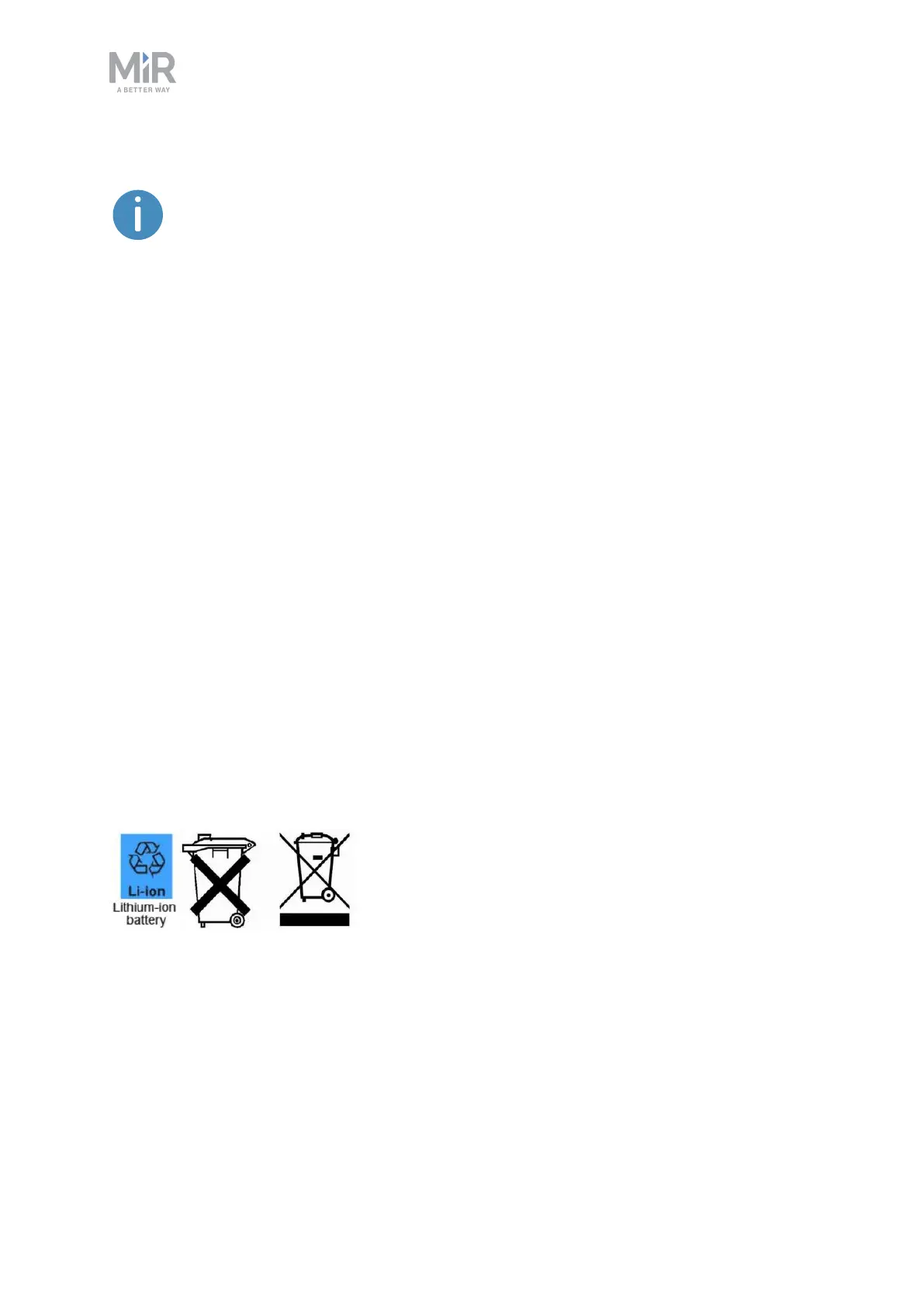
A crossed-out wheeled bin indicates that the product needs to be disposed separately and
not as municipal waste—see Figure 7.1.
You are legally obliged to return used batteries and rechargeable batteries. Disposing used
batteries in the household waste is prohibited. Batteries containing hazardous substances are
marked with the crossed-out wheeled bin. The symbol indicates that it is forbidden to
dispose the product via the domestic refuse. The chemical symbols for the respective
hazardous substances are Cd= Cadmium, Hg = Mercury, Pb = Lead.
Figure 7.1. Battery disposal symbols.



 To Next Page