5. Accessing the internal parts
MiR250 User Guide (en) 11/2020 - v.1.3 ©Copyright 2020: Mobile Industrial Robots A/S. 42
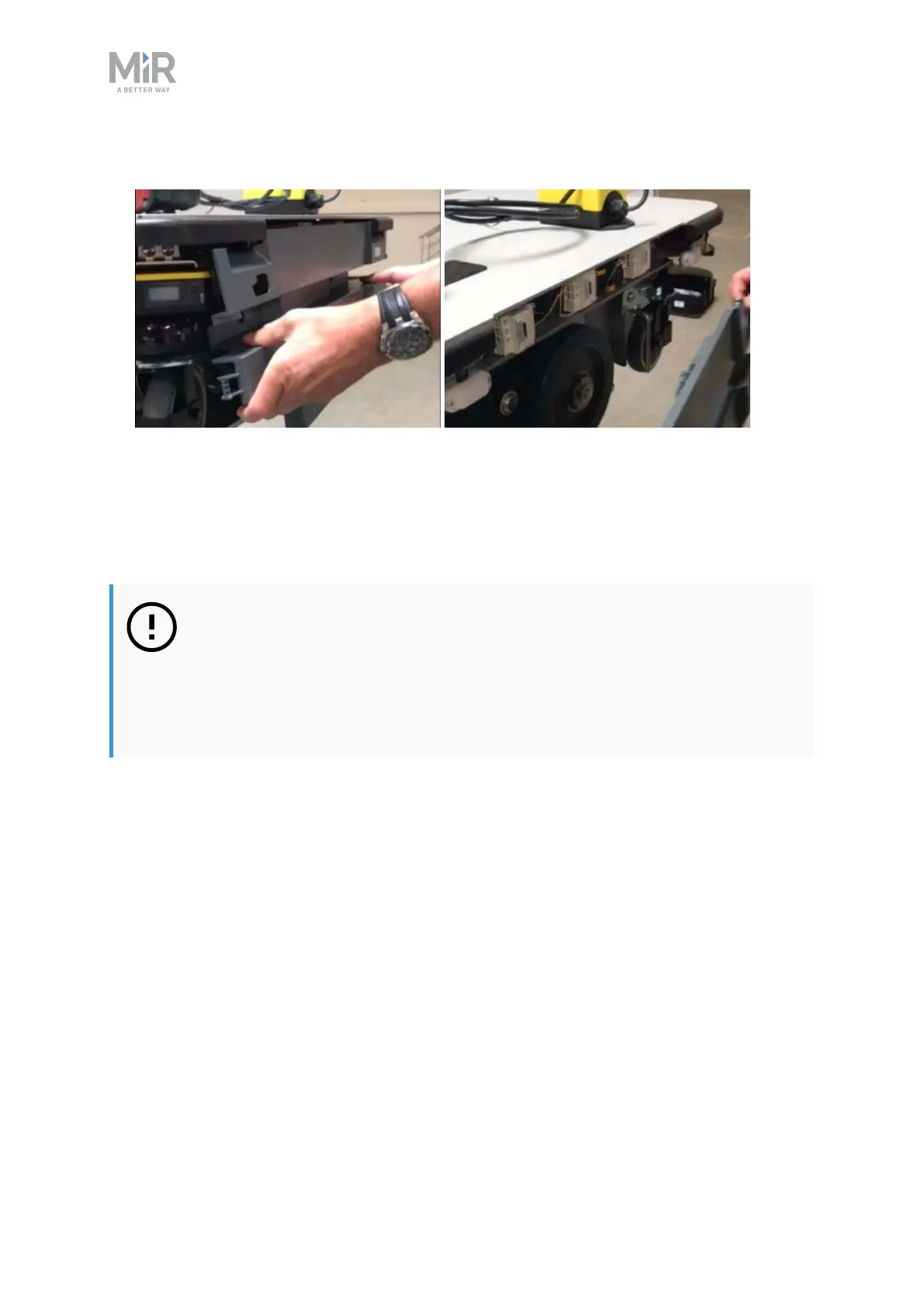
2. Pull the cover off.
5.4 Top compartments
To open a top compartment, unscrew the four screws with a T8 Torx screwdriver, and lift off
the black plastic top cover.
NOTICE
With the antenna cables mounted, the plastic top covers can be lifted 50 mm.
If you need to remove a cover completely, the antenna cable needs to be
detached from the cover first. When reattaching the covers, make sure that
the antenna cables are not damaged.



 To Next Page