5. Accessing the internal parts
MiR250 User Guide (en) 11/2020 - v.1.3 ©Copyright 2020: Mobile Industrial Robots A/S. 40
5.2 Rear compartment
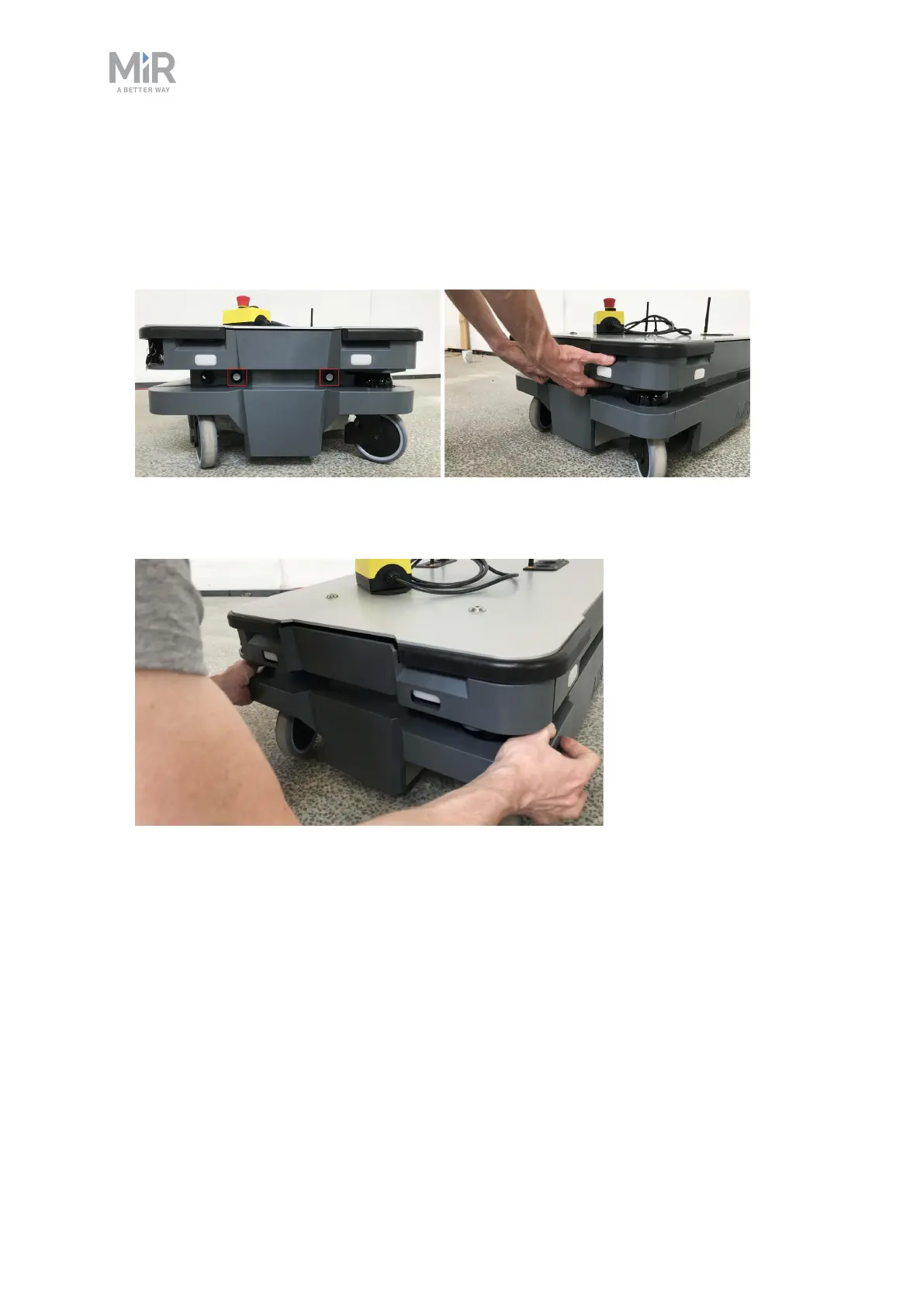
To open the rear compartment, follow these steps:
1. Push the two white buttons at the same time.
2. Loosen the cover by first loosening the bottom corners one at the time, then the two top
corners. Pull down and then out on each top corner.



 To Next Page