6. Getting started
MiR250 User Guide (en) 11/2020 - v.1.3 ©Copyright 2020: Mobile Industrial Robots A/S. 57
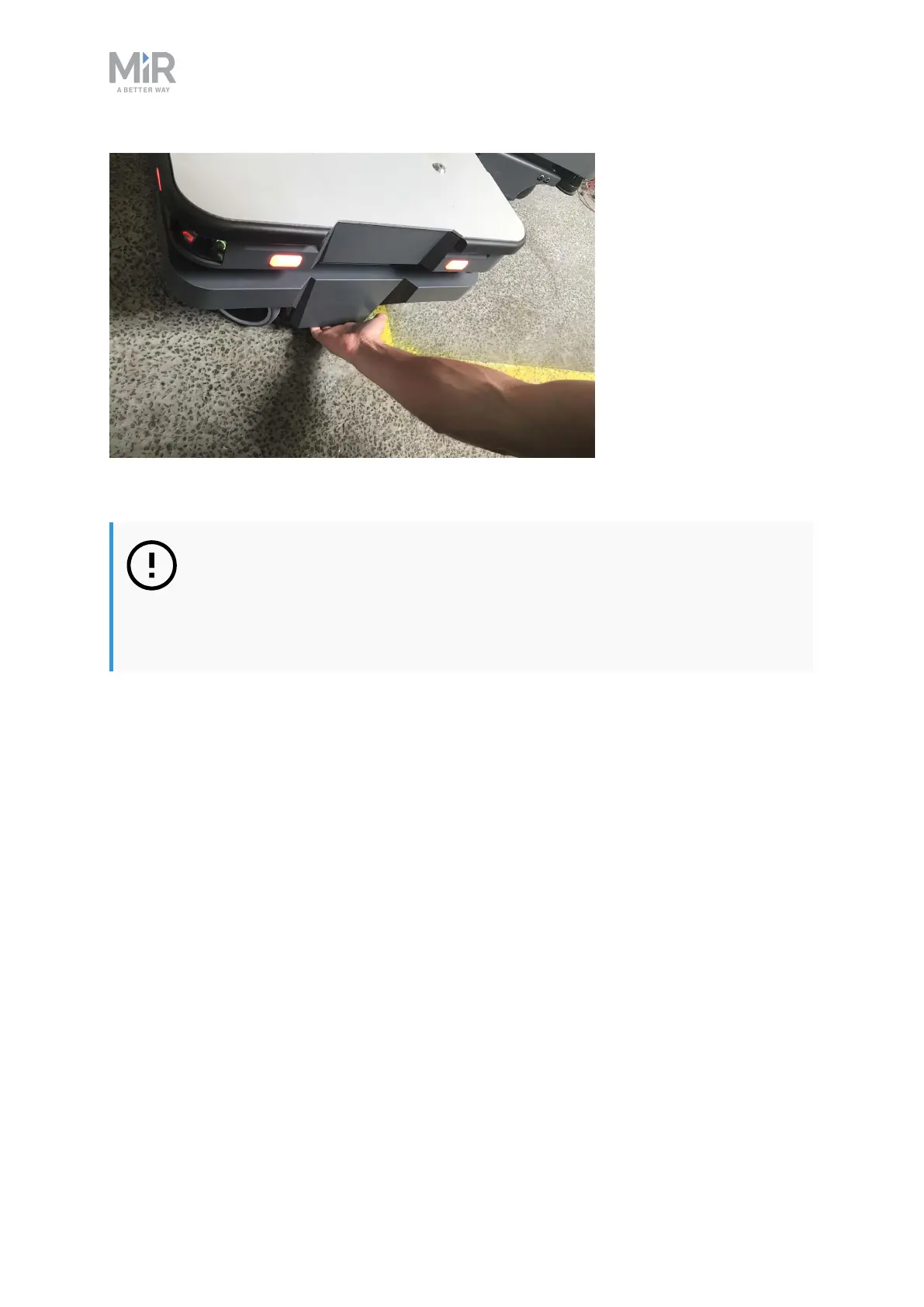
Figure 6.4. When pulling the robot, use either the front pull handle or the rear pull handle.
NOTICE
When handling the robot, do not push or pull the robot sideways, and do not
use the covers for pushing or pulling. Only use the designated pull handles or
the top plate.
6.8 Checking the hardware status
To check that all hardware components work as intended, follow these steps:
1. Sign in to the robot interface—see Connecting to the robot interface on page52.
2. Go to Monitoring > Hardware health.



 To Next Page