6. Getting started
MiR250 User Guide (en) 11/2020 - v.1.3 ©Copyright 2020: Mobile Industrial Robots A/S. 56
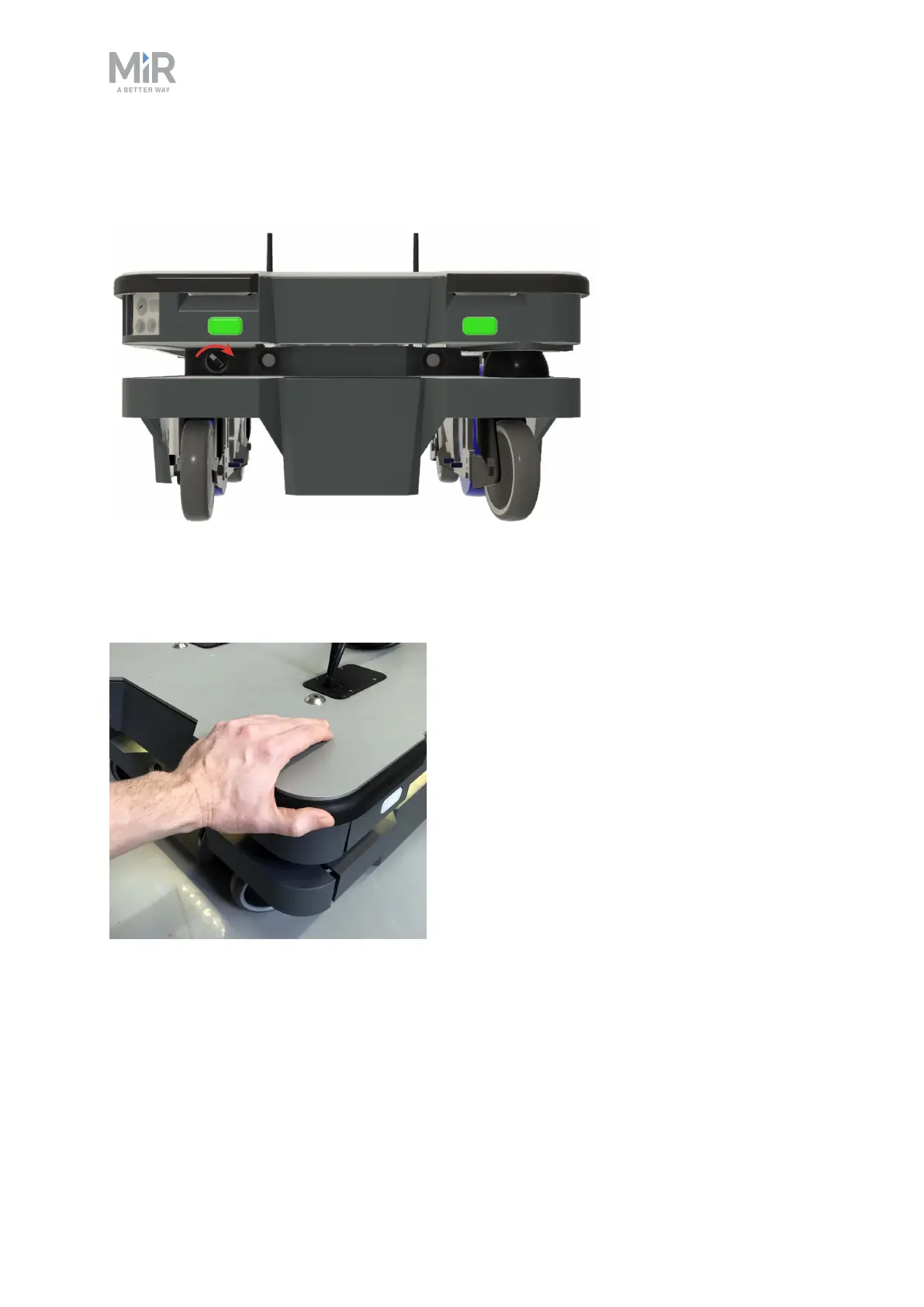
Release the brakes by turning the Manual brake release switch located below the control
panel clockwise.
Figure 6.2. The Manual brake release switch is located below the control panel.
To move the robot by hand, either push or pull it.
Figure 6.3. When pushing the robot, only push on the top plate.



 To Next Page