7. Battery and charging
MiR250 User Guide (en) 11/2020 - v.1.3 ©Copyright 2020: Mobile Industrial Robots A/S. 65
NOTICE
If you store the battery for a longer period of time when it is almost depleted,
you may not be able to get it running again. Contact your distributor if this
occurs.
To preserve the battery, disconnect the battery from the robot before storing the robot.
Power save mode
If the battery is not used for a period of time, it enters Power save mode. When the battery
is in Power save mode, it will not power the robot until the battery is activated again.
To activate the battery after it has been in Power save mode, disconnect it from the robot
for 30 seconds, reconnect it to the robot, wait 30 seconds, and then turn on the robot. If the
robot cannot turn on, contact your distributor.
The amount of time it takes for the battery to enter Power save mode depends on the state
of charge of the battery. The best state to store the battery at is when it is 80% charged.
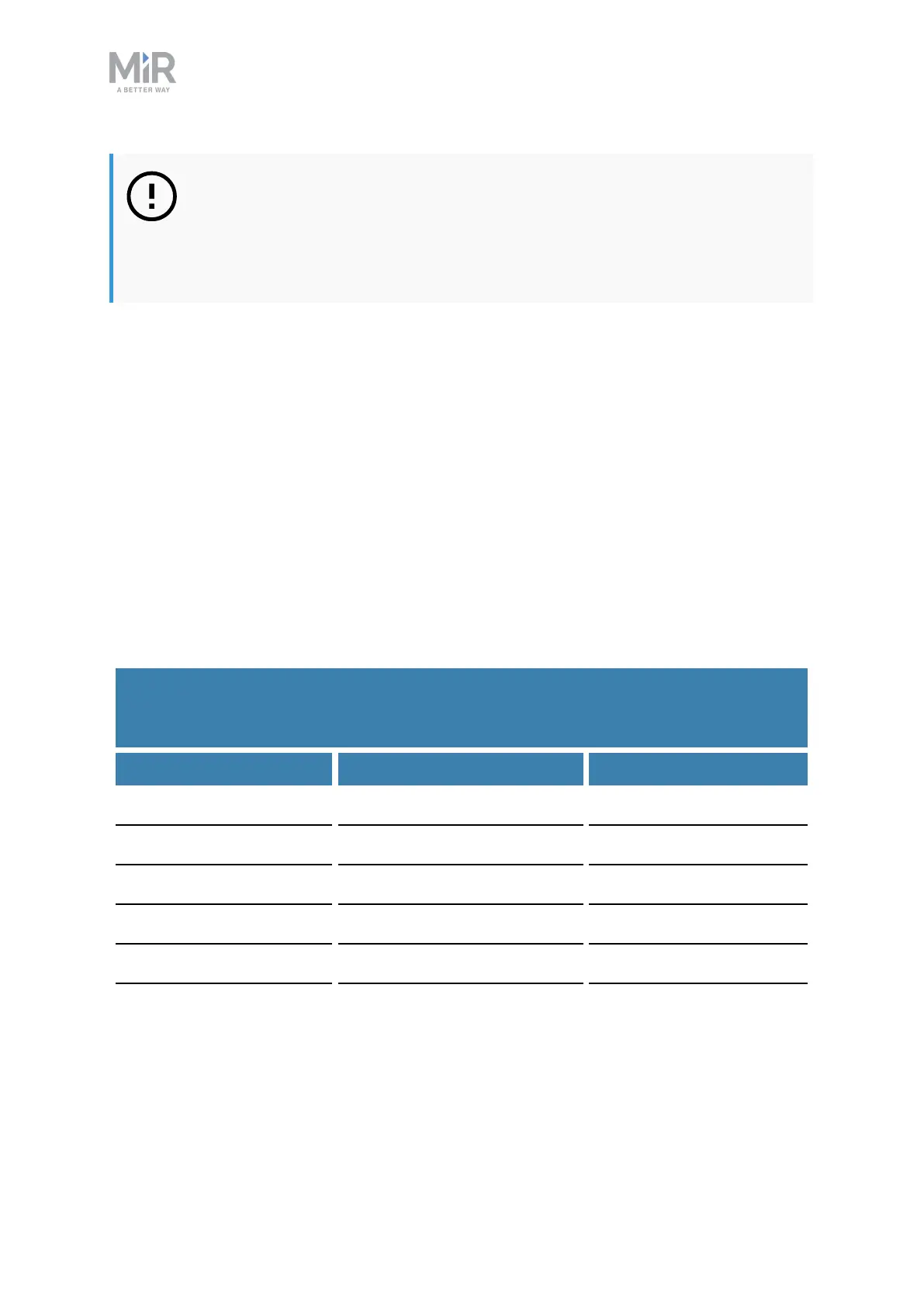
Table 7.1 provides best practice values for storage time and the time it takes for the battery
to enter Power save mode depending on the battery percentage.
Battery state of charge Power save mode timeout Maximum storage time
100% 1 week 18 months
75% 1 week 15 months
50% 1 week 12 months
25% 1 week 6 months
5% 4 hours 2 months
0% 4 hours 1 month
Table 7.1.
Time taken for the battery to enter Power save mode and maximum storage time at
various battery percentages



 To Next Page