Description of the unit
25Operating instructions
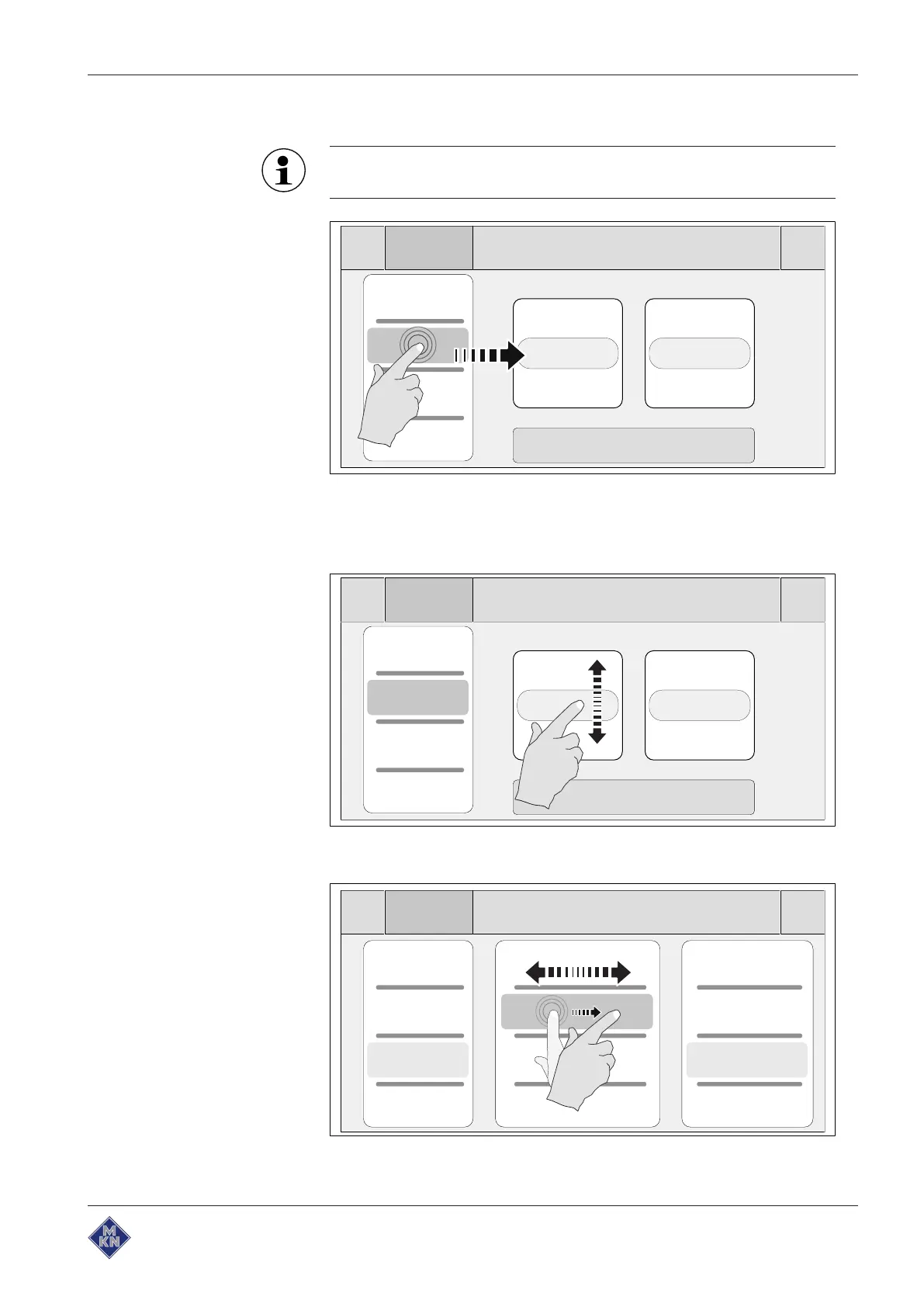
3.4.1 Touchscreen operation
The touchscreen can be operated with latex gloves.
Tapping
Tapping selects or activates display elements, such as for example
buttons, fields or tabs. They are displayed on the right beside the
currently visible roller.
Scrolling
The rollers can be scrolled up or down to display more content.
Wiping
10013865-0ABBE-B



 To Next Page