Description of the unit
26 Operating instructions
By using a wiping gesture, you can reach fields that are to the right
and left of the current display.
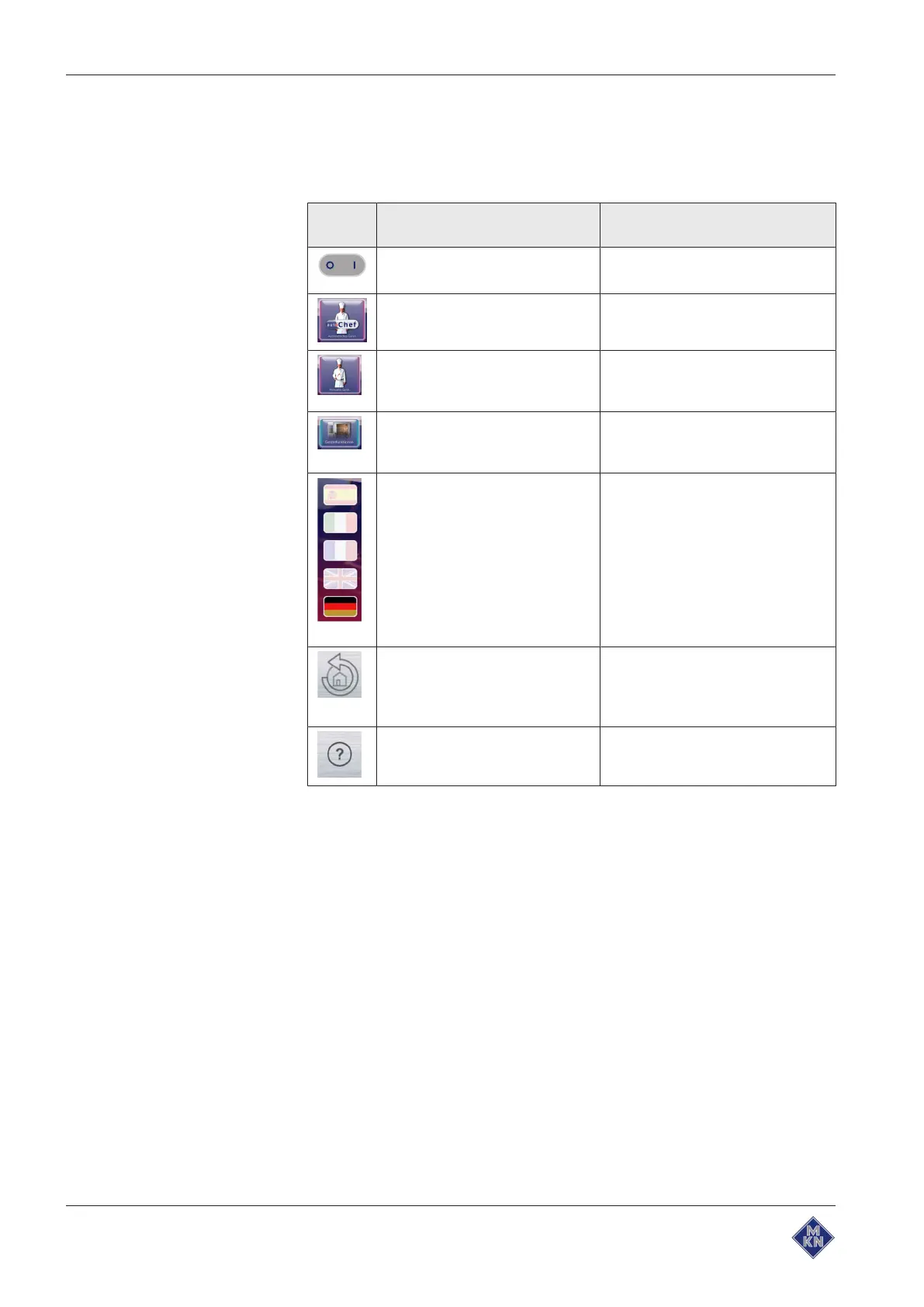
3.4.2 Operating, control and display element functions
Symbo
l
Operating and display element Function
On Off "I O"
button • Switch unit on "I"
• "O" switches off the unit
"Automatic cooking" button • Opens the
Automatic cooking
menu for selection of programs
"Manual cooking" button • Opens the
Manual cooking
menu for selection of the cook-
ing modes
"Equipment functions" button • Opens the
Equipment function
menu for selection of cleaning
and settings
Language selection
button • Indicates that the operating lan-
guage for the unit can be selec-
ted here by tapping a country's
flag
Selection and the number of
selectable languages can be
specified in the
Equipment
functions
menu in the "Languages"
settings field.
Back
button • Tapping once returns the user to
the previous menu
• Tapping twice returns the user
directly to the main menu
Help
button • Displays the help texts for the
active menu or window.
10013865-0ABBE-B



 To Next Page