Operating the unit
59Operating instructions
5.9 Creating and managing your own cooking programs
Cooking modes and other functions are available in the
Manual
cooking
menu. Using these components, users can create their own
programs.
ATTENTION
Risk of physical damage from data loss
Regularly save your own cooking programs on an external
memory medium, for example a USB flash drive.
5.9.1 Creating a cooking program
Creating a cooking program step
Requirement
Manual cooking
menu open
1. Tap the field for the desired cooking mode.
The first step of the cooking program is created.
The display for the cooking program step shows "Step 1 of 1".
2. Modify the desired settings for the first step.
The first step of the cooking program has been created.
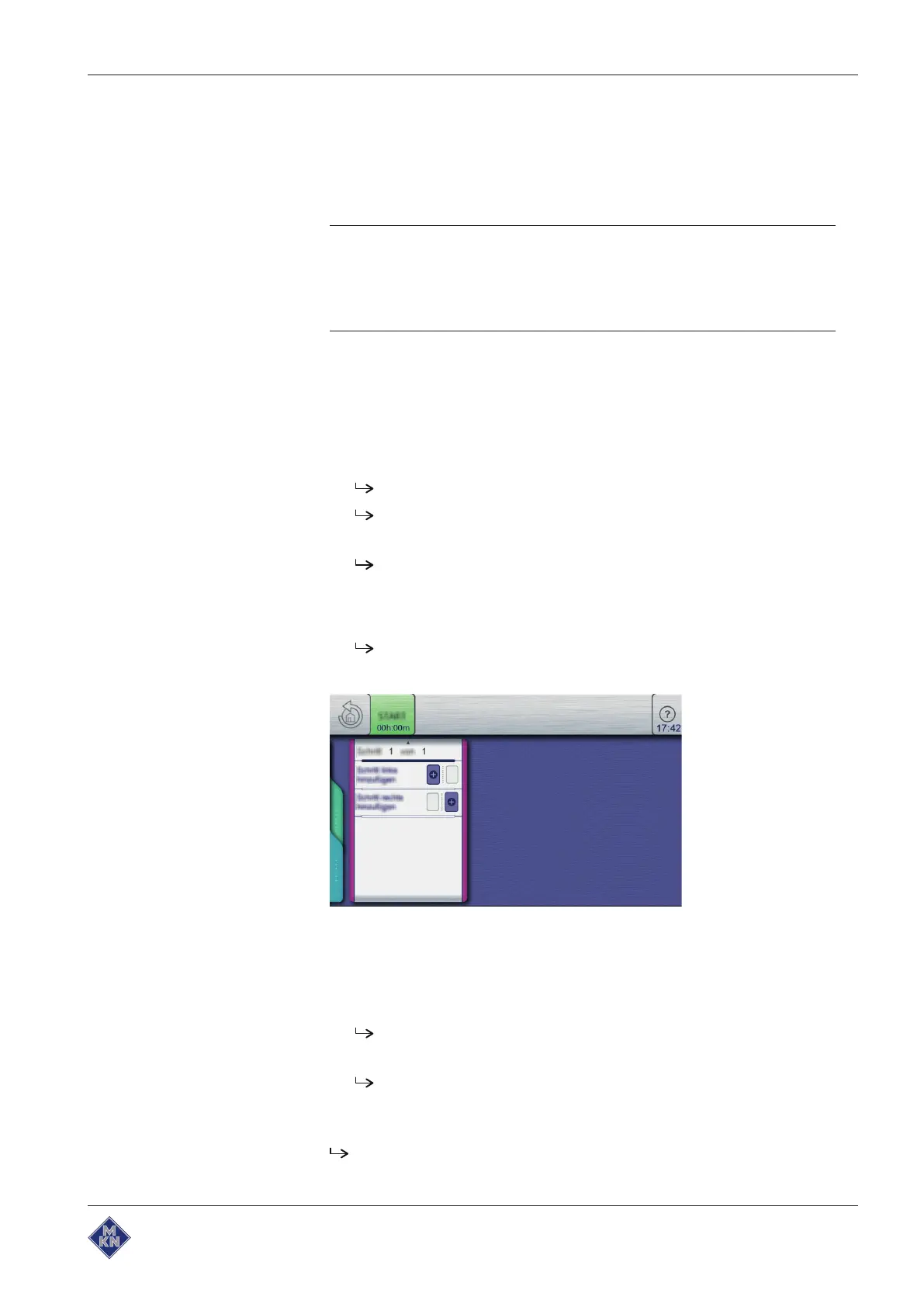
Adding cooking program steps
3. A wiping gesture upward opens the next page.
The next page is displayed.
4. Tap the field for "Add step on the left".
or
5. the field for "Add step on the right".
The "New step" window opens.
6. Select the cooking mode or function in the window by tapping it.
The display of the cooking program step in the window shows
the current position of the new step in the cooking program.
7. Modify the settings for the step.
The new step is added.
10013865-0ABBE-B



 To Next Page