Operating the unit
43Operating instructions
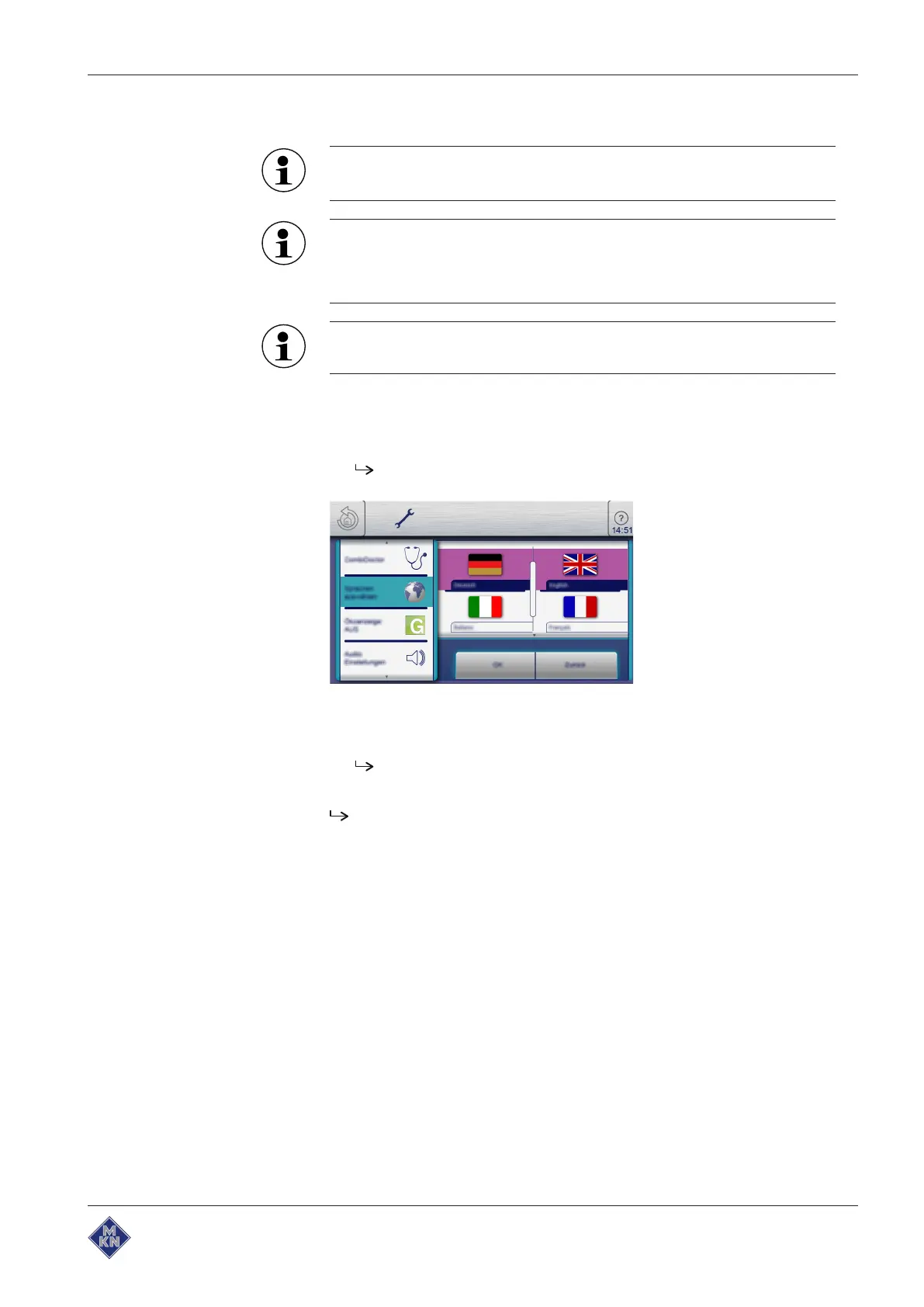
5.5.5 Presetting the language selection
A maximum of 5 languages can be specified for language
selection in the main menu.
Highlighted fields represent the specified languages.
Fields that are not highlighted are languages that have not been
specified.
The currently set language cannot be deselected.
Requirement The
Settings
menu is displayed
1. Tap the "Select language" field.
The
Languages
menu is displayed.
2. Select or deselect the language by tapping the fields with the
country's flag.
The selected languages are displayed.
3. Tap the "OK" button.
Languages have been preset for language selection and are
available in the main menu.
10013865-0ABBE-B



 To Next Page