Operating the unit
71Operating instructions
5.11 VideoAssist
5.11.1 Watching a video
Requirement Videos saved on the unit.
1. Open the
Equipment function
menu.
2. Open the
Display videos
menu.
3. Select the video by tapping it.
4. Tap the
Confirm
button.
The video is played.
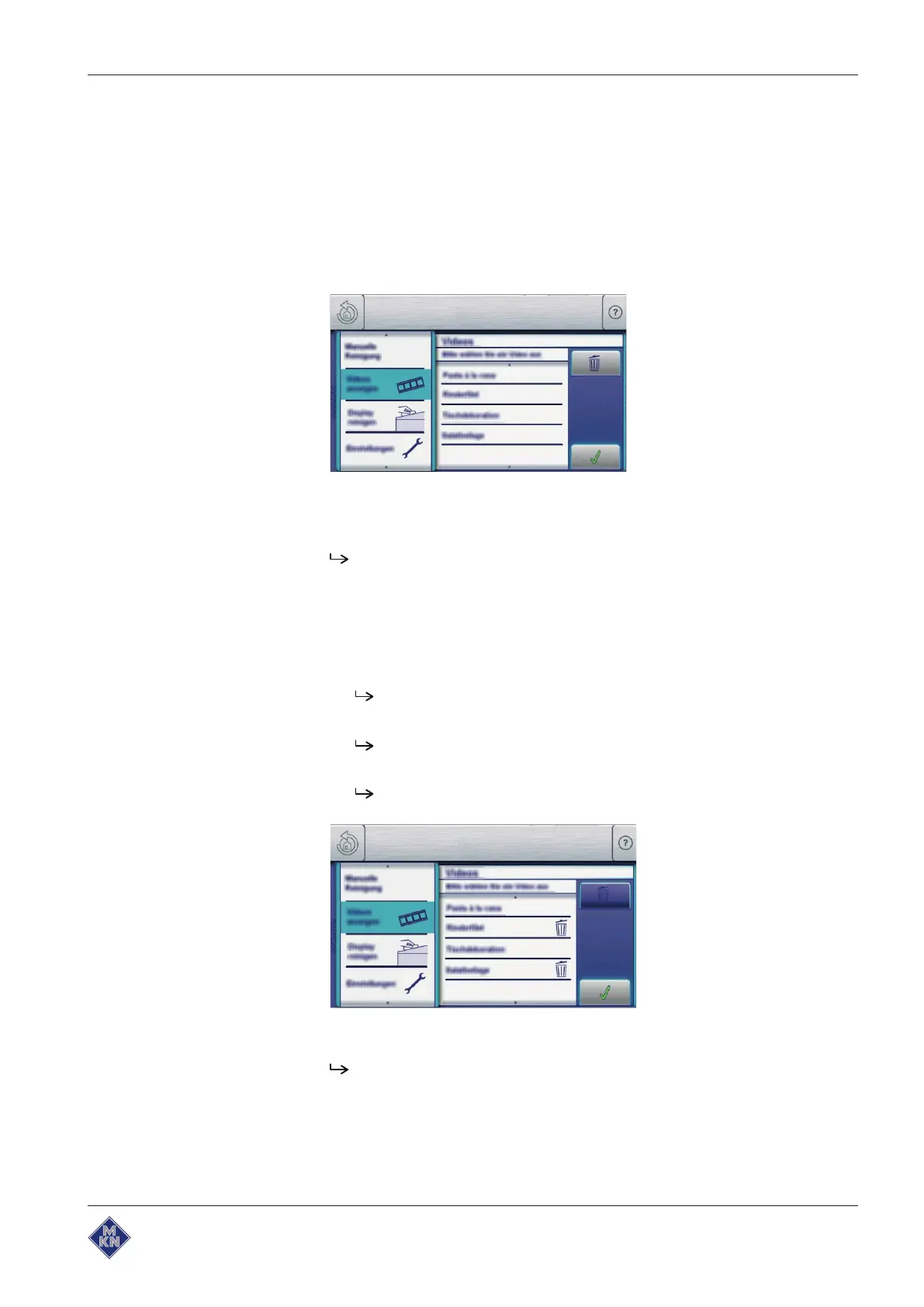
5.11.2 Deleting a video
Requirement The
Display videos
menu is open.
1. Tap the
Delete
field.
The
Delete
field becomes dark.
2. Tap the videos to be deleted.
The
Delete
symbol appears behind the designation of the
video.
If you tap again on the video, the selection deletes this video.
3. Touch the
Confirmation
field.
The marked videos are deleted.
10013865-0ABBE-B



 To Next Page