Operating the unit
70 Operating instructions
Importing cooking programs
When being imported, new cooking programs are added to the
cookbook.
Existing cooking programs can be overwritten or the file names
of the imported cooking programs can have a supplement
added.
Requirement USB flash drive inserted
Automatic cooking menu open.
1. Tap the "autoChef" button in the information bar.
The
autoChef
window opens.
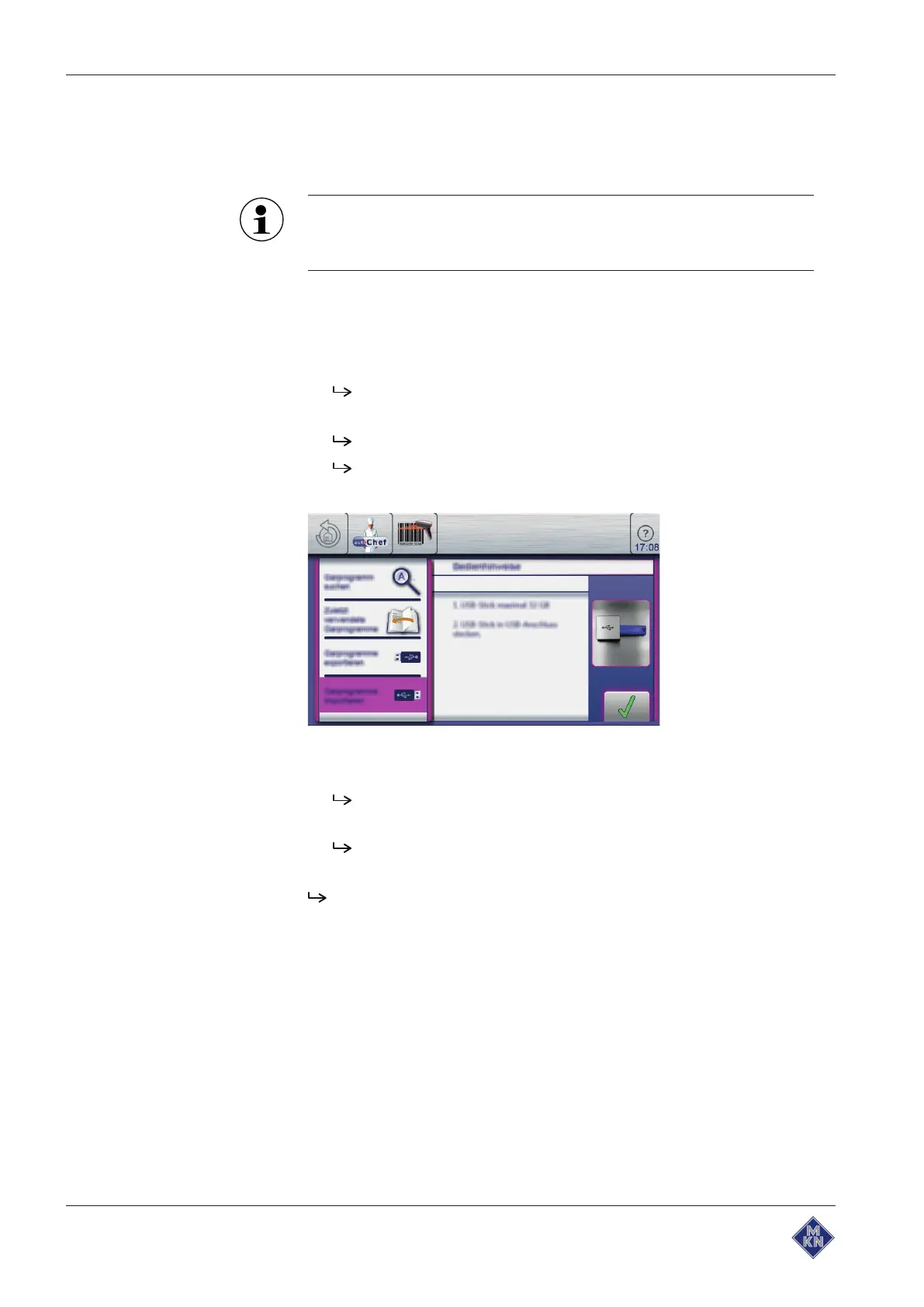
2. Tap the "Import cooking programs" field.
The
Operating instructions
window opens.
Read the displayed operating instructions.
3. Tap the
Confirm
button.
All cooking programs on the USB flash drive are imported to
the cookbook.
The
Operating instructions
window is displayed.
4. Tap the "OK" button.
The cooking programs are imported.
10013865-0ABBE-B



 To Next Page