Operating the unit
68 Operating instructions
5.10.6 Deleting a cooking program
Requirement Cooking program open
Cooking program not started
1. Tap the
Green
tab.
2. The
Tab
window opens.
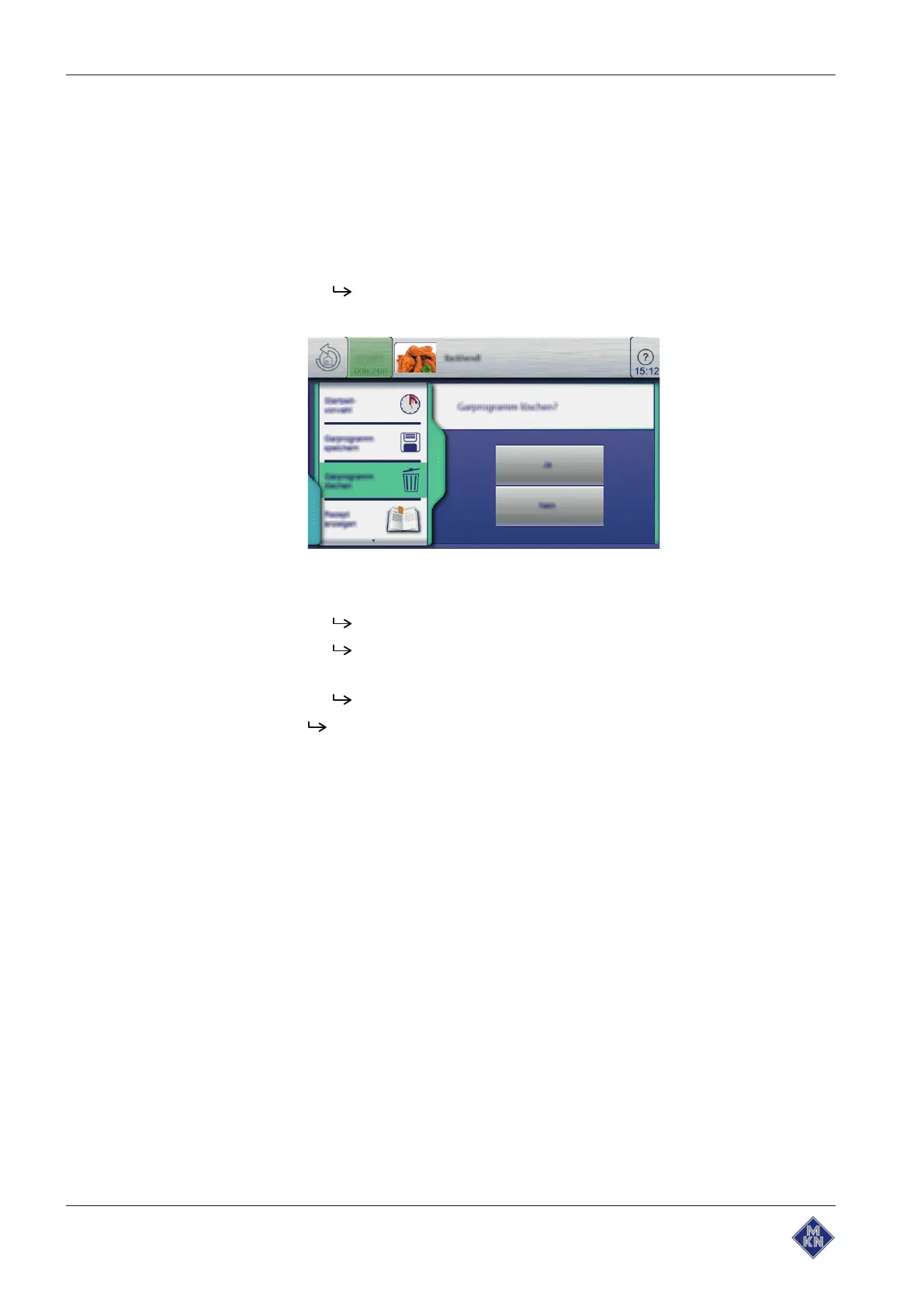
3. Tap the "Delete cooking program" field.
The
Delete
window is displayed.
4. Tap the "Yes" button.
The cooking program is being deleted.
The
Confirm
window is displayed.
5. Tap the
Confirm
button.
The
Green
tab closes.
The cooking program is deleted.
10013865-0ABBE-B



 To Next Page