Operating the unit
56 Operating instructions
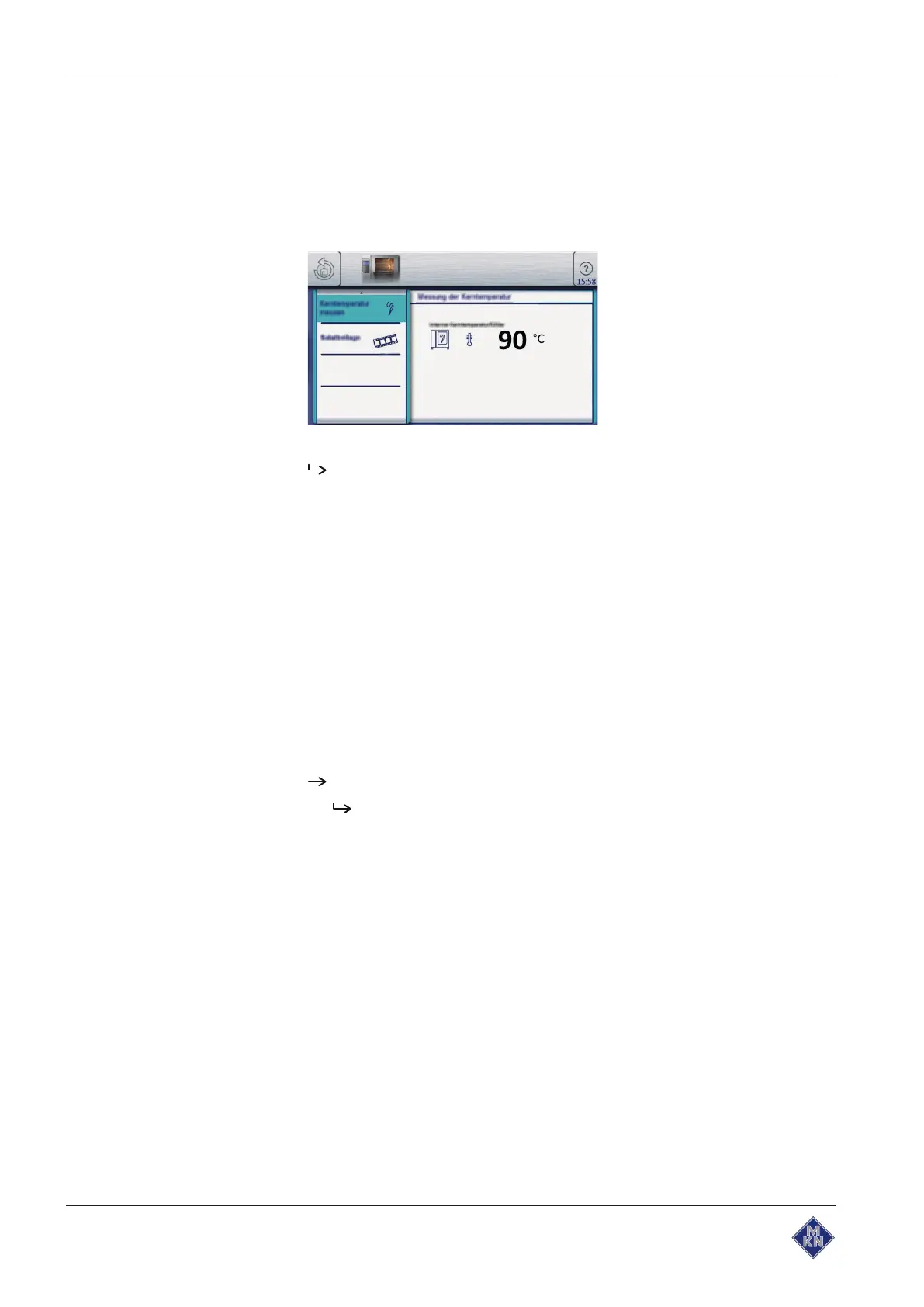
5.7.5 Core temperature display outside the cooking process
Requirement Core temperature sensor in the food being cooked
1. Open the
Equipment function
menu.
2. Tap the "Measure core temperature" button on the second page.
The core temperature is displayed.
5.8 Manual cooking
Cooking modes and other functions are available in the Manual
cooking mode. Selecting one of these components automatically
creates a single-step cooking program.
Settings such as Cooking mode, Cooking temperature and Cooking
time are specified, and the cooking step is either started or saved.
5.8.1 Opening the Manual cooking menu
Requirement The unit is on
The main menu is displayed
Tap the "Manual cooking" button.
The
Manual cooking
menu is displayed.
10013865-0ABBE-B



 To Next Page