Operating the unit
45Operating instructions
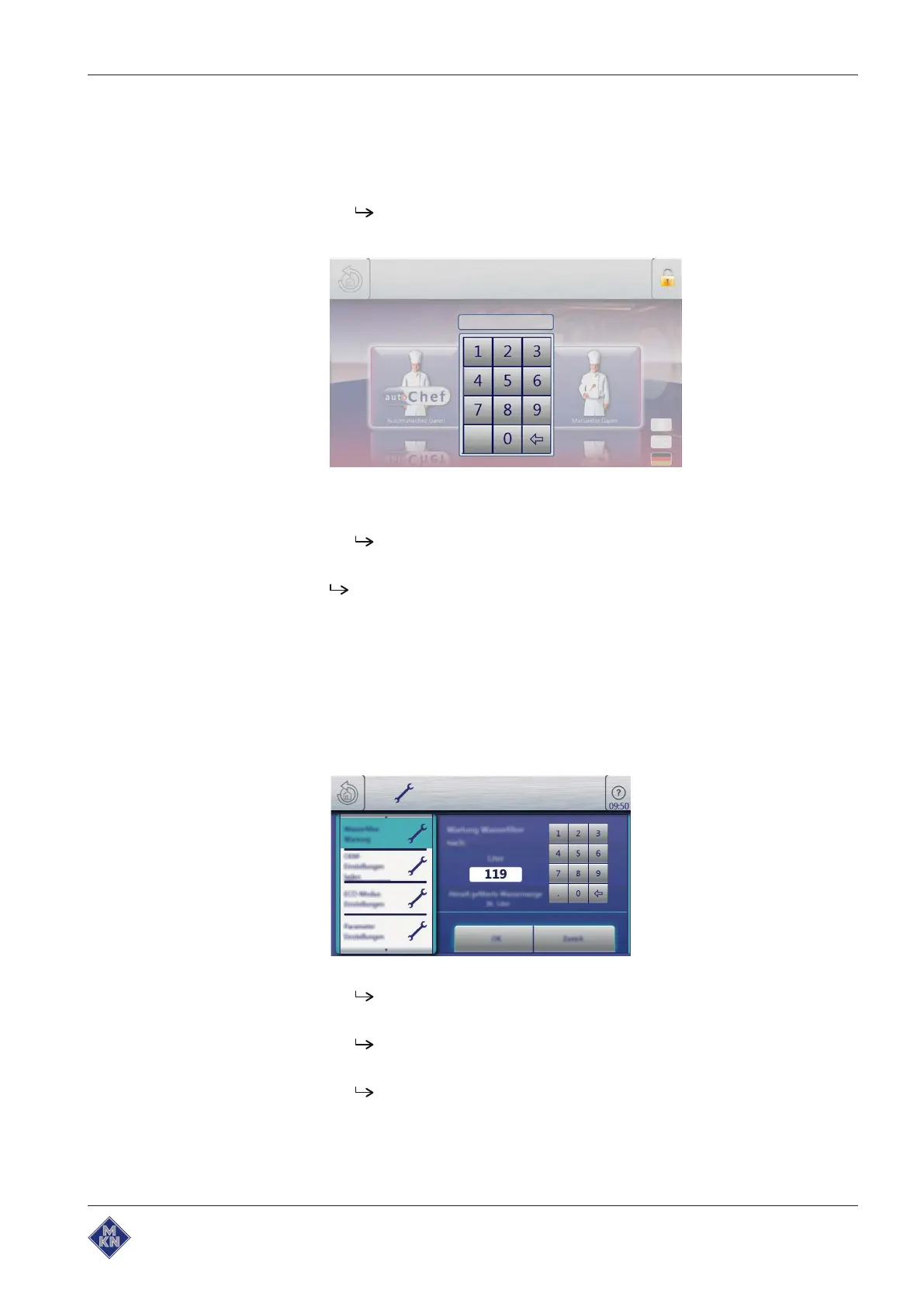
Cancelling inhibit operation
Requirement The touchscreen is locked
1. Tap the Lock symbol.
The keypad opens.
2. Enter the password.
"Operation locked" is cancelled by entering the password
"369".
The Lock symbol and the keypad disappear. The
FlexiHelp
button
appears in the information bar and the touchscreen is unlocked.
5.5.8 Setting the water filter maintenance
Requirement The
Settings
menu is displayed
1. Tap the "Water filter maintenance" field.
2. The
Water filter maintenance
menu is displayed.
The display shows the entered date, when the reminder for the
water filter maintenance is to be given.
The filtered water quantity since the last filter change is
displayed.
The date for water filter maintenance can be entered with the
keypad and confirmed with the "OK" field.
10013865-0ABBE-B



 To Next Page