Operating the unit
47Operating instructions
Basic setting No. Standard
value
Adjustment
range
Explanation
SES 624 1 0 or 1 0 = Not activated, 1 = Activated
Restart query after cooking
interruption
697 0 0 – 2 0 = No query
1 = Query only with autoChef
2 = Query always activated
Changes adopted at the end
of the cooking program
696 0 0 or 1 0 = Do not adopt, 1 = Adopt
FlexiCombi Air
Time extension for the
condensation hood, after the
cooking zone door has been
opened
5 60 0 – 600s Time extension for the condensation hood
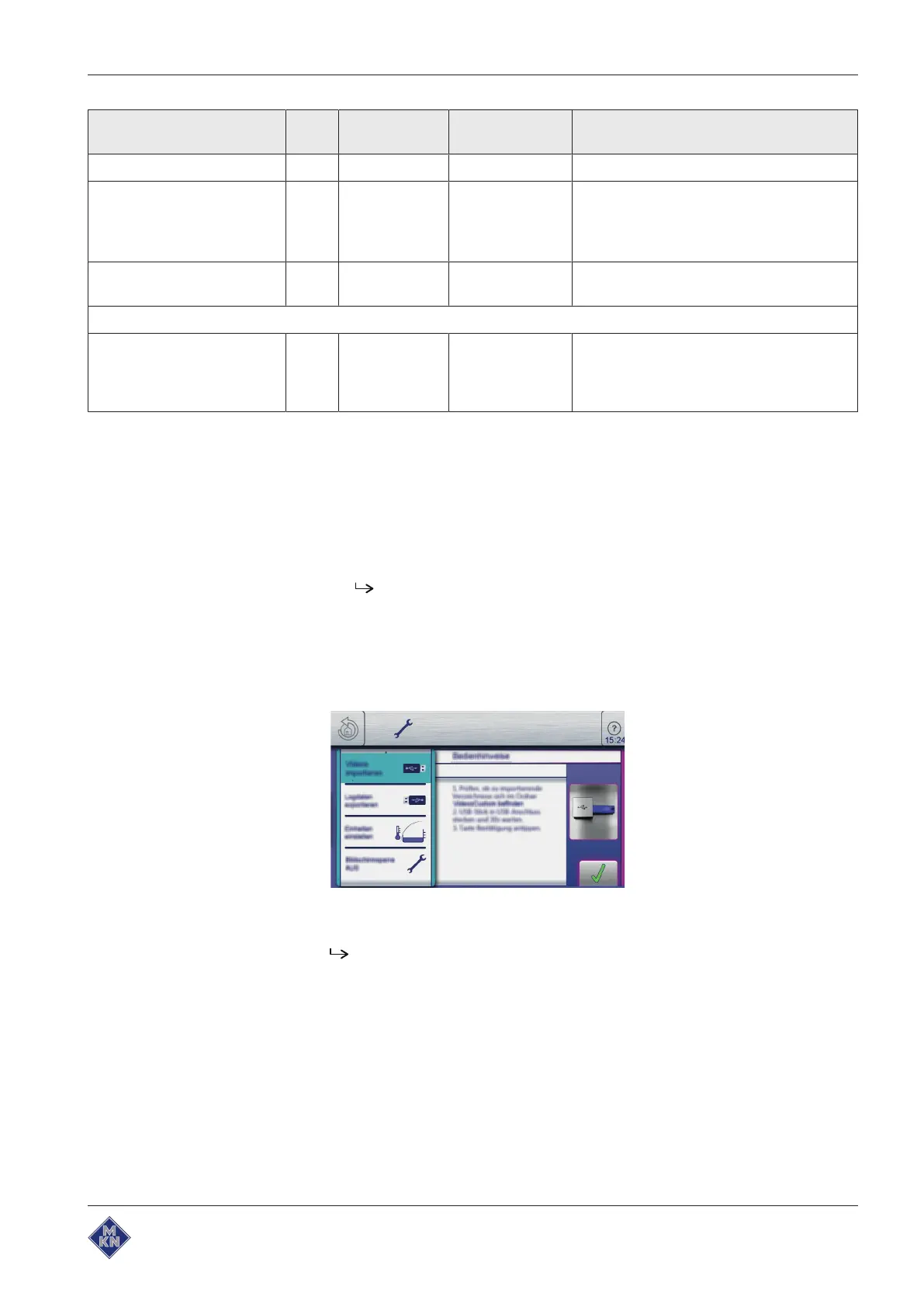
5.5.10 Importing video
Requirement WMV format
Data size > 50MB
1. Create the directory
VideosCustom
on a USB flash drive.
2. Save the desired video in this directory.
USB flash drive prepared.
3. Insert the USB flash drive into the MultiPort.
4. Open the
Equipment function
menu.
5. Open the
Settings
menu.
6. Select the
Import videos
menu.
7. Follow the operating instructions.
Video imported.
10013865-0ABBE-B



 To Next Page