Operating the unit
58 Operating instructions
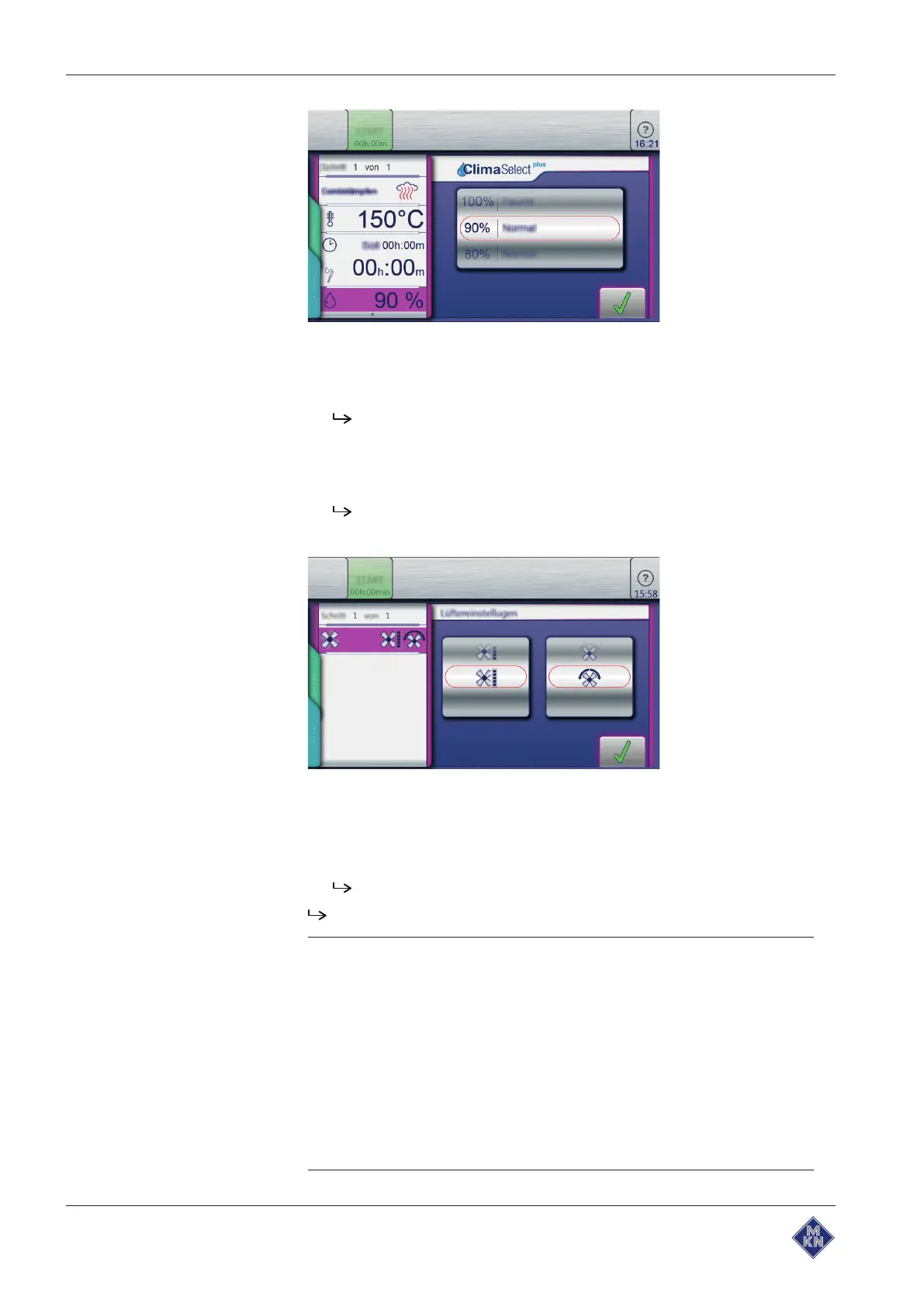
9. Using a wiping gesture, set the roller to the desired value.
10.Tap the
Confirm
button.
The
Setting
window closes.
11.Using a wiping gesture, change to the next page and make further
settings.
12.Tap the
Fan
field.
The
Setting
window is displayed.
13.Set the fan speed and direction of rotation.
14.Using a wiping gesture, set the rollers to the desired value.
15.Tap the
Confirm
button.
The
Setting
window closes.
The cooking program step can be started.
Tip
The cooking mode can also be changed while entering the
cooking step.
• Tap the
Cooking mode
field.
ð Possible selections appear.
• Tap the cooking mode.
ð The standard values of the selected cooking mode are
displayed.
• Modify the values.
ð Cooking mode for this cooking step is changed.
10013865-0ABBE-B



 To Next Page